

Table of contents
.png)
.avif)
A guide to evaluating MCP governance platforms



Jon Gitlin
As IT teams get tasked with providing secure AI access for employees, they’ll likely look to 3rd-party tooling for help.
This type of tooling can have several names, but it’s typically known as an MCP governance platform.
We’ll break down how this platform typically works, what you should look for during your evaluations, and the best solutions currently on the market.
What is an MCP governance platform?
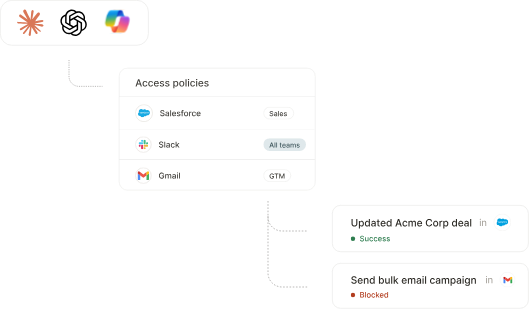
It’s a platform that lets employees access Model Context Protocol (MCP) servers while providing IT with security controls and visibility into AI usage.
These controls include guardrails on the servers and tools employees can access, alerts when AI performs potentially harmful actions, and searchable logs to help IT monitor every tool call.
Related: What are AI audit logs?
How to evaluate MCP governance platforms
Before we breakdown our top list of MCP governance platforms, here are the areas you should prioritize when evaluating them:
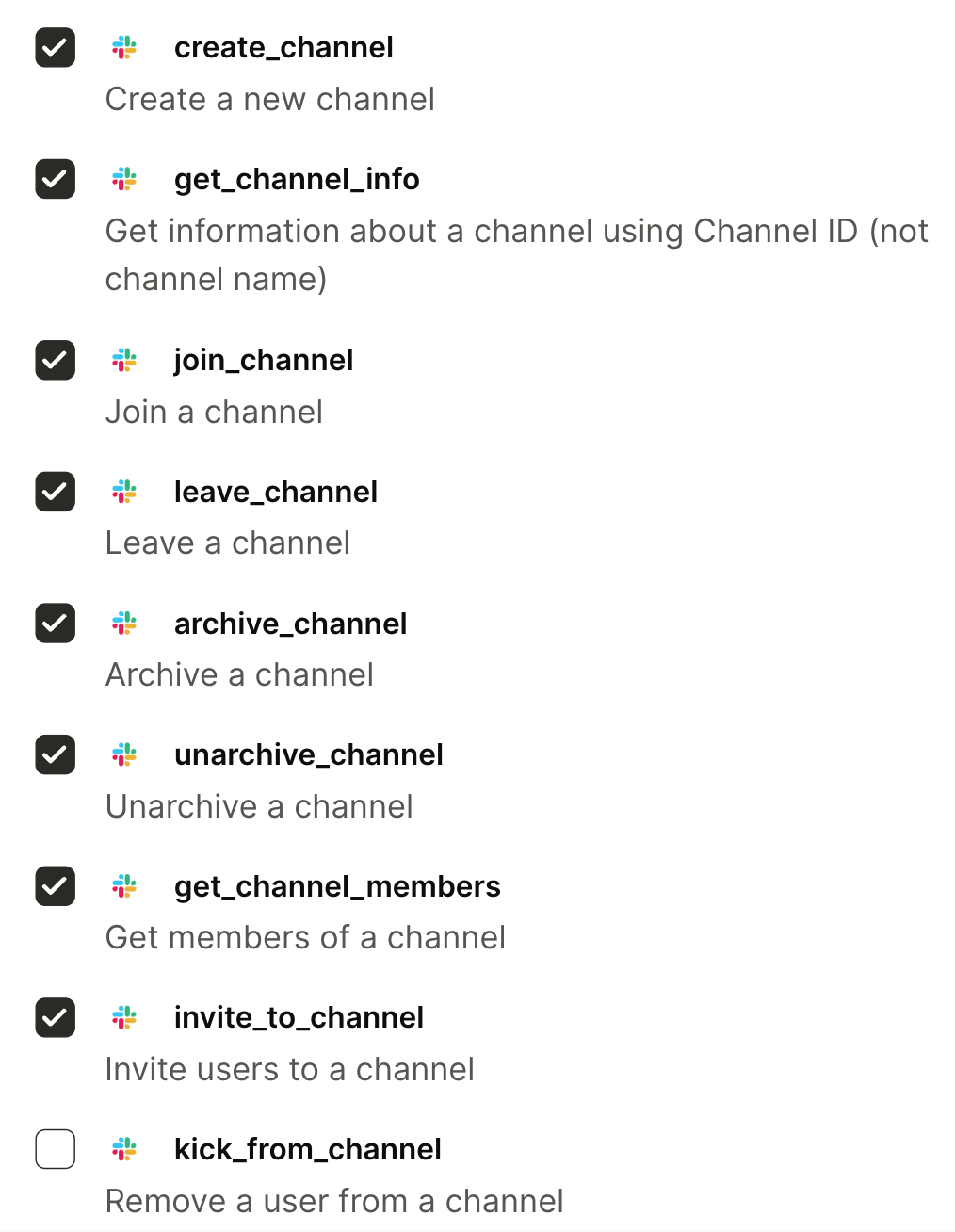
- Centralized and simple UX: It should have one control plane for managing MCP tool access, and it should be simple to use. For example, IT should be able to uncheck an action for a given connector if they don’t want employees to use it
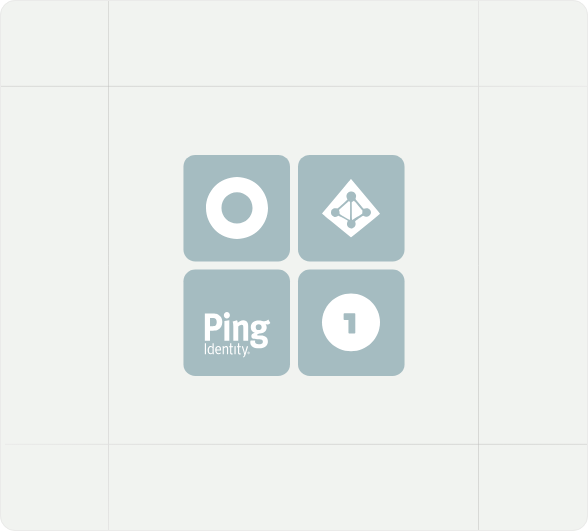
- SCIM-based provisioning: It should let IT define which users, groups, roles, or teams can access specific connectors, tools, actions, and scopes, and then use data from SCIM-compatible identity providers to automatically grant, update, or revoke access
- Auditability and observability: It should provide clear logs of who initiated an action, which tool was called, what system was accessed, whether the call succeeded, and what changed, so teams can support compliance, debugging, and incident response
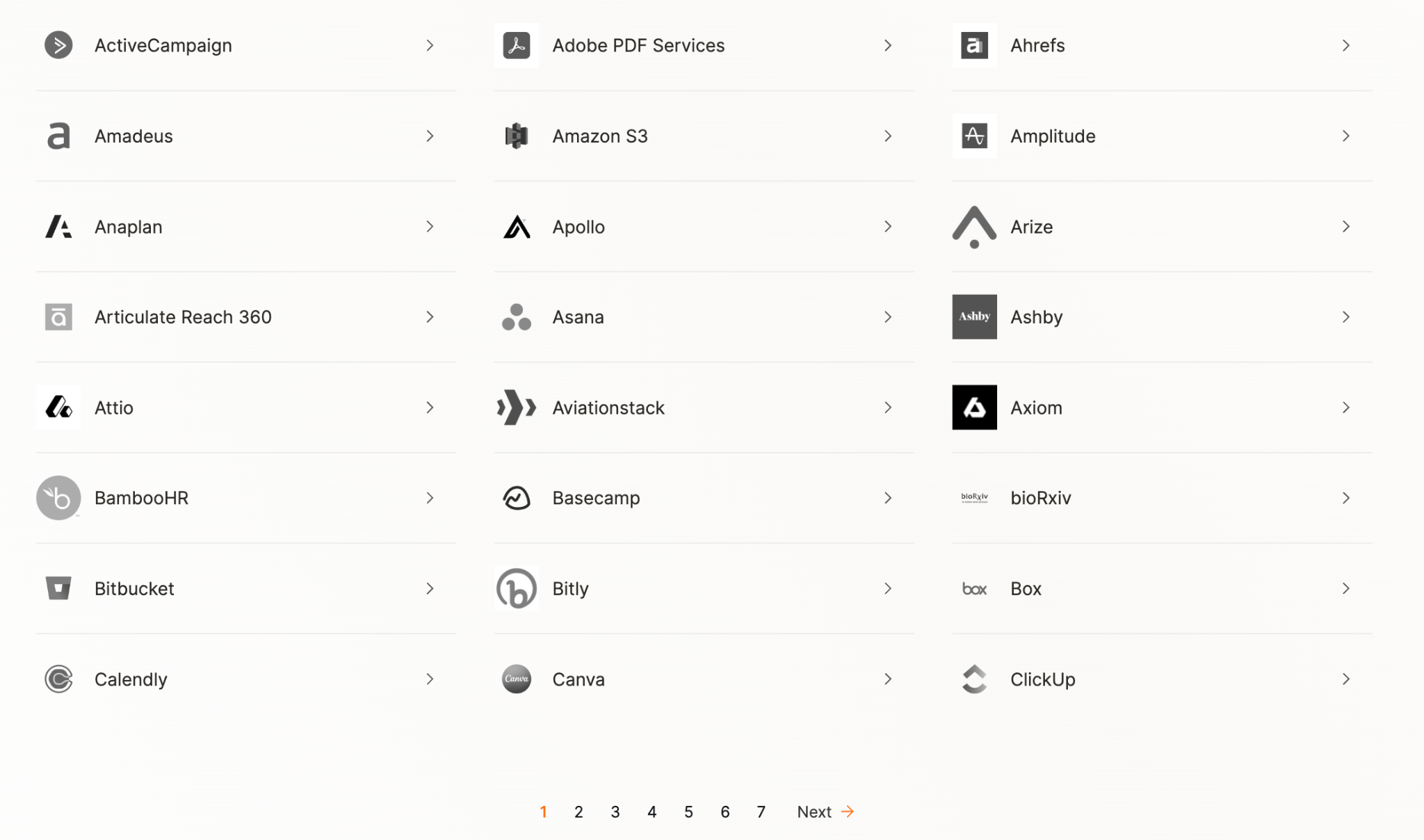
- Comprehensive connector coverage: The platform should support the business systems employees and agents actually need, while handling authentication, credentials, permissions, and tool reliability at scale
Related: How to evaluate AI governance platforms
Best MCP governance platforms
As you evaluate MCP governance platforms, these solutions should top your list.
Merge for Workforce
Merge for Workforce helps organizations provision, secure, and govern how employees connect AI tools like Claude, ChatGPT, and Cursor to third-party systems via SCIM.
Pros
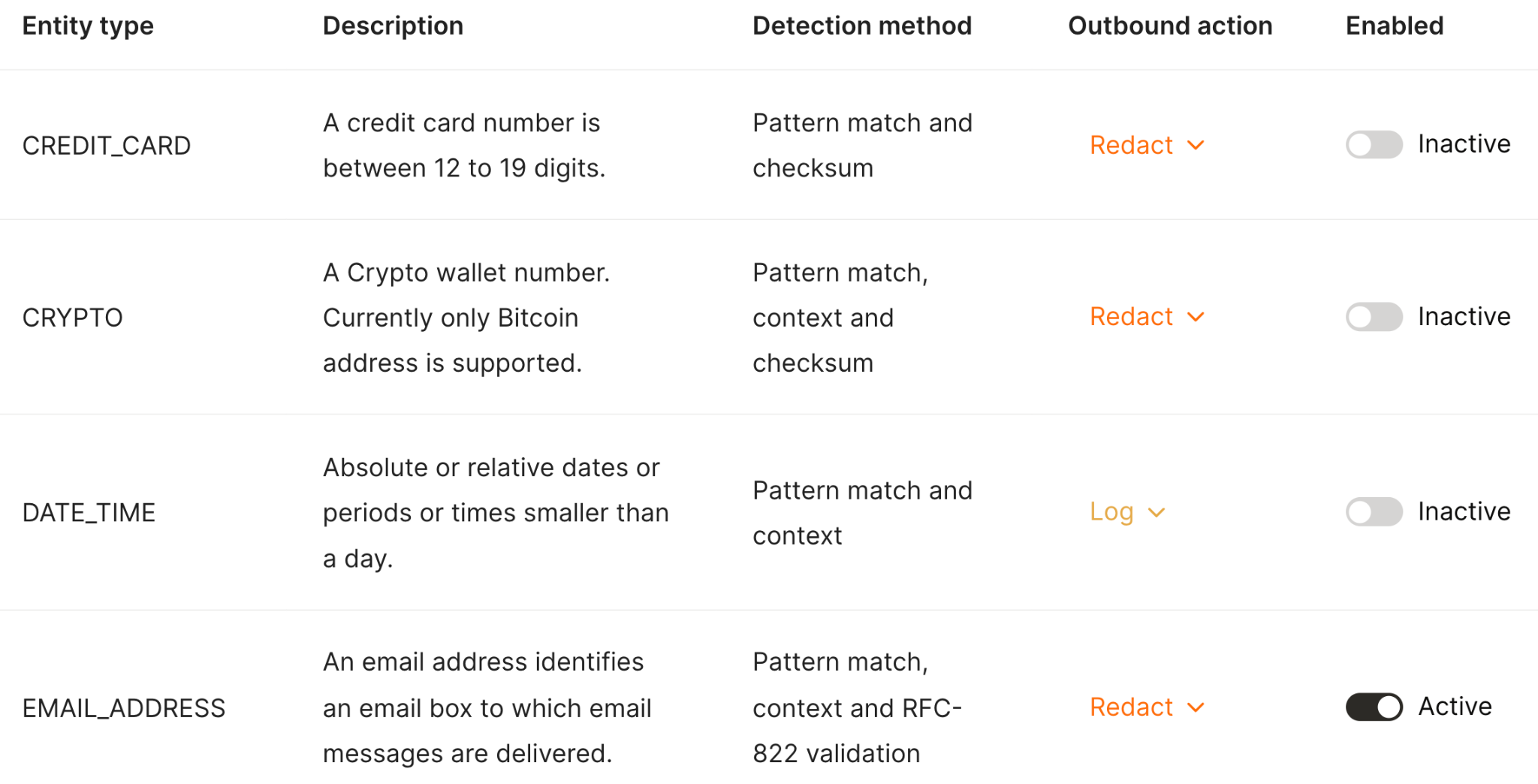
- Inputs and outputs can be scanned, blocked, or redacted to prevent sensitive data from moving through AI workflows in unsafe ways
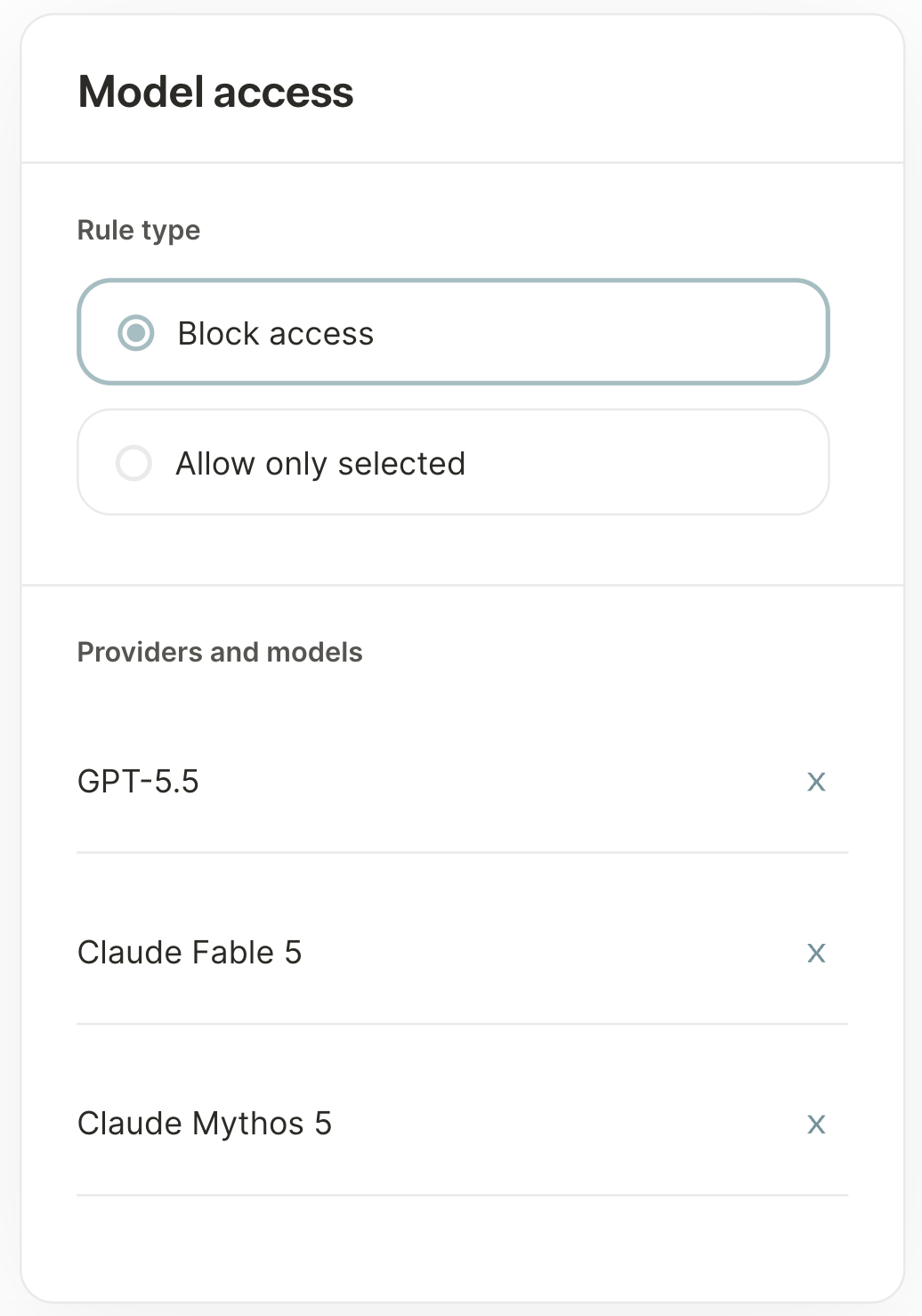
- IT can define which AI models and providers an employee can access, and segment access by role, team, or work authorization
- Offers managed virtual private cloud (VPC) deployment to keep credentials and traffic in your own environment
- Access a hundreds of enterprise-ready MCP connectors and thousands of tools to give employees AI access to all the business systems they already use
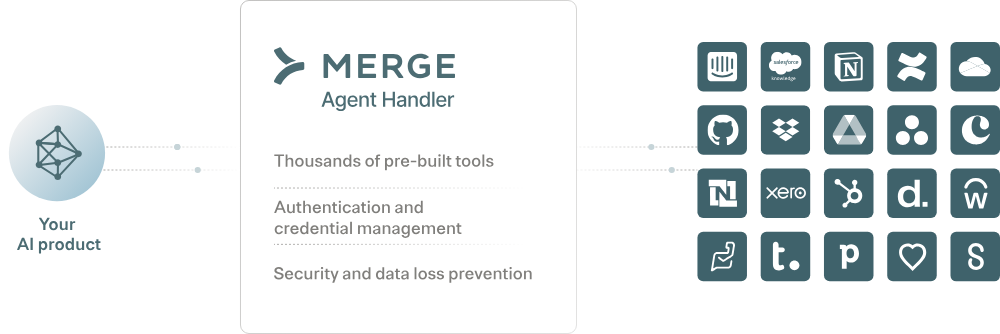
- It’s part of a broader MCP connector platform. Once you see success with the MCP connectors internally, you can add them to your AI products (through Agent Handler)
{{this-blog-only-cta}}
Runlayer
Runlayer is an enterprise AI agent and MCP governance platform.
Pros
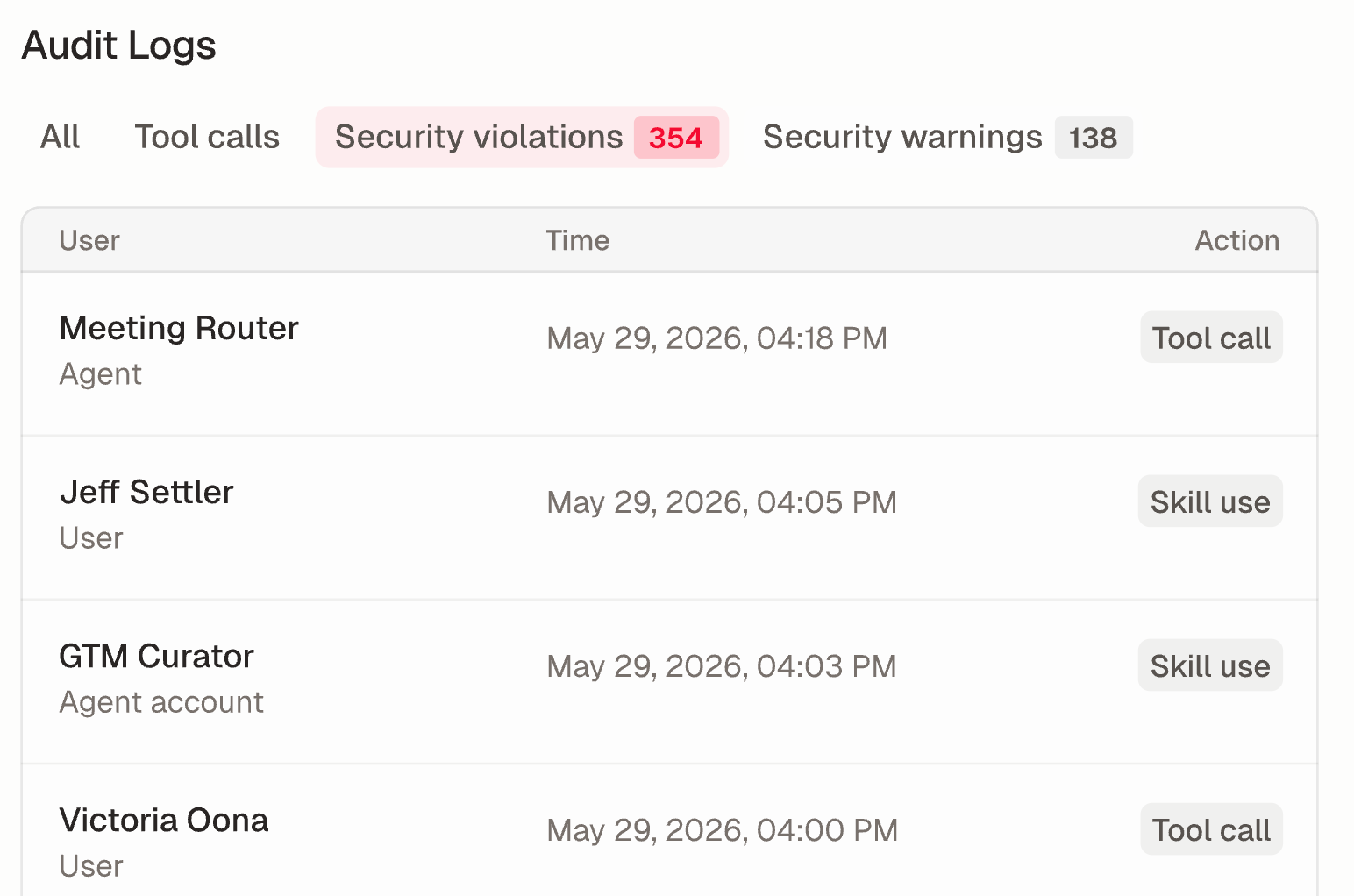
- Offers real-time threat detection via “Security violations” and potential threats as “Security warnings” to help IT/security quickly spot issues
- The platform can find unapproved agents and MCPs that IT never sanctioned (i.e., it can solve for shadow AI)
- Offers a strong base of enterprise customers, including PagerDuty, AngelList, and dbt Labs, which should give you confidence in deploying it successfully
Cons
- Runlayer doesn’t provide MCP connectors. You either have to build and maintain them yourself or find another 3rd-party solution to add them
- Doesn't publicly emphasize employee-lifecycle provisioning, which hints at their potential limitations in offering SCIM for AI
- There’s no visibility on their pricing model. You’re forced to schedule time with their team just to get basic pricing information
Related: The top Runway competitors
MintMCP
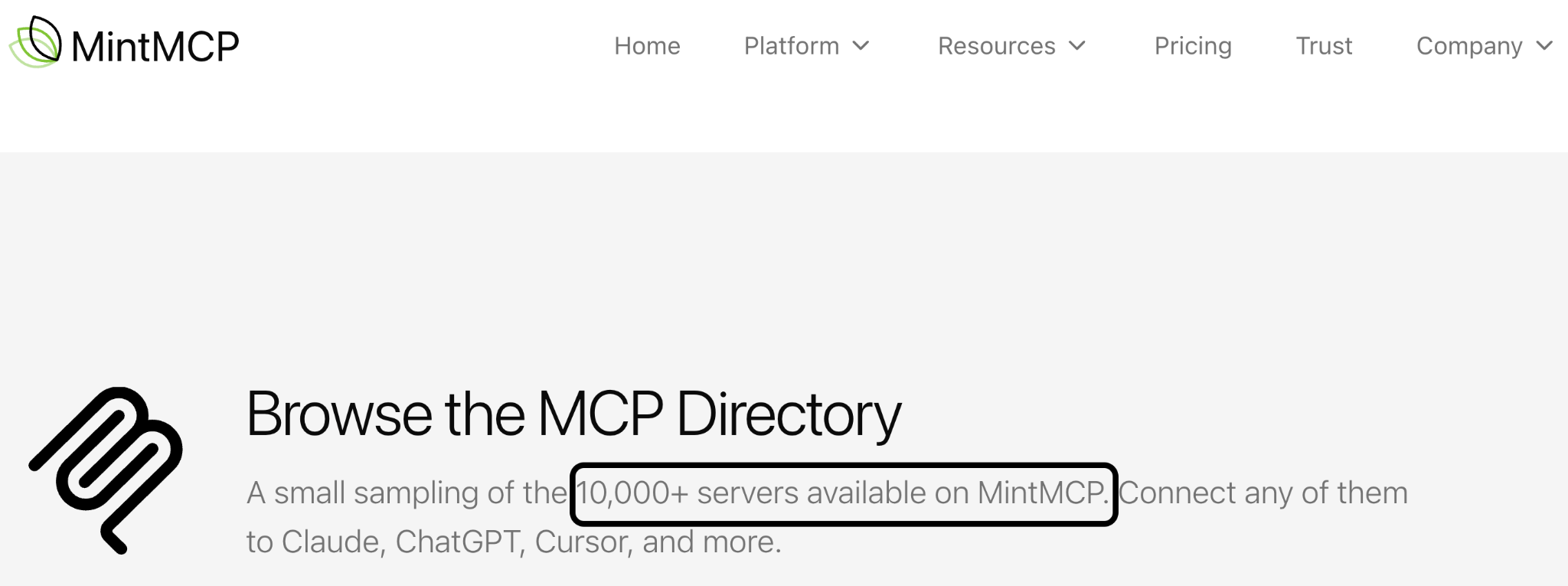
MintMCP is a cloud-hosted enterprise MCP gateway.
It hosts and centralizes MCP servers, then adds identity, access control, and guardrails so a workforce can use Claude, Cursor, and ChatGPT under IT oversight.
Pros
- Supports enterprise SSO (SAML and OAuth, with MFA) and keeps access current automatically by syncing SCIM groups
- Lets you set governance rules at the organization level, while still letting each team layer on its own tool-specific access rules on top
- Brings public MCP servers under central governance. This helps IT control who gets access to which one, and get a single audit log of every call made through them
Related: The best MintMCP alternatives
Cons
- Their focus on hosting any public MCP servers can come at the cost of security and reliability. MintMCP (and their customers) are dependent on external and often unknown 3rd-parties
- Runs as a hosted cloud service by default, so VPC or self-hosted deployment has to be requested and negotiated rather than chosen as a standard option
- They're an extremely early stage company. For example, don’t have a documented funding round and their team has fewer than a dozen employees (as of 7/13/2026). Committing a big investment in such a nascent company is a significant risk
{{this-blog-only-cta}}
Jon Gitlin
.png)
.png)

Ready to offer secure AI access to your team?
Merge for Workforce lets employees use AI without compromising on security and compliance. Schedule a demo with our team to learn more.


But Merge isn’t just a Unified
API product. Merge is an integration platform to also manage customer integrations. gradient text
But Merge isn’t just a Unified
API product. Merge is an integration platform to also manage customer integrations. gradient text
But Merge isn’t just a Unified
API product. Merge is an integration platform to also manage customer integrations. gradient text
But Merge isn’t just a Unified
API product. Merge is an integration platform to also manage customer integrations. gradient text