

Table of contents

.png)
3 MintMCP alternatives to consider in 2026



Jon Gitlin
As you roll out AI across your workforce, you'll need a way to give employees access to the tools their AI connects to without losing control over security, permissions, and visibility.
MintMCP addresses this with an enterprise Model Context Protocol (MCP) gateway.
It hosts and centralizes MCP servers, adds role-based access controls (RBAC) and single sign-on (SSO), monitors what coding agents like Claude and Cursor do, and logs every tool call for compliance.
Before deciding whether to use MintMCP for governing employee access to AI tools, we'll help you evaluate it against its top competitors: Merge for Workforce, Glean, and Runlayer.
Merge for Workforce
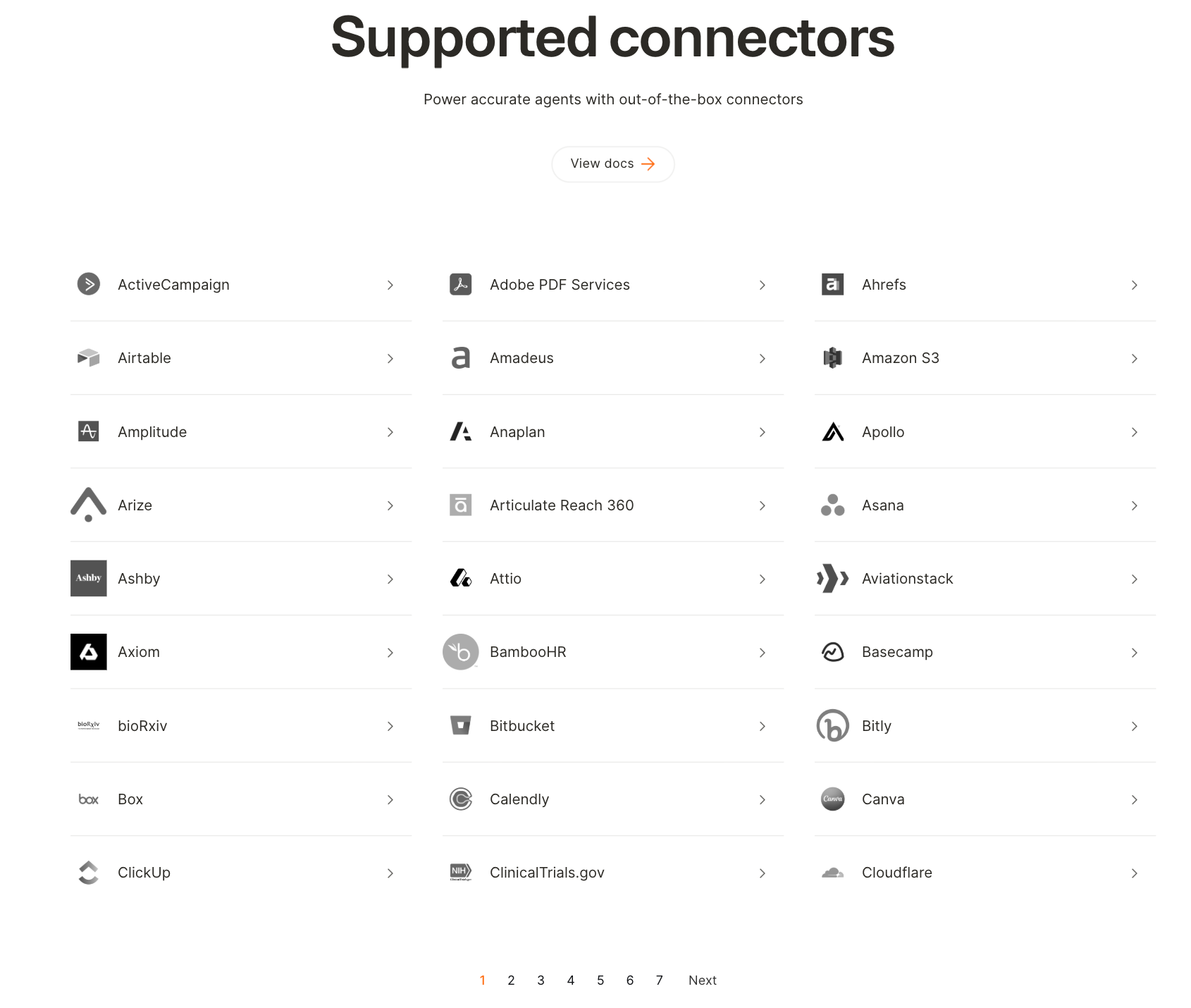
Merge for Workforce helps organizations provision, secure, and govern how employees connect AI to third-party tools. It's built on top of Merge’s enterprise-grade MCP connectors.
Top features
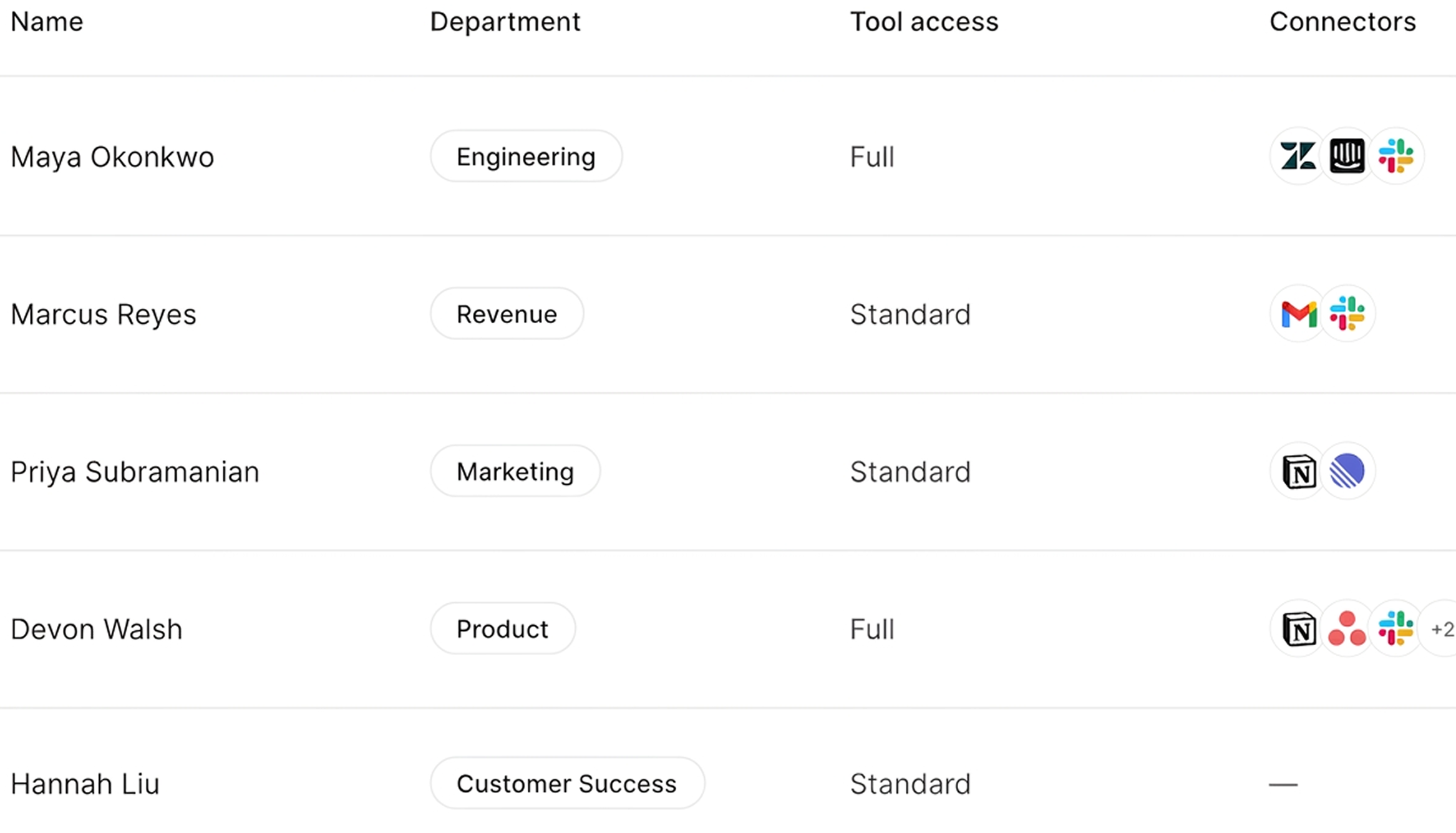
- Provision access with SCIM: Sync employees and roles from identity providers like Okta and Microsoft Entra ID so IT controls which employees can use which tools, by role or team
- Enforce your policies on every tool call: Apply data loss prevention (DLP) and access rules that block sensitive data or restrict which operations an employee's AI can reach before the call runs
- Audit actions per employee: Log which tools each employee's AI used, what it did, and when, in a trail security and IT teams can review
When to choose Merge for Workforce over MintMCP
- You want access gated on employee attributes, not just group membership. Merge for Workforce can scope AI access by citizenship, work authorization, team, or location, whereas MintMCP only scopes by role and SCIM group
- You need access to popular systems. Unlike MintMCP, Merge for Workforce offers connectors with all of the systems your employees use every day, like Microsoft Teams, Google Sheets, Google Drive, Jira, etc.
- You're solving for more than internal AI. Merge can also power AI inside your products with Agent Handler, Unified, and Gateway. MintMCP only focuses only on governing employee AI access
{{this-blog-only-cta}}
Runlayer
Runlayer is an enterprise MCP security gateway. It offers a control plane for AI agents and MCP servers with real-time threat detection, identity-based access, and zero-trust enforcement.
Top features
- Detect threats in real time: Run multi-tier detectors that catch policy, compliance, and data-leak risks before a call reaches your tools
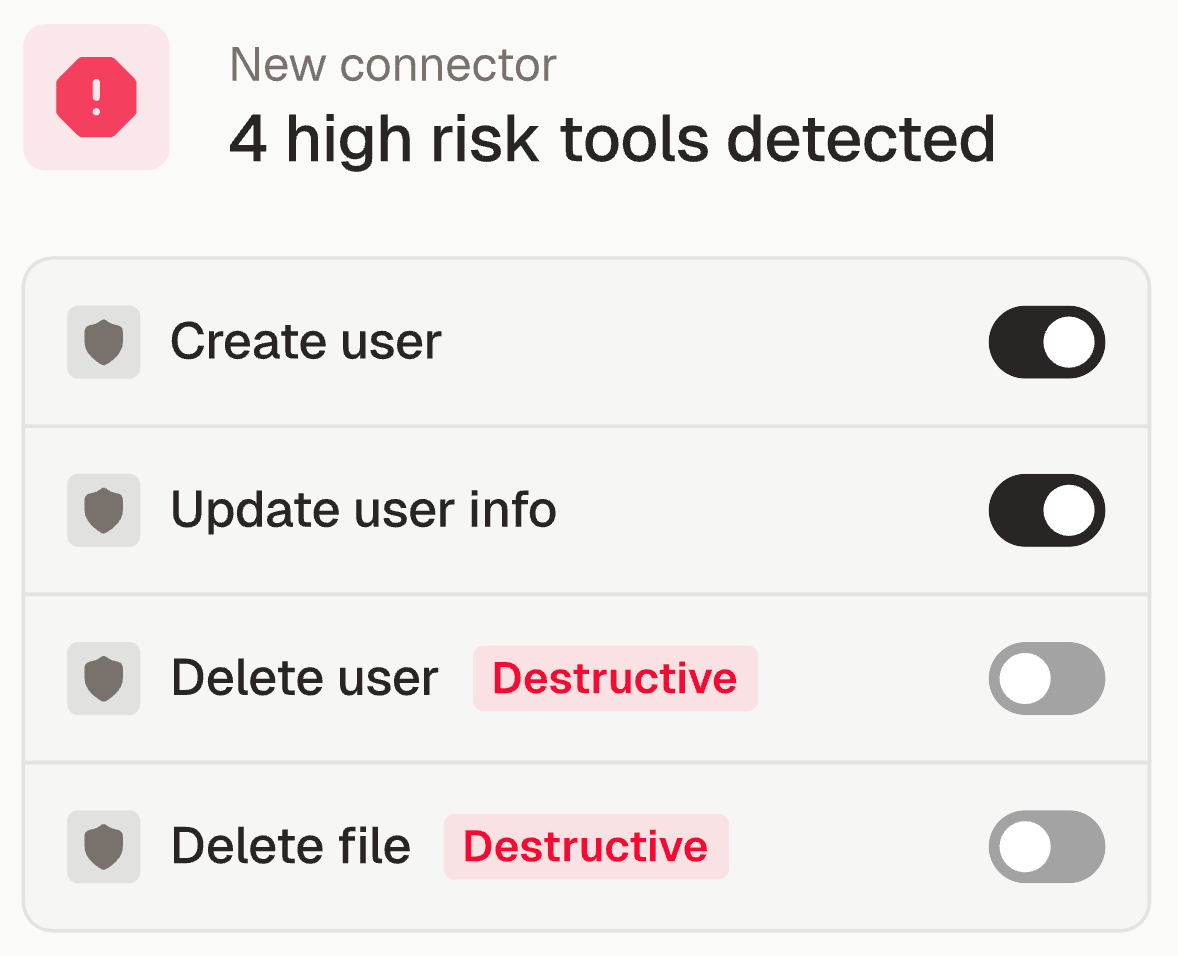
- Tie access to your identity provider: Integrate with SCIM providers like Okta, Entra, and others to apply the same conditional-access and device-compliance checks you use elsewhere
- Deploy zero-trust in your own environment: Run it self-hosted behind your VPC or in the cloud with zero data egress
When to choose Runlayer over MintMCP
- You want threat detection on every MCP call. Runlayer offers a dedicated multi-tier detection layer for data-leak and compliance risks, while MintMCP takes a relatively lighter approach
- You need conditional access tied to your existing identity stack. If you already enforce Okta or Entra conditional access and device checks, Runlayer extends those same policies to MCP connections, something MintMCP's SSO and SCIM support doesn't cover
- You’re looking to run entirely in your own environment with zero data egress. Runlayer is self-hosted in your environment by design, whereas MintMCP is SaaS-first and only offers VPC or self-hosted deployment by request
Related: The top alternatives to Runlayer
Glean
Glean offers an enterprise "Work AI" platform with search, assistants, and agents that operate over your company's apps and data.
Top features
- Search across company data: Index connected enterprise apps and return results scoped to each user's existing permissions
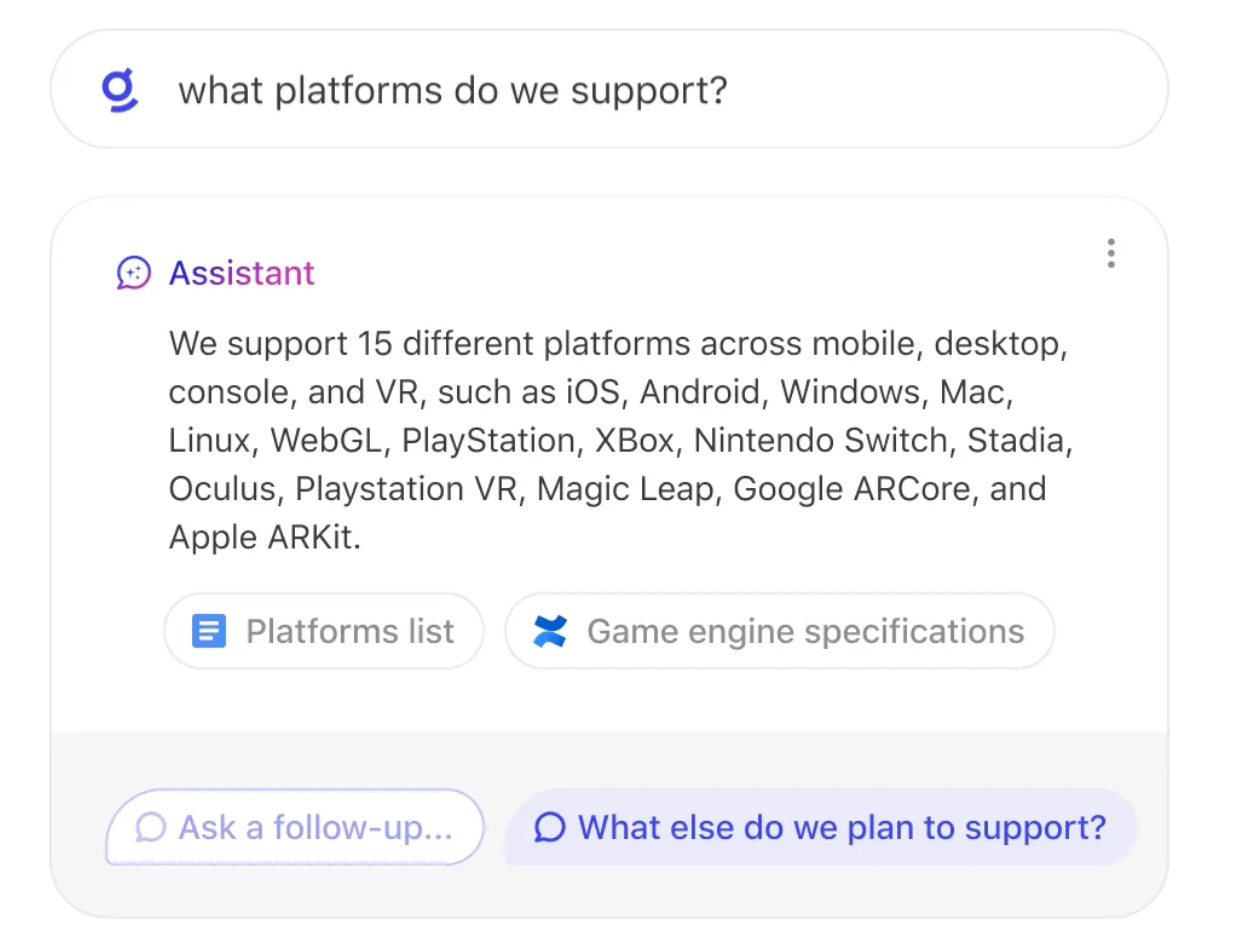
- Build assistants and agents: Create AI assistants and agents that act over your company's knowledge and connected tools
- Map your company's knowledge: Build a knowledge graph of people, content, and activity so results reflect who owns what and what's relevant to each team
When to choose Glean over MintMCP
- You want a full enterprise AI platform, not just a tool-access gateway. Glean bundles search, assistants, and agents over company data in one product. MintMCP focuses narrowly on governing MCP tool access, so you'd have to pair it with separate tools for the assistant and knowledge layers
- You want AI grounded in your company's knowledge. Glean indexes your apps and answers with permission-aware retrieval, which is a knowledge layer MintMCP doesn't offer
- You're standardizing your whole company on one AI assistant. If you want a single employee-facing AI surface across departments, Glean is built for that breadth
{{this-blog-only-cta}}
Jon Gitlin
.png)
.png)

Don't settle for MintMCP
Learn why enterprise companies, like the leading streaming service, use Merge for Workforce to govern internal AI.


But Merge isn’t just a Unified
API product. Merge is an integration platform to also manage customer integrations. gradient text
But Merge isn’t just a Unified
API product. Merge is an integration platform to also manage customer integrations. gradient text
But Merge isn’t just a Unified
API product. Merge is an integration platform to also manage customer integrations. gradient text
But Merge isn’t just a Unified
API product. Merge is an integration platform to also manage customer integrations. gradient text