

Table of contents
.avif)

Multi-model routing: how to implement it successfully



Jon Gitlin
Large language models (LLMs) aren’t created equal. Some are better at coding; others are better at creative tasks; and others still are more effective at analyzing and summarizing data.
To help you use the best model for a given task, you’ll need to implement multi-model routing, otherwise known as LLM routing.
We’ll walk you through the different strategies you can take, the benefits of implementing them, and the tools that help you adopt them. But first, let’s break down how multi-model routing works.
What is multi-model routing?
It’s the process of routing a request to a single LLM when there are at least 2 to choose from. This routing can be implemented in your product on behalf of users or in internal tools on behalf of employees.

Related: What is an AI gateway?
Common multi-model routing strategies
There are a few ways to build multi-model routing; your best option depends on what you’re optimizing for.
Here are a few common approaches you can take.
Rank your order of preferred models
You can simply share your preferred order of models.
If your top option is temporarily down, your next preferred option is used (and if this option goes down, your third preferred model is used).
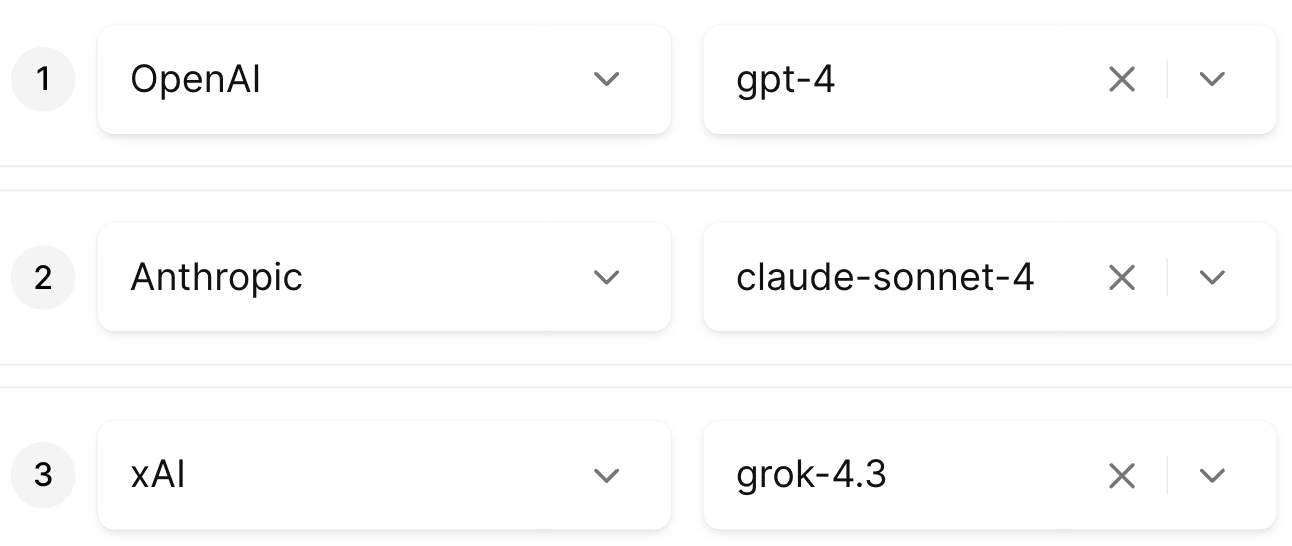
This is relatively easy to implement, so it can be a great starting point.
But it’s not optimized for performance. Since nearly every request goes to your top model regardless of the task, you may not be getting the best output or price for each use case.
Minimize your time to first token
If time to value is the most important performance indicator, you should consider routing requests by time-to-first token (TTFT).
This prioritizes models that consistently start responding fastest, so users get something on screen quickly.
If the requests are relatively straightforward and can be handled by any LLM, this method works great; otherwise, you’ll likely need a more robust strategy (like the following one).
Assign weights to benchmarks
Benchmarks are standardized evaluations that score models on specific tasks. For example, Aider Code Editing measures how well a model can edit an existing codebase to implement changes or fix bugs.
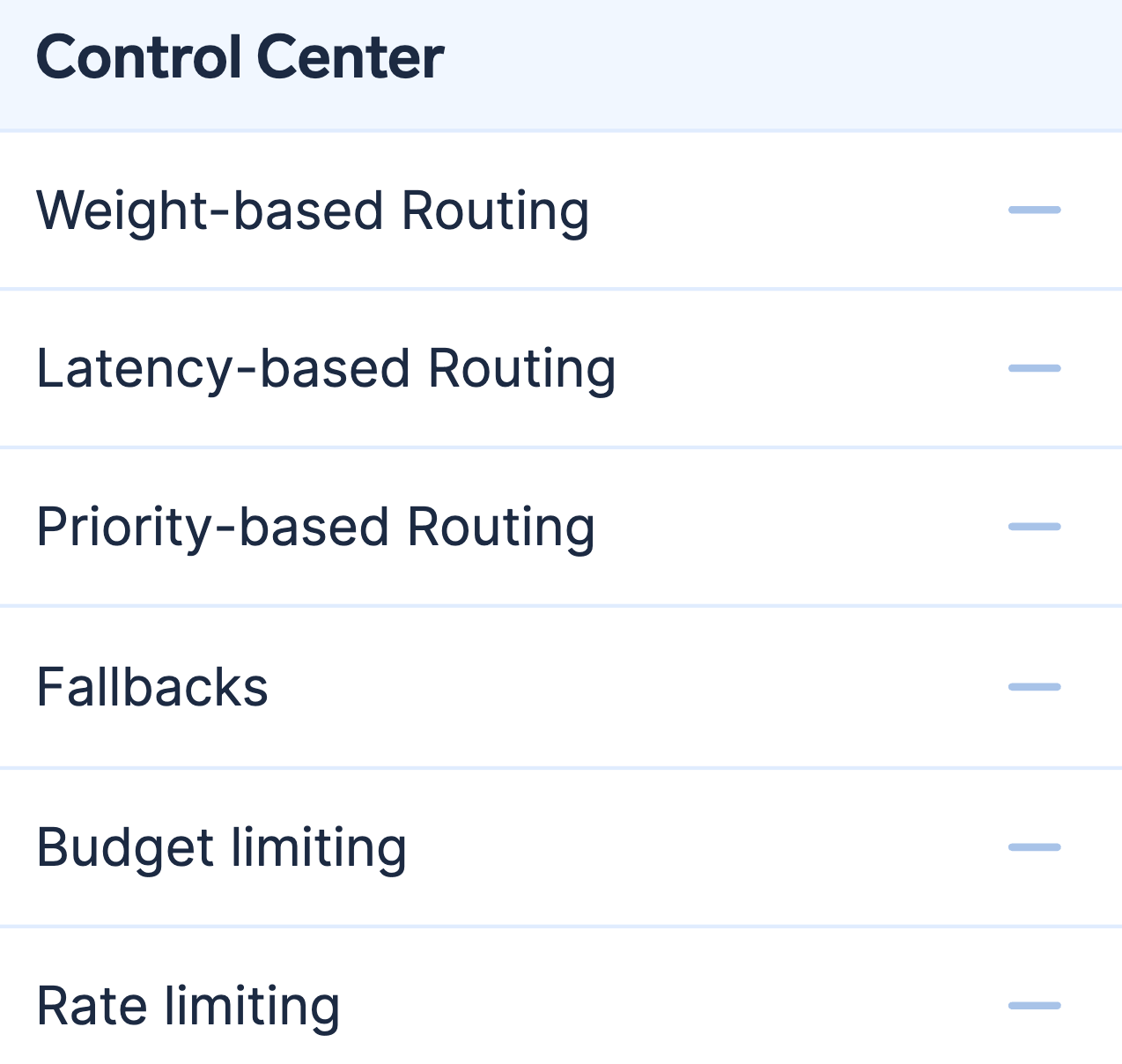
With an LLM gateway, you can choose the benchmarks you care about and assign weights to them. The gateway then scores each available model against your weighted benchmark mix and routes the request to the model with the highest overall score.
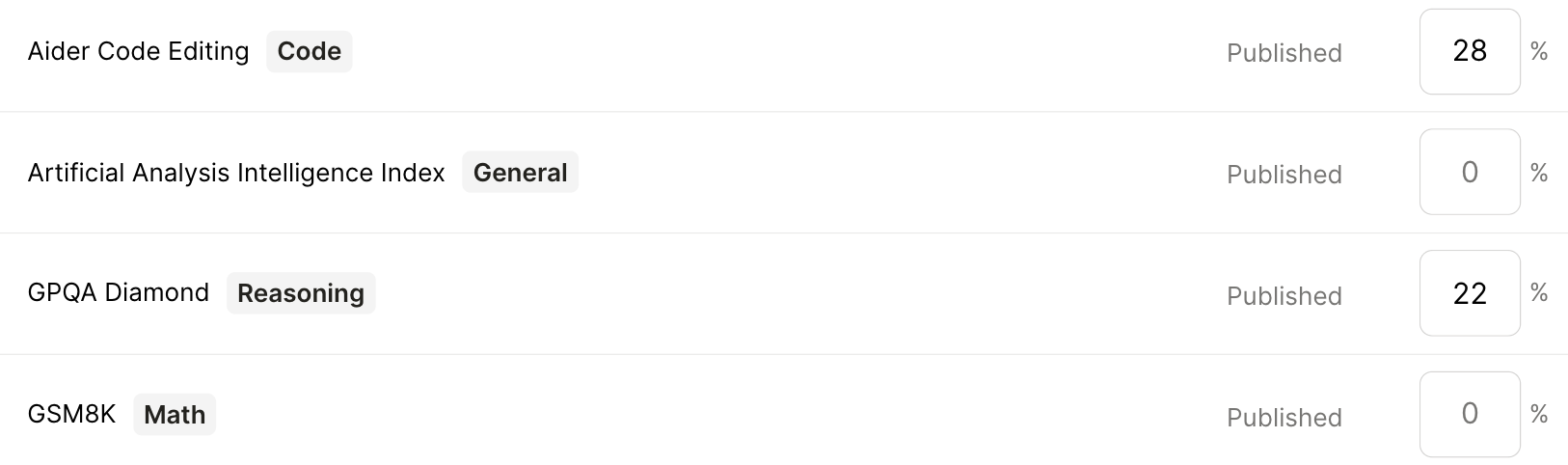
This approach better aligns routing with what “good” means for your workload—whether that’s quality, speed, or cost—because each model is scored against your weighted benchmark mix.
It also makes it easy to take advantage of new models as they’re released: once they have benchmark scores, they can be evaluated under the weights you’ve set and automatically compete for traffic.
Benefits of using multi-model routing
There are several reasons why you need to build multi-model routing. Here are just a few:
- Aligns routing to your definition of “best,” not a vendor’s default. customers define “best” by weighting benchmarks instead of relying on a black-box, one-size-fits-all capability score
- Higher reliability: when a provider degrades or goes down, routing can automatically shift traffic to a healthy model so AI features stay live without manual intervention
- Controlled costs at scale: send “good enough” requests to cheaper models and reserve expensive frontier models for the cases that need them
- Better latency: you can route latency-sensitive traffic to faster models/providers and keep slower (but stronger) models for requests where quality matters more
- Smoother handling of model deprecations and vendor churn: if a provider sunsets a model or changes availability, your routing policies can move traffic to the next best option. This reduces the engineering burden of repeated upgrades and retesting
Related: A guide to optimizing LLM costs
The best multi-model routing tools
You have several potential solutions for building multi-model routing.
OpenRouter
OpenRouter is a hosted, OpenAI-compatible API that provides access to a large cross-provider LLM catalog through a single endpoint, with built-in routing and failover.
Pros
- Multi-model breadth: One integration gives you immediate access to hundreds of models across providers without standing up gateway infrastructure
- Low ops overhead: Routing/failover is managed for you vs. self-hosting a proxy/service
- Unified usage and billing simplicity: Centralized tracking/reporting and credit-based billing can reduce provider-account sprawl
Cons
- Less infra/control-plane customization: You have less ability to tailor deployment/network boundaries and bespoke governance behavior vs self-hosted options
- Poor support: Whenever you have an issue, you may need to file a ticket and wait multiple days for a response
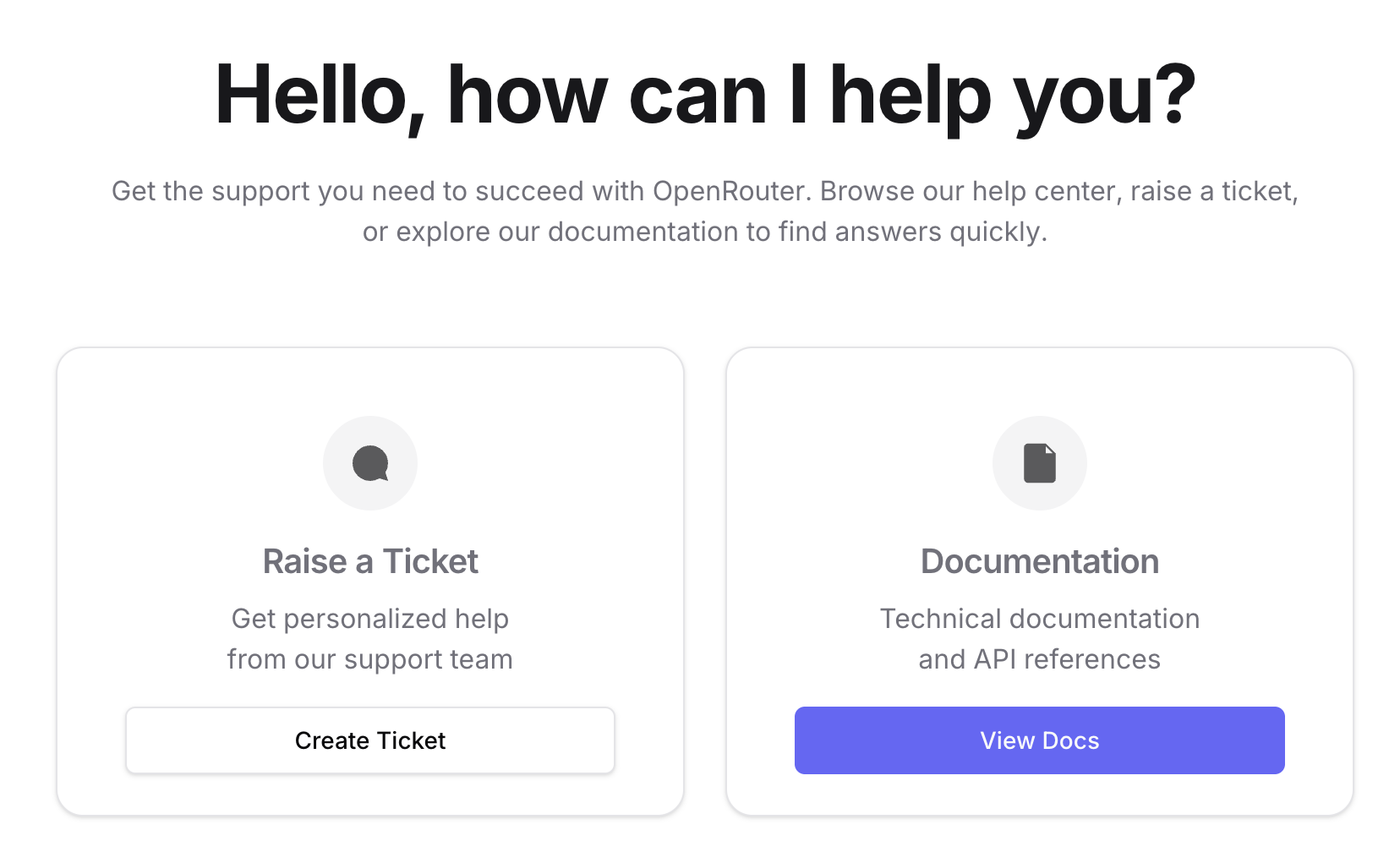
- Weak enterprise governance/security depth: There’s fewer budgeting/governance controls and fewer built-in security guardrails than other LLM gateway providers
Related: A guide to OpenRouter alternatives
LiteLLM
LiteLLM is an OpenAI-compatible SDK and proxy/gateway that standardizes calls across many LLM providers, typically as gateway infrastructure you run (self-hosted or managed) to control routing and policies yourself.
Pros
- High control and deploy-anywhere: Can run in your own environment (private cloud/on‑prem) and tune routing/policies/logging to your stack and compliance needs
- Broad provider support: Lets app code stay “OpenAI-format” while swapping backends/providers and adding routing/fallbacks
- Reliability primitives available: Supports retries/fallback patterns across configured deployments
Cons
- Ops and maintenance burden: You’ll need to deploy, scale, patch, and monitor LiteLLM as a tier‑0 internal dependency
- Security/enterprise readiness depends on you: Getting to a truly enterprise-ready state requires significant setup work, and some foundational capabilities are gated behind enterprise licensing
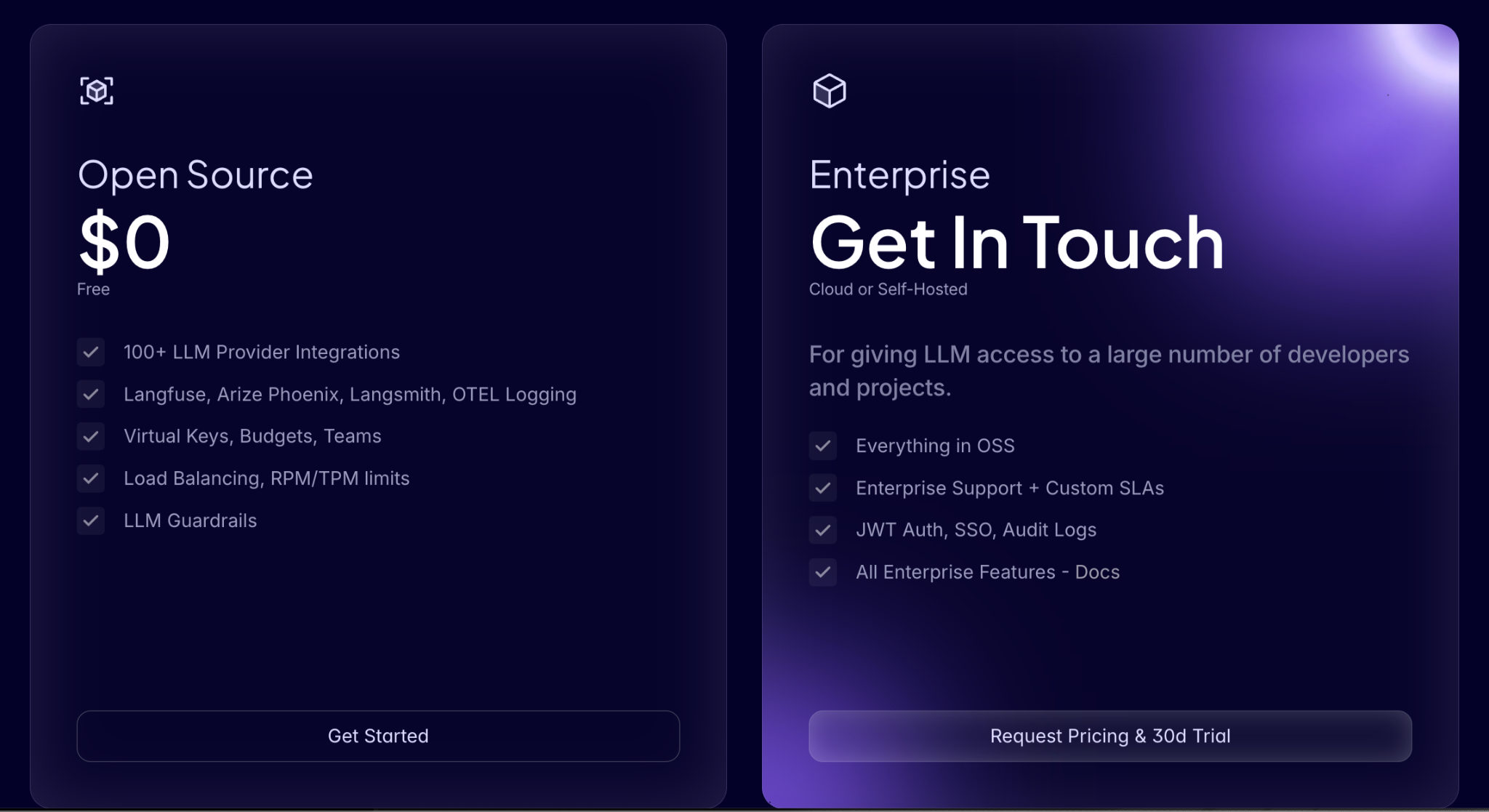
- Security risks: LiteLLM’s security posture may not be as strong as you need it to be. This was exposed in a recent incident: attackers slipped malicious code into two LiteLLM PyPI releases by exploiting stolen GitHub credentials
Related: The top alternatives to LiteLLM
TrueFoundry
TrueFoundry is an enterprise ML/AI platform for deploying and serving models and apps. It includes an “AI Gateway” layer for unified LLM access, governance, and observability.
Pros
- Broader end-to-end platform: Combines model/service deployment and broader MLOps/AI platform capabilities, which is ideal if you want one vendor” for ML workloads and GenAI infrastructure
- Enterprise deployment options: You can take advantage of VPC or on‑prem deployments, ensuring no data leaves your domain
- Gateway included: Markets unified API and routing and governance/monitoring as part of the platform, reducing the need to stitch together separate tools
Cons
- Not gateway-first: If you only need an LLM gateway/control plane, an end-to-end platform can add complexity and cost vs a focused gateway product
- Depth of enforcement varies: You’ll need to verify whether security controls are truly enforce/deny (e.g., DLP) vs primarily access control and audit logging
- Inflexible pricing: You can’t test their routing features for free. Instead, you have to make an upfront investment on their Pro Plan (which costs hundreds of dollars per month)
Merge Gateway
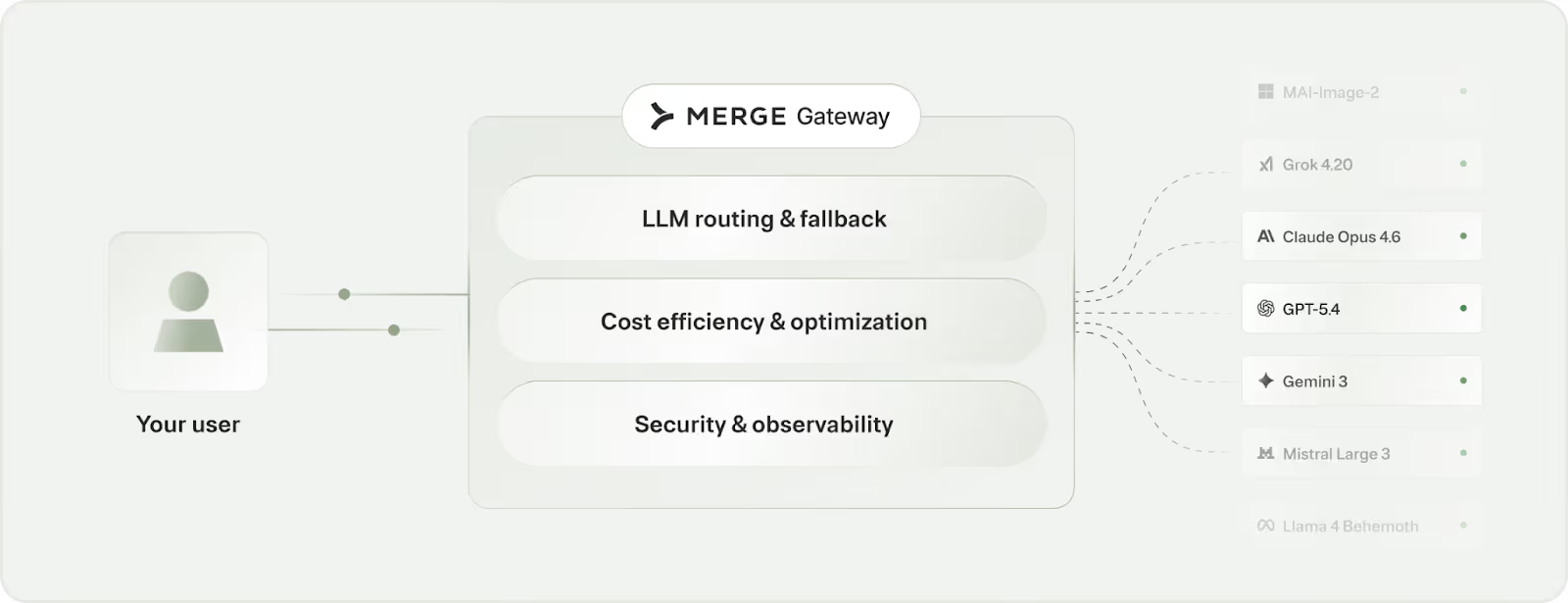
Merge Gateway is a unified LLM control plane that sits between your application and model providers to centralize multi-model access, routing/failover, cost governance, security guardrails, and request-level observability in production.
Pros
- BYOR (Build Your Own Router): Define exactly how models are selected by weighting benchmarks or importing your own eval scores, so routing reflects your definition of “best” rather than a one-size-fits-all policy
- Hard cost controls and optimization levers: Enforce spend limits (by project/team/customer tier) and reduce token waste with mechanisms like semantic caching and context compression
- Enterprise-grade governance and security in the request path: Centralize controls like RBAC/auditability plus protections such as DLP and prompt-injection defense so every call is governed consistently (not bolted on per app/team)
{{this-blog-only-cta}}
Jon Gitlin

.png)
.png)

Ready to implement multi-model routing?
Merge Gateway lets you access all LLMs through a single API, with intelligent routing, cost management, and security built-in.


But Merge isn’t just a Unified
API product. Merge is an integration platform to also manage customer integrations. gradient text
But Merge isn’t just a Unified
API product. Merge is an integration platform to also manage customer integrations. gradient text
But Merge isn’t just a Unified
API product. Merge is an integration platform to also manage customer integrations. gradient text
But Merge isn’t just a Unified
API product. Merge is an integration platform to also manage customer integrations. gradient text