

Table of contents

.jpg)
LLM routing: overview, strategies, and tools



Jon Gitlin
As your LLM-backed products grow in adoption, your costs can quickly skyrocket.
This cost increase is inevitable, but its growth can be heavily controlled with an effective LLM routing strategy.
We’ll help you implement LLM routing successfully by breaking down how it works, common strategies you can put into place, and the platforms that can help you turn these strategies into reality.
What is LLM routing?
It's logic that decides which model should handle each LLM request based on factors like task type, required quality, cost, latency, safety, and model availability. You can configure it in-house or use a 3rd-party platform.

Companies typically implement LLM routing for a combination of reasons. Here are just a few:
- Higher reliability: Keep AI features up through provider outages, degradation, and rate limits via automatic fallbacks
- Lower cost per request: Route simple tasks to cheaper models and reserve premium models for prompts that need them
- Faster user experience: Route to models/providers that deliver lower latency when responsiveness matters
- Better output quality where it matters: Route reasoning-heavy or high-stakes requests to the best-performing models for the task
Related: How multi-model routing works
LLM routing strategies
There’s no one-size-fits-all LLM routing strategy. Your best option can vary by use case, product, customer segment, and more.
That said, here’s a breakdown of each approach, along with its pros and cons.
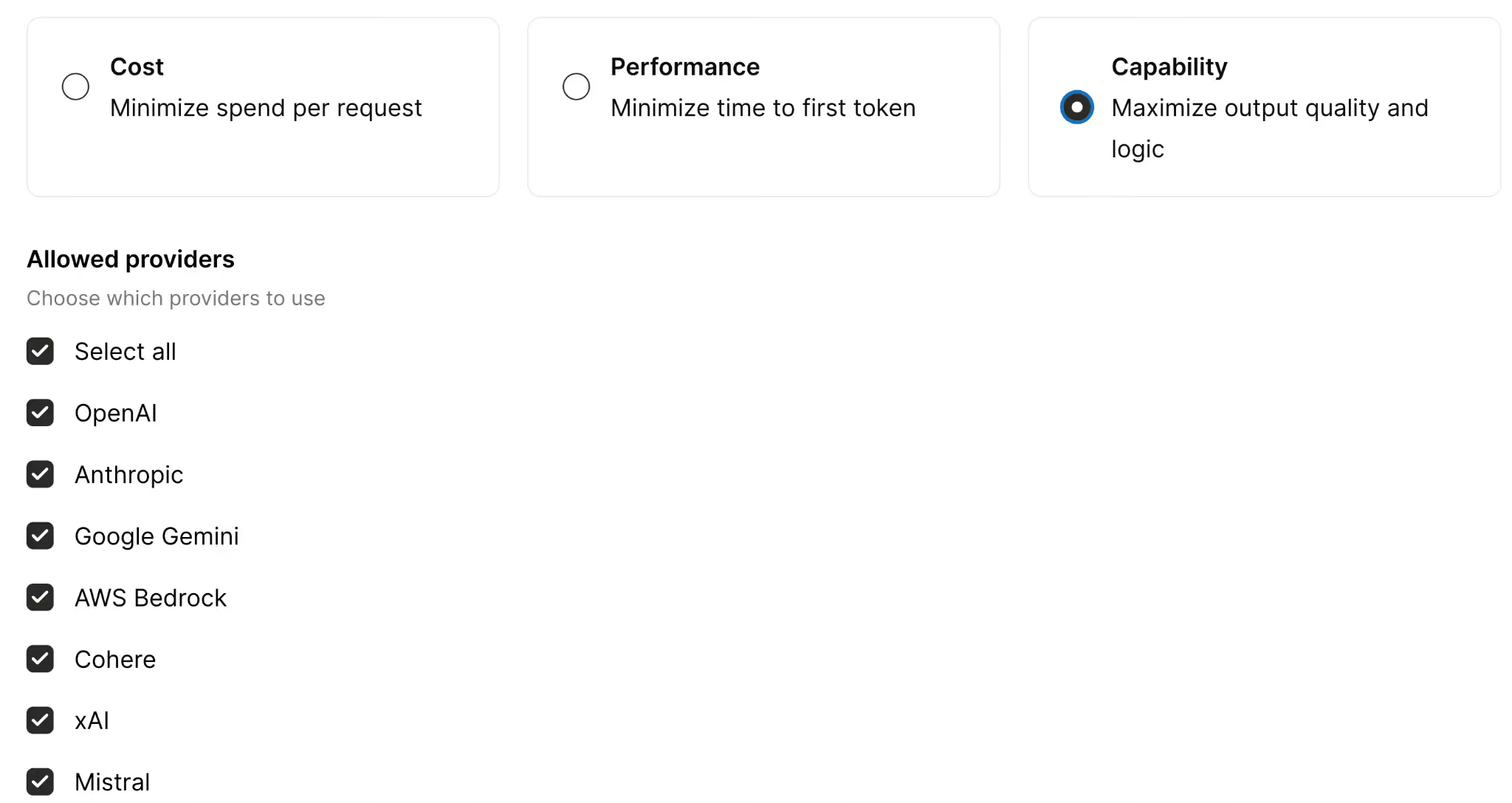
Minimize spend per request
You’ll route requests to the cheapest model that can still meet the quality bar for a given task, with a fallback chain to more capable (and more expensive) models if needed.
This is ideal when you have a high volume of relatively simple requests, like classifying data, summarizing information, tagging data, etc. and a small quality variance is acceptable.
But it can backfire for tasks that need deep reasoning, careful instruction-following, or long-context performance. And if the cheaper model consistently fails to meet the quality bar, you’ll have frequent fallbacks, which can add latency and sometimes increase your total costs (you’d pay for the first attempt and the fallback).
Related: A guide to optimizing LLM costs
Minimize time to first token
You’ll route requests to the provider and model that’ll start streaming the fastest for that workload, and fall back automatically if the first-choice provider degrades or errors.
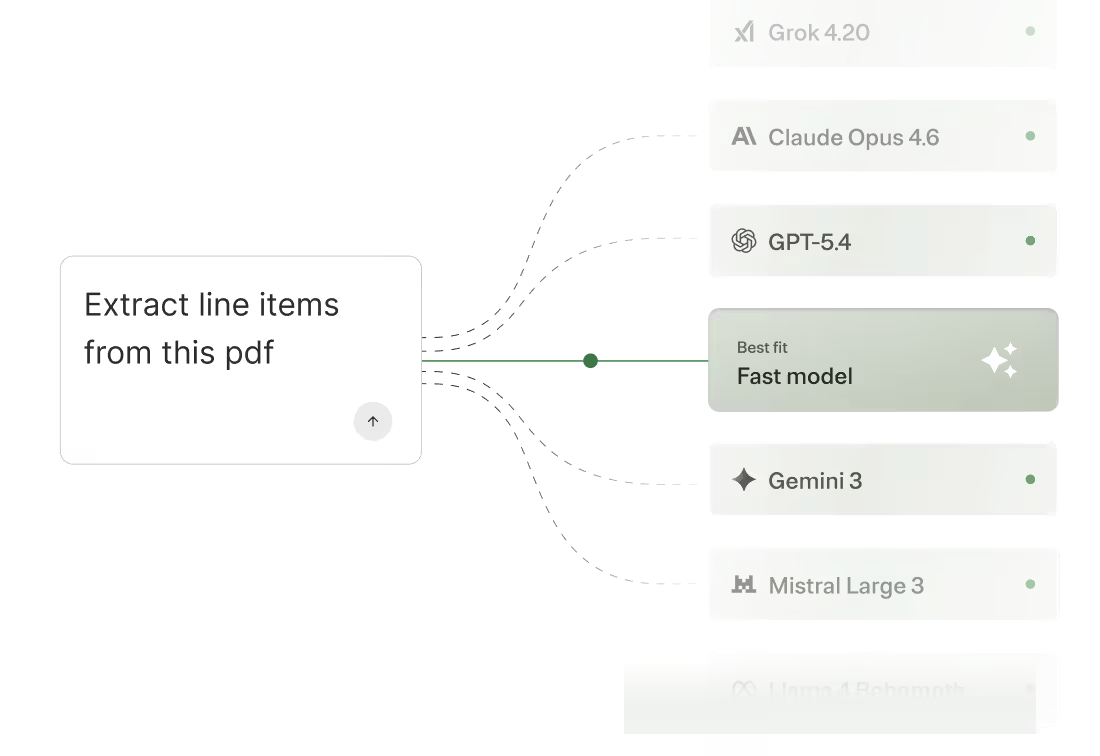
This approach works great when responsiveness matters more than perfect outputs. In some cases, shaving latency can also improve your agents’ completion rates.
That said, it’s suboptimal when total completion time or correctness is as or more important than time-to-value. And, similar to the last approach, it can cause frequent fallbacks (e.g., if the “fastest” provider is often rate-limited), which can increase end-to-end latency via retries and provider switching.
Maximize output quality and logic
You’ll route requests to the best-performing model(s) for the task, using a performance-optimized routing policy, with fallback to the next-best option if the top choice is unavailable.
This is the best choice when quality is the priority (i.e., you’re willing to go so far as to sacrifice savings and speed for quality).
But if you’re handling a high volume of traffic, using a top-tier model on every request can be cost-prohibitive. So even if quality is your priority, you may only be able to apply this approach to certain sets of users.
Related: How a zero data retention gateway works
LLM routing platforms
You can try to build and maintain your own routing logic, but it’s in your team’s best interest to outsource it; this lets your engineers focus on the work they’re uniquely qualified to perform.
To that end, here are the LLM routing tools you should evaluate.
Merge Gateway
Merge Gateway is a unified API and control plane for building, scaling, and optimizing AI-powered products across multiple LLM providers.

It adds built-in routing and fallback, cost governance, unified billing, and request-level observability so teams can run LLM traffic in production without stitching together provider-specific infrastructure.
Pros
- One API across providers and models: Integrate once and call major LLM providers through a consistent interface, while avoiding provider lock-in and SDK sprawl
- Routing and automatic fallback: Implement either deterministic or policy-based routing, plus use automatic fallbacks to keep AI features reliable during outages or degradations
- Cost governance and optimization: Add budgets and spend controls by project and tags, plus cost-saving levers like context compression and semantic response caching
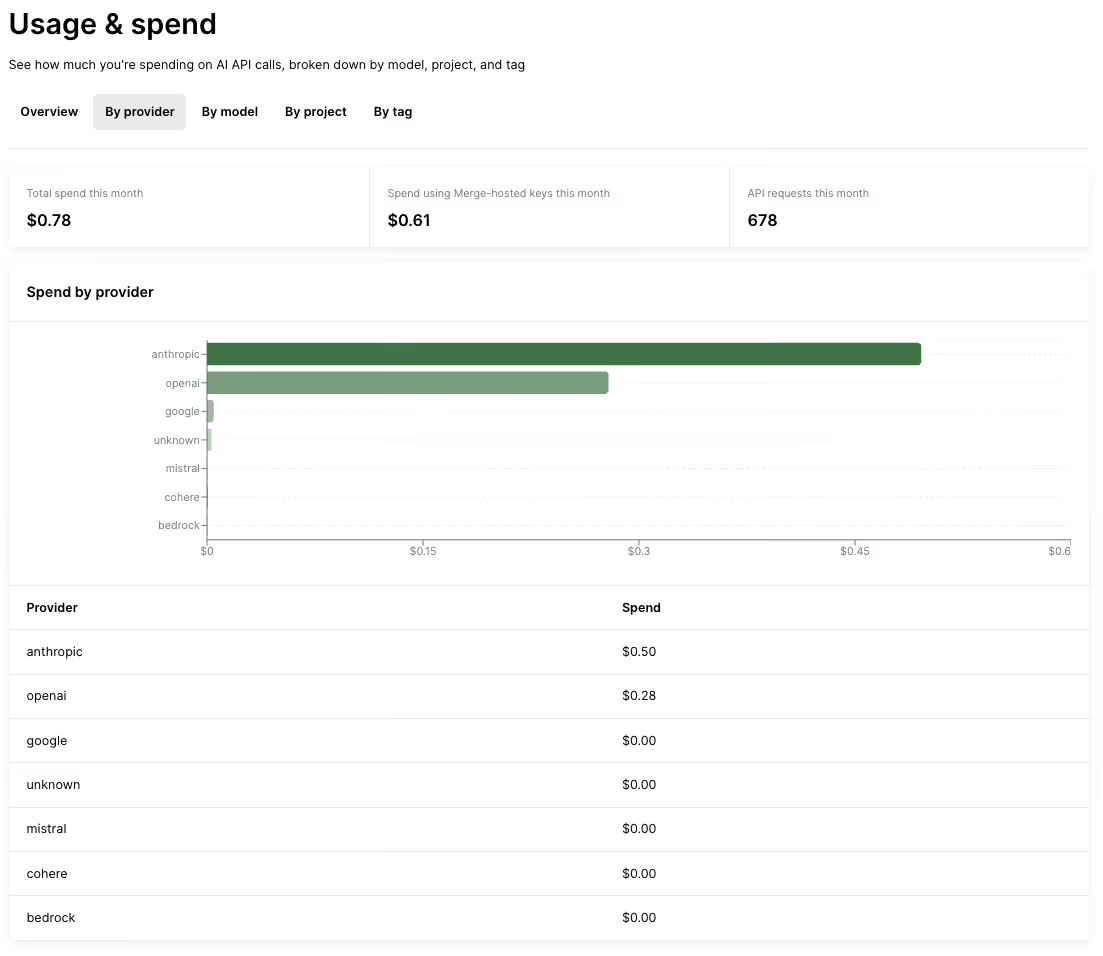
- Unified visibility and billing: Centralize request logs with routing decision visibility, and consolidate spend attribution and billing across providers/models
{{this-blog-only-cta}}
OpenRouter
OpenRouter is a multi-model access layer that gives developers a single API to call different LLM providers. It's best known for basic model routing aimed at keeping applications running (e.g., through fallbacks).
Pros
- Simple access to many models through one interface: This makes it easier to switch providers without rebuilding integrations, reducing lock-in and integration overhead
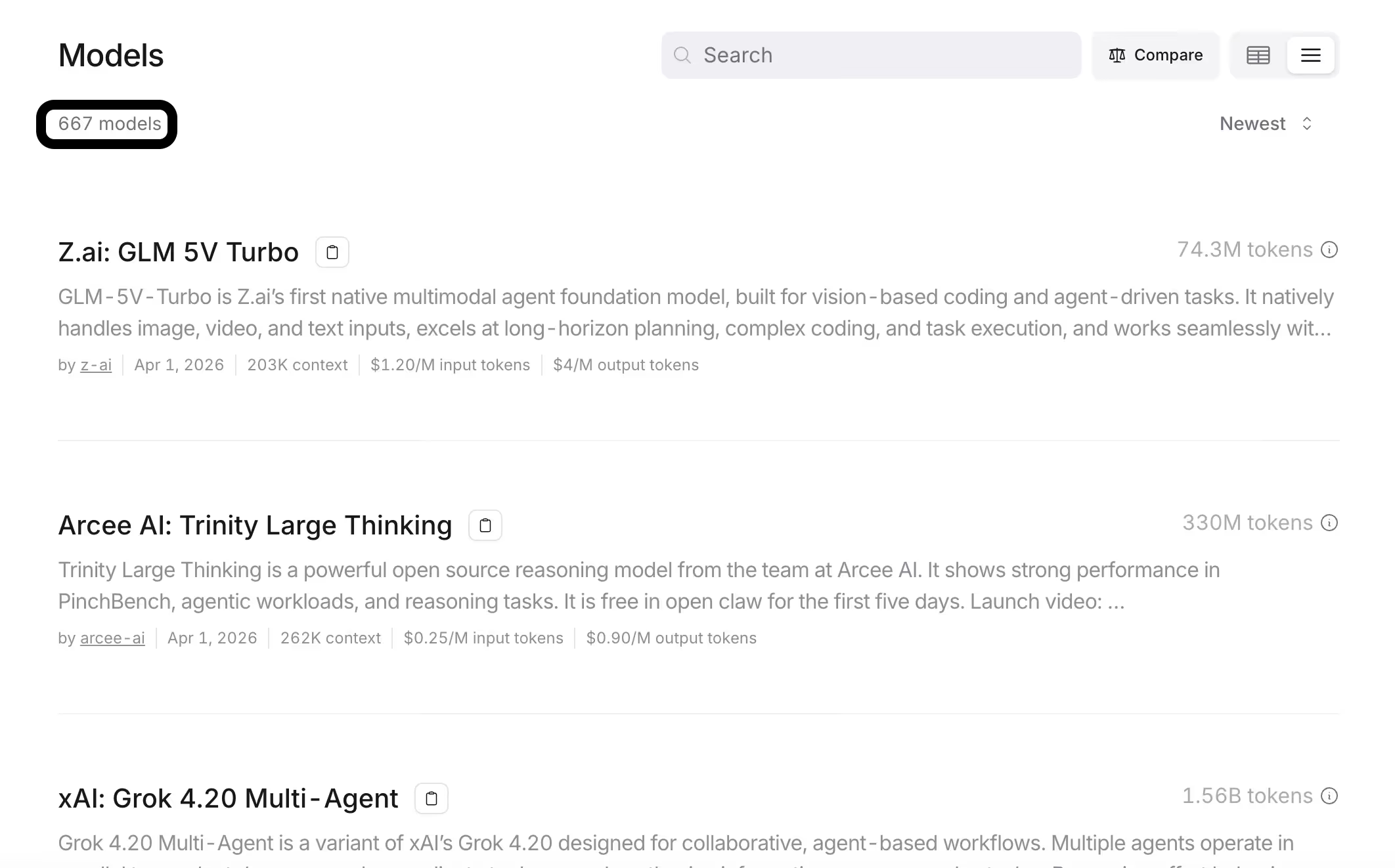
- Basic routing and fallback for reliability: Helps teams avoid downtime by automatically handling model/provider failures and maintaining service continuity
- Context compression style message transforms: Reduces the amount of context sent to models in some cases, which can help lower costs and improve efficiency
Related: The top alternatives to OpenRouter
Cons
- Limited governance and budgeting controls: Provides fewer project-level budgeting tools and spend controls compared to more advanced gateway solutions (like Merge Gateway)
- Less emphasis on enterprise security guardrails: Lacks strong built-in protections like DLP scanning, prompt-injection defenses, and broader governance capabilities
- No semantic response caching: Doesn’t currently support caching model responses for reuse, missing a potential cost-saving and performance optimization lever
LiteLLM
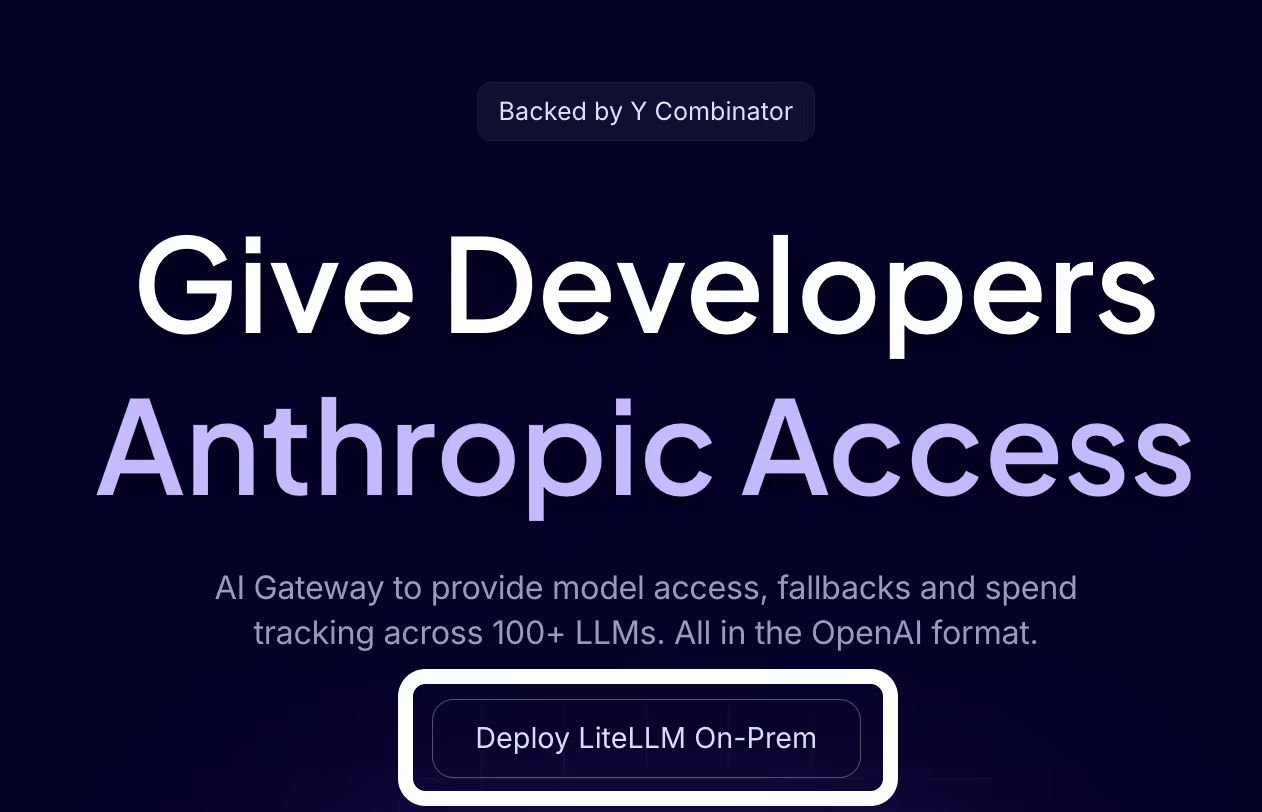
LiteLLM is a lightweight, self-hosted proxy gateway that’s OpenAI-compatible and can be used as an in-house routing layer for multi-provider LLM access.
Pros
- Maximum control and customizability: You can deploy it in your own environment and tailor routing policies, logging, and integrations to your stack
- Can include internal or private models: A self-hosted gateway can route to both external providers and your internal endpoints
- No external dependency or vendor lock-in: You own the gateway code and operate it on your terms
Related: The best alternatives to LiteLLM in 2026
Cons
- Setup and maintenance effort: You have to deploy, update, and monitor it, which adds DevOps overhead and effectively makes you “run your own gateway”
- Requires in-house expertise: Open-source gateways can have a steep learning curve, and your team needs to be able to extend or fix issues as they come up
- Feature parity gaps vs. more complete platforms: Some self-hosted gateways focus on core routing and may lack broader “out-of-the-box” capabilities or UI polish without additional build work
{{this-blog-only-cta}}
LLM routing FAQ
In case you have any more questions on LLM routing, we’ve addressed additional commonly-asked questions below.
What's the difference between cascading and predictive LLM routing, and which one should I use?
Cascading routing, or fallback routing, is when you route a request through a predefined, ordered list of models.
Your fallback models only get triggered if the preferred choice(s) doesn’t meet some success condition (e.g., failing). For example, you can try GPT 5.4 first. If it fails the check, fall back to Claude Sonnet 4.6. And if that fails, move on to Gemini 2.5 Pro.
Predictive routing lets you automate routing. You can just define what you’re optimizing for (e.g., minimizing spend per request) and the router uses signals about the request (e.g., task complexity) to decide which model to send it to.
Cascading LLM routing is typically the best starting point, as you might not be using many models yet and need to ship your product quickly. That said, you’ll eventually want to graduate to predictive routing as you scale. It lets you leverage more models effectively, which'll translate to more cost savings and performance improvements.
How much can LLM routing actually reduce my costs?
It depends on the types of models you’re using, how you’re using them, and the scale at which they’re being used.
In general, an effective routing implementation saves companies anywhere from a few thousand to tens of thousands of dollars per month.
When does LLM routing not make sense?
It makes sense in a wide variety of scenarios. If any of the following resonate with you, it’s likely worth adopting.
- Production reliability is a requirement. Routing lets you fail over between models/providers, reducing downtime and improving system resilience
- Your product is going multi-model. Routing gives you a unified layer to dynamically select the best model without hardcoding dependencies
- Your LLM spend is material and requires guardrails. Routing enables cost-aware decisions (e.g., using cheaper models by default and escalating only when needed)
- You need to manage cost, latency, and quality tradeoffs. Routing allows real-time optimization across models to balance speed, performance, and expense
- You want to avoid building and running an internal “LLM service.” Routing externalizes complexity, so you don’t have to maintain your own orchestration, retries, and infra
Most companies still use simple rule-based routing. Is that good enough, or am I leaving performance on the table?
It can be good enough at the start. But as request types diversify, static rules can hurt latency and reliability by causing avoidable retries, escalations, and timeouts. These issues only get worse at scale.
Jon Gitlin
.png)
.png)


Start routing your LLM requests successfully
Integrate once with Merge Gateway’s API, then automatically route requests across providers based on cost, latency, and output quality.


But Merge isn’t just a Unified
API product. Merge is an integration platform to also manage customer integrations. gradient text
But Merge isn’t just a Unified
API product. Merge is an integration platform to also manage customer integrations. gradient text
But Merge isn’t just a Unified
API product. Merge is an integration platform to also manage customer integrations. gradient text
But Merge isn’t just a Unified
API product. Merge is an integration platform to also manage customer integrations. gradient text