

Table of contents

.png)
AI governance platforms: what to look for and the leading options



Jon Gitlin
As employees connect AI tools to internal systems, companies need to control what those tools access, prevent sensitive data from leaking, and maintain a clear audit trail.
AI governance platforms can help by enabling internal AI adoption while giving IT and security teams visibility and control.
But these platforms aren’t created equal.
To help you understand this category and choose the right platform for your organization, we’ll break down what AI governance platforms should offer, the criteria you should use when evaluating them, and the leading options on the market.
Core capabilities of AI governance platforms
AI governance platforms support at least one part of secure internal AI adoption: provisioning access to AI tools and models, monitoring AI activity, preventing sensitive data exposure, and collecting evidence for audits and compliance reviews.
Let's take a closer look at each area.
SCIM-based access to AI tools
SCIM-based AI provisioning lets IT use an existing identity provider (e.g., Okta) to automatically grant, update, or revoke AI access based on employee attributes.
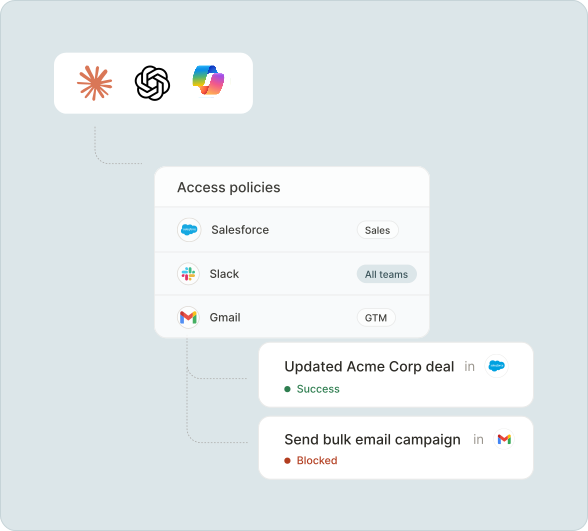
This means that if an employee changes roles, joins a new team, or leaves the company, the AI governance platform can automatically update their access to AI tools and connected apps.
In practice, an AI governance platform can give finance employees access to NetSuite through approved AI tools, allow engineers to leverage GitHub within their AI coding agent, enable recruiting to update candidate records in Greenhouse within their AI surface, and so on.
DLP and observability
Internal AI tools often sit between employees and sensitive business systems, like a CRM with customer records or an HRIS with employee data.
Without a DLP and observability layer, teams may not know when sensitive information is being sent to a model, pulled from a downstream system, or included in an AI-generated response.
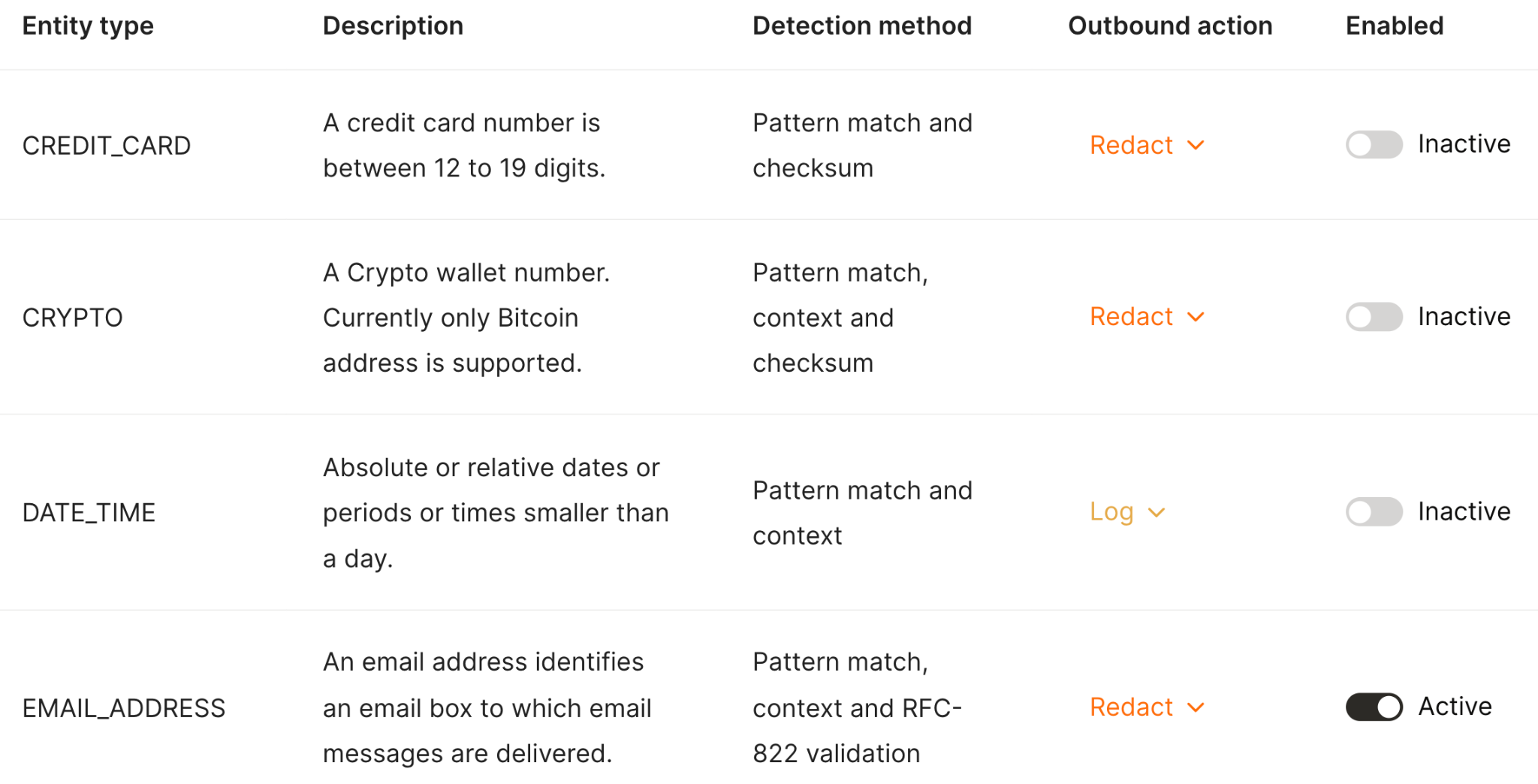
To solve for this, AI governance platforms can scan tool-call inputs and outputs, and block, redact, or mask sensitive data based on configured rules.
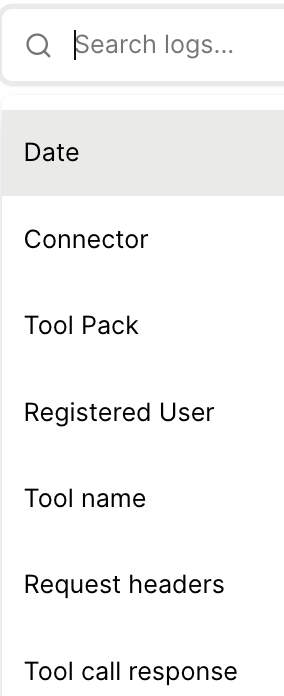
These platforms can also include searchable logs of every tool call, the employee or agent behind the call, the system accessed, the action attempted, and the outcome.
Related: A guide to using audit logs for AI
Evidence collection
AI governance isn’t only about preventing bad outcomes in real time.
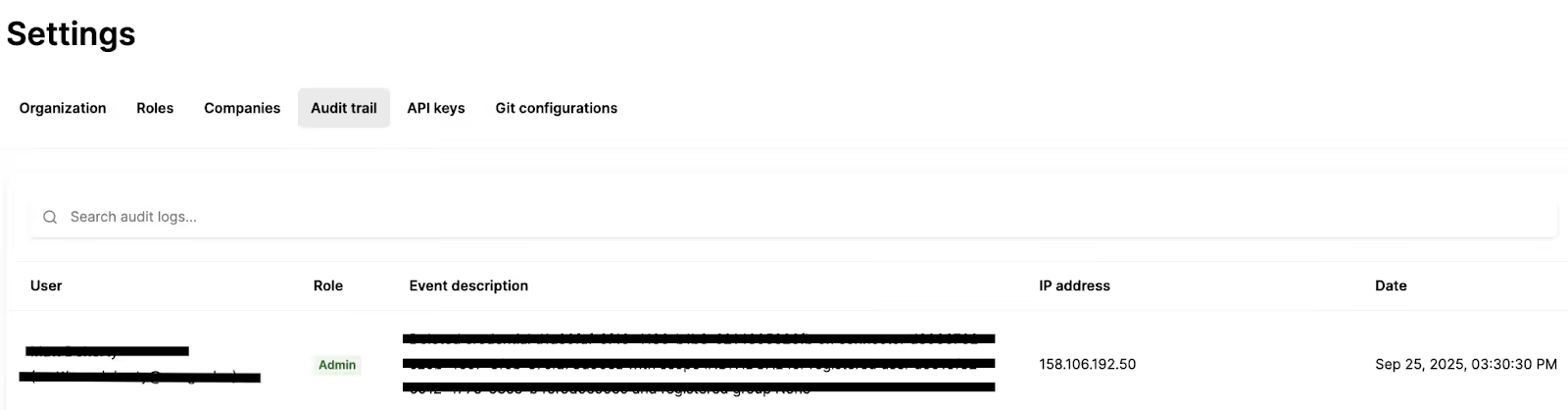
Security, IT, legal, and compliance teams also need records they can use during audits, vendor reviews, incident investigations, and internal governance reporting.
AI governance solutions can help by providing audit logs, records of policy decisions, user and group access assignments, tool-call history, DLP events, model usage, and administrative changes.
How to evaluate AI governance platforms
Before comparing vendors, it’s worth aligning on what your company needs to govern.
Some platforms focus on AI model traffic, some focus on MCP and tool access, some focus on shadow AI discovery, and others offer broader controls across multiple AI surfaces.
Here are some best practices to help you land on the best AI governance platform for your team.
Look for breadth
Breadth applies to 3 areas:
- AI surfaces: Support for common AI clients, internal agents, and MCP-compatible tools, like Claude, ChatGPT, Cursor, and Microsoft Copilot
- Connected systems: Coverage across business applications like Slack, Jira, Salesforce, Google Drive, Workday, NetSuite, GitHub, and more
- Governance controls: Access provisioning, DLP, observability, audit logs, policy enforcement, and model governance
A gap in one of these areas can limit adoption or introduce risk.
For example, if governance only applies to certain AI environments, employees may use unsupported ones without IT oversight. And if the platform doesn’t connect to the business systems employees rely on, AI won’t be useful in their most important workflows.
Related: How to evaluate MCP governance platforms
Prioritize a flexible implementation
Internal AI adoption can change quickly.
For example, your company might start with Claude or ChatGPT, expand into Cursor or Copilot, and eventually build internal agents for support, sales, engineering, or operations.
If your governance platform is tied too tightly to one tool, you’ll need to rebuild your controls every time the company adopts a new AI surface.
With that in mind, look for AI governance solutions that can:
- Work with any MCP-compatible AI client
- Apply the same policies across multiple AI tools
- Offer deployment options that fit your security requirements
- Let your IT/security team govern tool access, model access, and data movement from one place
The goal is to set policies once and enforce them consistently, even as employees adopt new AI tools.
Evaluate support from the vendor’s team
AI governance is still a new category, so the implementation can be complex for IT and security teams.
This makes vendor support especially important.
Your team, for example, may need help with mapping identity attributes to AI access policies, defining DLP rules, configuring connectors, designing audit workflows, or rolling out access to employees in phases.
To set your team up for success, the AI governance vendors should offer:
- Hands-on implementation guidance
- Security and compliance review support
- Help designing access policies
- Clear documentation for IT and security admins
- Ongoing support as new AI tools and internal use cases emerge
The leading AI governance platforms
With the criteria above in mind, here’s our shortlist of AI governance platforms worth evaluating.
Merge for Workforce
Merge for Workforce helps organizations govern how employees connect AI tools to company systems.
It provides SCIM-based provisioning, Tool Packs for fine-grained connector and tool access, DLP scanning, searchable audit logs, and support for MCP-compatible AI tools like Claude, ChatGPT, Cursor, Copilot, and more.
Pros
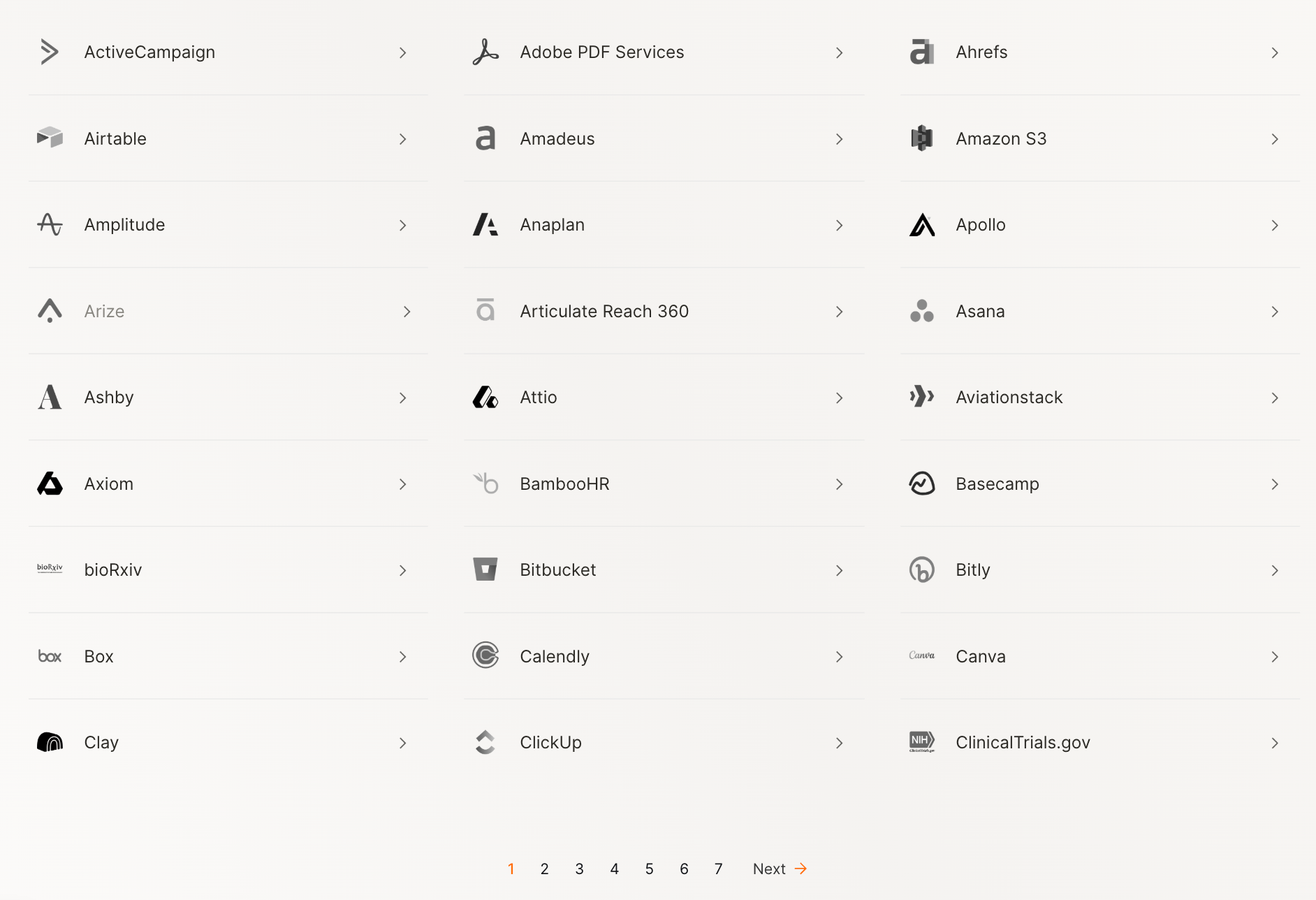
- Broad connector coverage: Gives employees governed access to a large catalog of enterprise systems through Merge’s maintained connectors
- SCIM-based provisioning: Lets IT assign access based on users, groups, roles, teams, and other identity attributes
- Centralized DLP and auditability: Scans tool calls for sensitive data and logs AI activity for security review and compliance
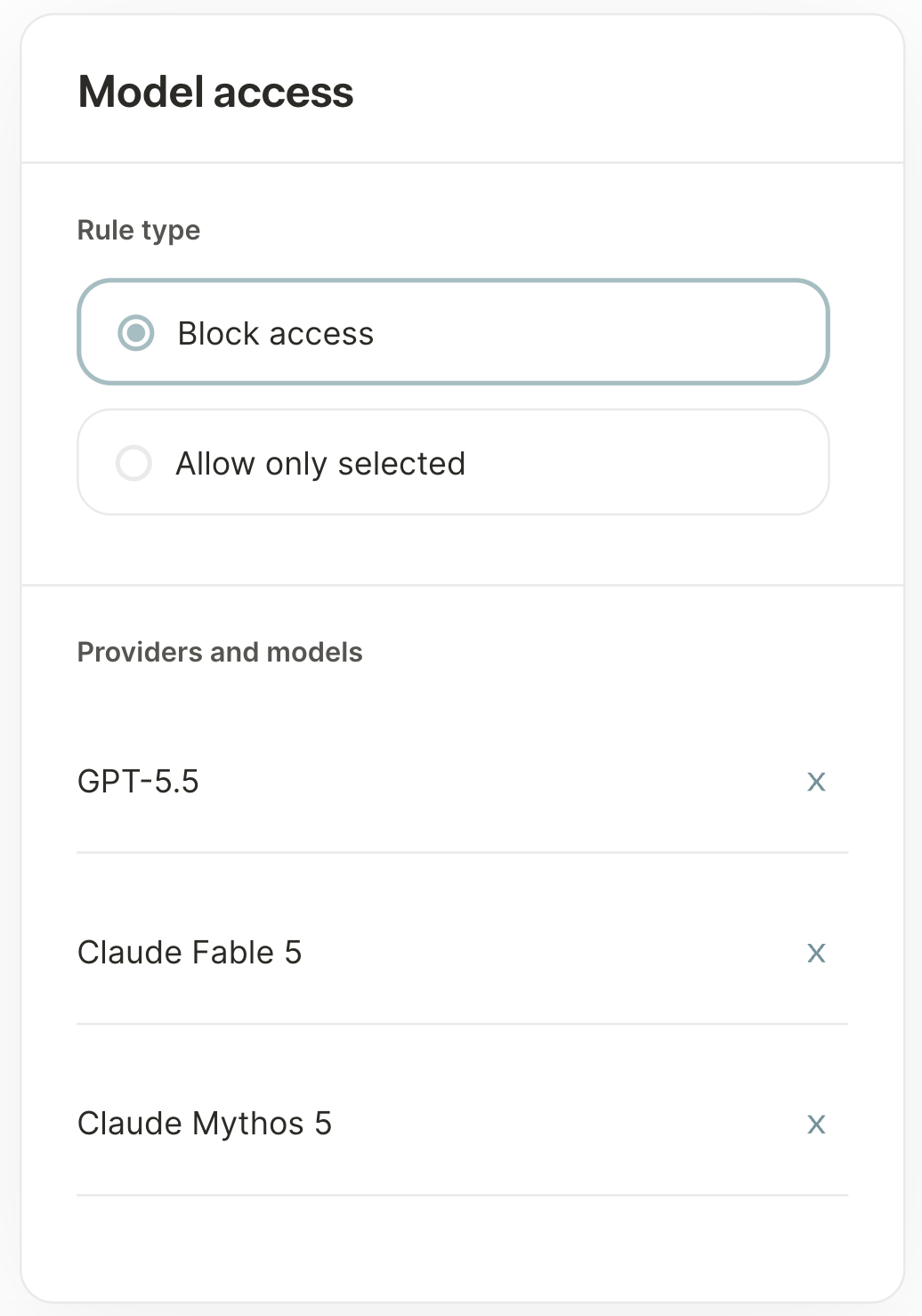
- Model-level access: Control the AI models and providers each employee can use based on attributes like role, team, or work authorization
- Best-in-class support: Merge's support and success teams have helped a wide range of companies implement Merge for Workforce successfully, including the leading video streaming provider
{{this-blog-only-cta}}
Runlayer
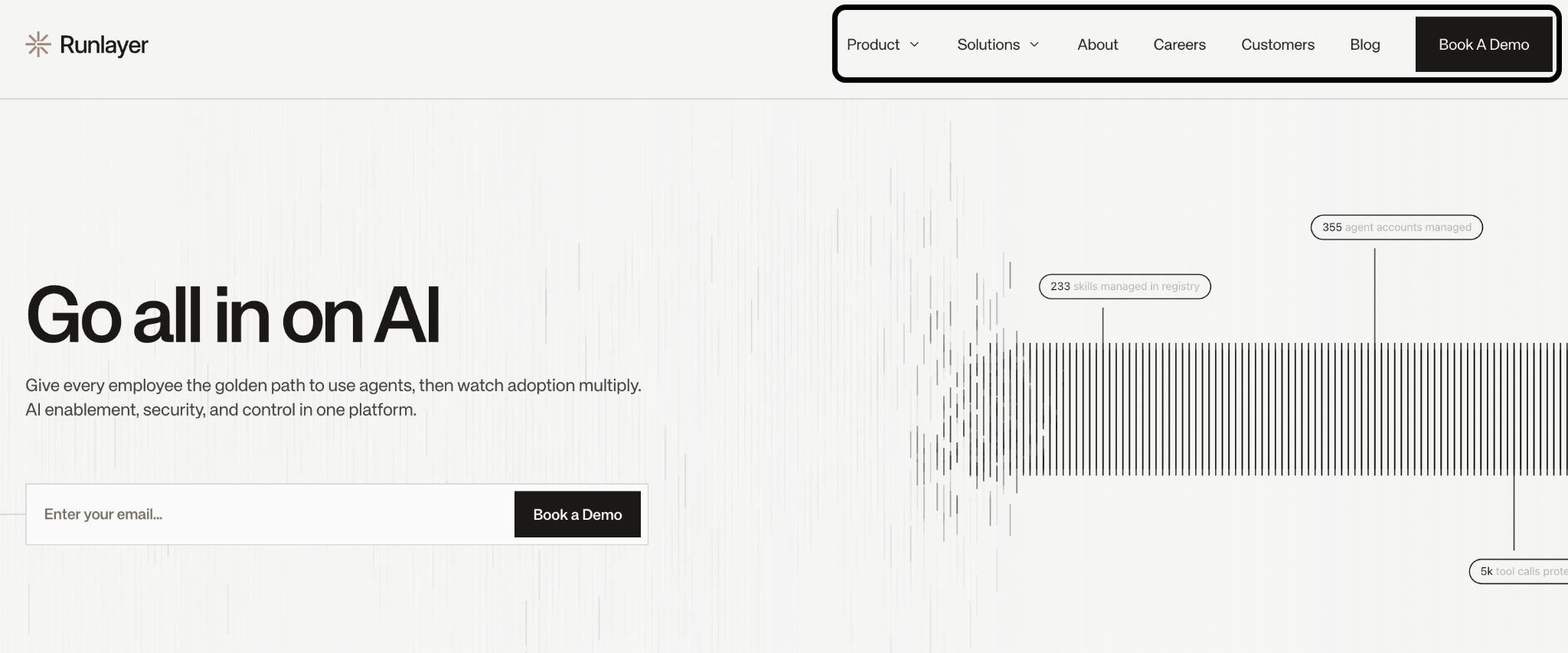
Runlayer is an enterprise AI agent and MCP governance platform that helps teams govern MCP tool access, detect security risks, and monitor AI activity.
Pros
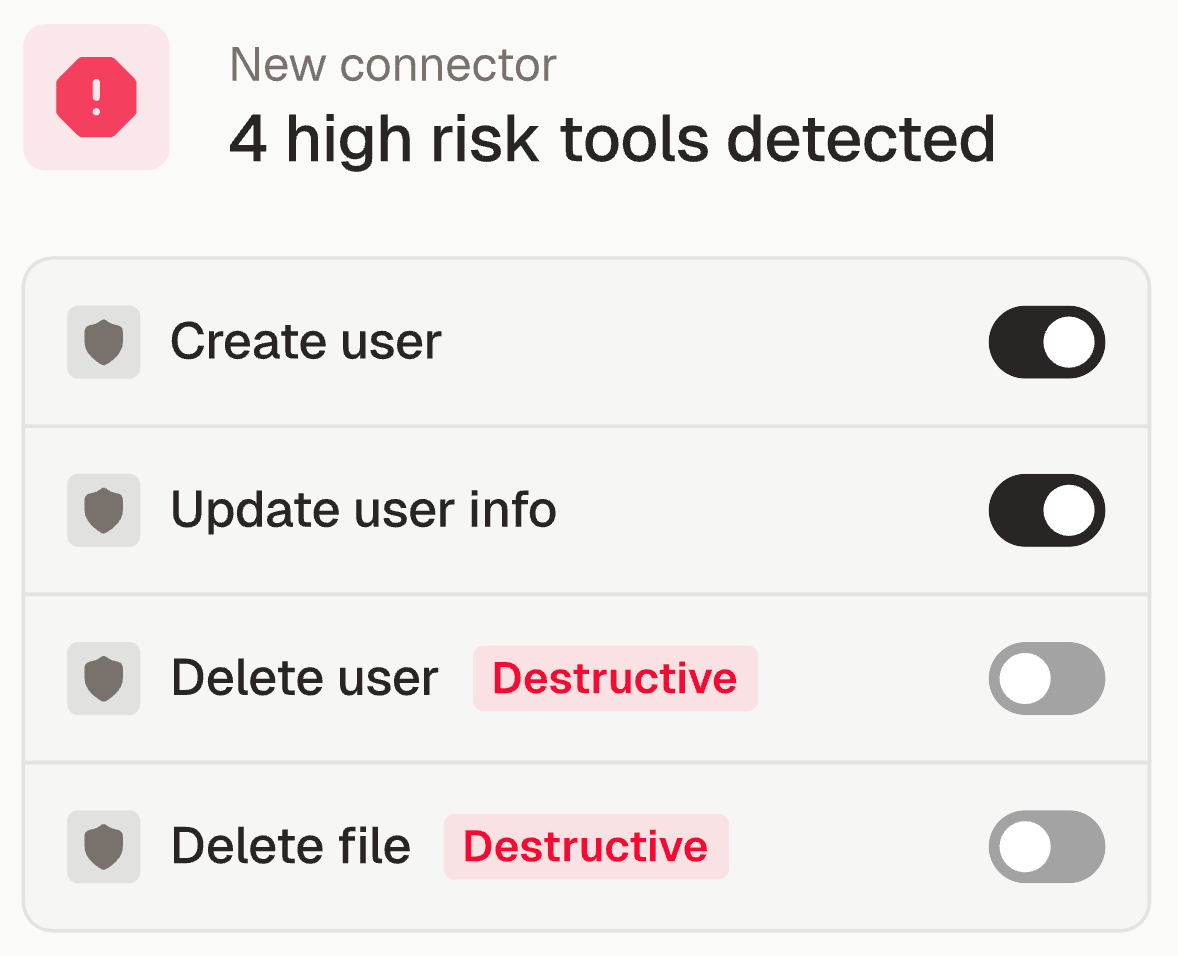
- Strong threat detection functionality: Flags security violations and warnings to help IT and security teams identify risky AI activity
- Shadow AI discovery: Can identify unapproved agents and MCP usage that IT may not have sanctioned
- Enterprise customer proof: Has customers like PagerDuty, AngelList, and dbt Labs
Cons
- Narrow product scope: If you need model routing, broad enterprise connectors, or product-facing AI infrastructure, you’ll need additional tooling
- Introduces another layer to manage: Teams need to configure policies, approvals, and monitoring flows on top of their existing AI and identity stack
- No visibility on pricing: Doesn’t provide a pricing page. You're forced to book a demo just to get context on their pricing model
Related: A guide to Runlayer’s biggest competitors
MintMCP
MintMCP is an enterprise MCP gateway that gives IT and security teams a centralized way to manage how AI agents connect to company tools.
It focuses on routing MCP traffic through governed access points, so teams can approve usage, apply policies, and monitor agent activity without managing every MCP server separately.
Pros
- Purpose-built for MCP governance: MintMCP is designed around MCP server access, making it a strong fit for teams that want a dedicated control plane for agent-to-tool connections
- Enterprise-ready access management: The platform supports identity-driven controls that help IT decide which employees, groups, or agents can access specific tools
- Ease of adoption: You can sign up for a free account and start testing the platform’s core features/connectors before making any investment
Related: A guide to MintMCP competitors
Cons
- Limited beyond MCP use cases: If your governance needs include model routing, non-MCP AI tools, or product-facing AI infrastructure, MintMCP will need to be paired with other platforms
- Connector quality can be hit or miss: MintMCP largely depends on the developer community for their connectors, which means they may not be reliable and secure
- Early-stage company: MintMCP only has seed funding and employes fewer than 10 employees, so if you’re looking for a long-term AI governance platform, they may be a relatively risky choice
{{this-blog-only-cta}}
Jon Gitlin




Employees are ready to use AI. Now you can say yes
Deploy employee AI with provisioning, access control, DLP, and audit logging from day one.


But Merge isn’t just a Unified
API product. Merge is an integration platform to also manage customer integrations. gradient text
But Merge isn’t just a Unified
API product. Merge is an integration platform to also manage customer integrations. gradient text
But Merge isn’t just a Unified
API product. Merge is an integration platform to also manage customer integrations. gradient text
But Merge isn’t just a Unified
API product. Merge is an integration platform to also manage customer integrations. gradient text