

Beta
Integrate Asana with your product—along with any other Ticketing application
Ticketing
Connect your product to all the applications your customers use via Merge's Unified API to close more deals, retain customers, and expand to new markets
Get a demo



Sync Asana data
FAQ on integrating with Asana API
How frequently does Merge sync data with Asana?
Merge synchronizes data from Asana at intervals determined by your selected sync plan and the Common Model you use. The available sync frequencies are:
- Manual: Syncs are initiated manually by the user
- Daily: Syncs occur once every 24 hours
- Standard: Syncs take place every 1, 3, or 6 hours
- High: Syncs happen either every 10 minutes or every 3 hours
- Highest: Syncs occur every 1-5 minutes, hour, or 3 hours
Learn more about Merge’s sync frequencies for Asana.
Which Asana API endpoints does Merge interact with?
Some of the key endpoints include:
- POST /1.0/tasks/{task_id}/attachments: Accesses attachment information for a specific task
- POST /1.0/tasks/{task_gid}/stories: Retrieves comments associated with a task
- PUT /1.0/tasks/{task_gid}: Updates information for a specific task
- GET /1.0/tasks: Retrieves a list of tasks with associated details
- GET /1.0/users: Accesses user information within Asana
- GET /1.0/projects: Retrieves project information
See the full list of endpoints Merge supports.
Can I use Merge to sync custom fields in Asana?
Yes, Merge offers advanced features to access and sync custom data from Asana:
- Field Mapping: Map custom Asana fields to Merge’s Common Models in Merge’s Dashboard
- Remote Data: Access raw Asana data in its original format
- Authenticated Passthrough Requests: Make direct API requests to Asana for data beyond the Common Models
Learn more about each of these features by visiting Merge’s Docs.
How does Merge handle rate limits when syncing data with Asana?
Merge manages API rate limits by implementing efficient data synchronization strategies. These include:
- Incremental syncs: Only fetching data that has changed since the last sync to minimize API calls
- Rate limit handling: Monitoring and adjusting request rates to comply with Asana's API rate limits
What should I do if I need more frequent data updates from Asana?
If you require more frequent data updates than your current sync plan provides, you can:
- Contact your dedicated customer success manager or—if you’re on the Launch Plan—schedule a demo with one of Merge’s integration experts
- Manually trigger a data sync by using the Force Resync endpoint
- Set up Automatic Webhooks to receive real-time data updates
What companies use Merge’s integration with Asana?
A wide range of companies use it, including Avenue, Drata, Neo.Tax, and Thoropass.
Are there any days you’ll be closed for the holidays in 2024?

Trusted to power integrations at


Make integrations your competitive advantage
More sales, less code, fewer headaches
Focus on your core product
Stop diverting your engineers to yet another integration and let them get back to work.
Give customer success a break
Manage your simplified integration issues in a single pane. No therapist required.
Stop losing sales due to integrations
Launch integrations in days, not quarters. Your sales team will thank you.
.png)
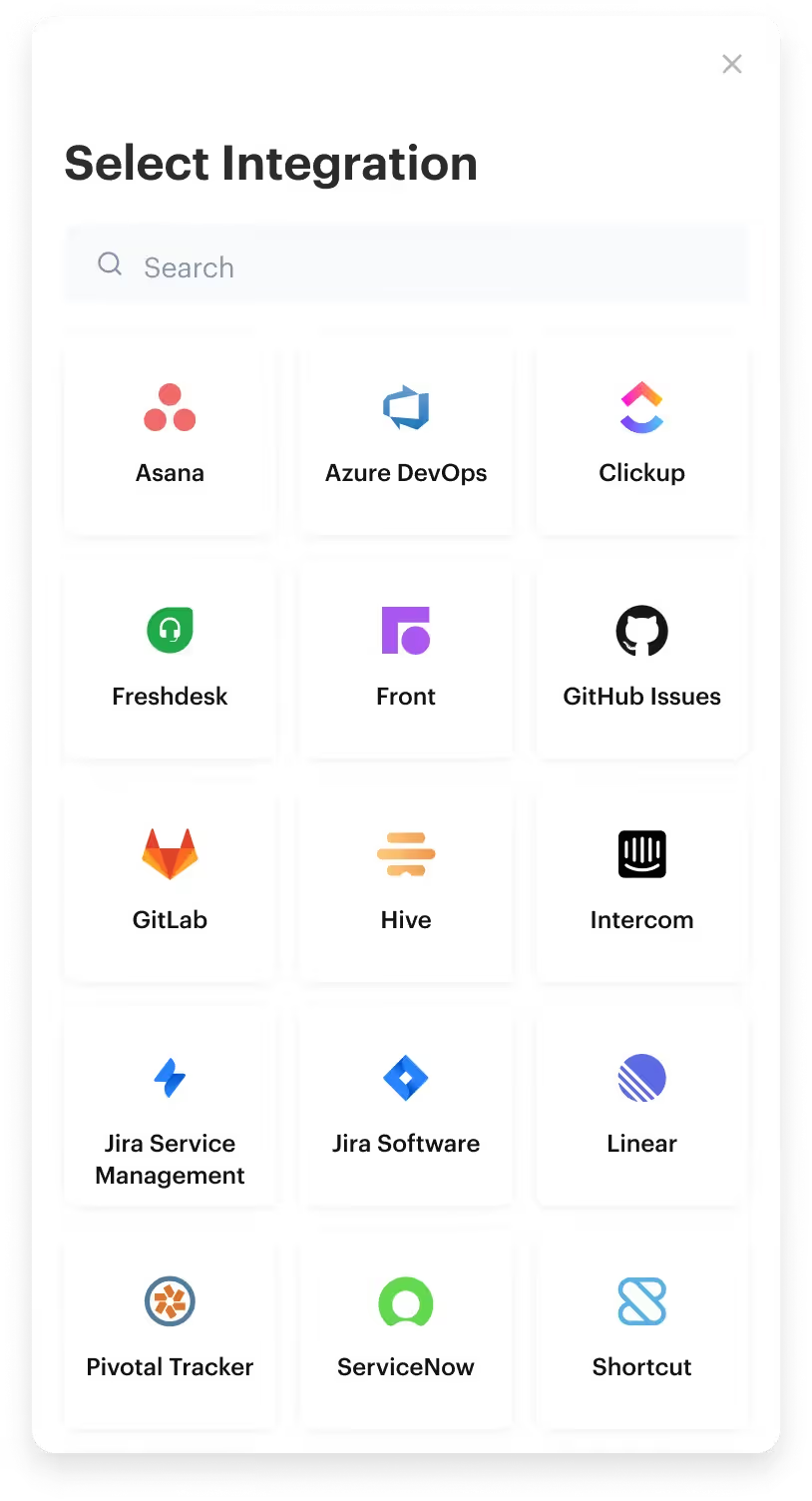
Seamless account linking
Integration authentication that feels like magic
Merge seamlessly manages authentication and authorization on behalf of your customers.
Offer account linking and permission controls to your users with Link for a customizable frontend or with Magic Link for URL-based authorization
View Docs
APIs made simple
The toolkit for all your integration needs
We make integrations painless with accessible API design, dead-simple SDKs, and beautiful documentation that we agonize over.
View Docs
Get Employee Data


1from merge import Merge
2
3client = Merge(
4    account_token="YOUR_ACCOUNT_TOKEN",
5    api_key="YOUR_API_KEY",
6)
7client.hris.employees.list()
import { MergeClient, Merge } from '@mergeapi/merge-node-client';
const merge = new MergeClient({
apiKey: 'YOUR_API_KEY',
accountToken: 'YOUR_ACCOUNT_TOKEN',
});
employee = await merge.hris.employees.list()
ApiClient.instance.authentications.tokenAuth = {
  type: 'bearer',
  accessToken: 'API_KEY',
};
new EmployeesApi().employeesList('ACCOUNT_TOKEN', {}, (data) => {
  console.log(data);
});
import (
"context"
"fmt"
merge "github.com/fern-api/merge-go"
mergeclient "github.com/fern-api/merge-go/client"
"github.com/fern-api/merge-go/hris"
)
client := mergeclient.NewClient(
mergeclient.ClientWithAuthApiKey("<YOUR_API_KEY>"),1ApiClient client = Configuration.getDefaultApiClient();
2client.setBasePath('https://api.merge.dev/api/ats/v1');
3ApiKeyAuth tokenAuth = client.getAuthentication('tokenAuth');
4tokenAuth.setApiKey('API_KEY');
5CandidatesApi apiInstance = new CandidatesApi(client);
6apiInstance.candidatesList('ACCOUNT_TOKEN');import com.merge.api.MergeApiClient;
import com.merge.api.resources.hris.employees.requests.EmployeesRetrieveRequest;
import com.merge.api.resources.hris.types.Employee;
MergeApiClient mergeClient = MergeApiClient.builder()
.accountToken("ACCOUNT_TOKEN")
.apiKey("API_KEY")
.build();
Employee employee = mergeClient.hris().employees().list(
EmployeesRetrieveRequest.builder()
.includeRemoteData(true)> {
"id": "0958cbc6-6040-430a-848e-aafacbadf4ae","remote_id": "19202938","employee_number": "2","company": "8d9fd929-436c-4fd4-a48b-0c61f68d6178","first_name": "Dirna","last_name": "Emanuel","display_full_name": "Dirna Emanuel",
"username": "dirnaemanuel",
"groups": [


Beyond building
Rely on the best integration observability system
Let our logs, issue detection, and automated alerts save your customer success team time, money, and headaches.
Forget maintenance - let your developers focus on building!
Start for free

Case study
%201%20(1).avif)
How Drata increases customer value and spends 80% less time managing integrations
View case study
Working with Merge’s Unified API and beautiful React component took less than a sprint to integrate, test, and release.

Daniel Marashlian
Co-Founder & CTO, Drata
Integrate once
Supported Ticketing platforms
Abstract away API complexity with Merge












Make integrations your competitive advantage
Stay in touch to learn how Merge can unlock hundreds of integrations in days, not years
