

Table of contents

.png)
What is OpenRouter? Here's what you need to know



Jon Gitlin
The LLMs that perform well today may get slower, deprecated, or outperformed next month.
To abstract the complexity of moving between models over time, you can use OpenRouter.
OpenRouter gives developers a single API for accessing and routing across hundreds of LLMs. And it provides features like cost governance and fallback behaviors to help you manage your LLM spend and performance.
To help you decide whether OpenRouter is the best LLM routing solution for your use case, we’ll break down how the platform works, the different ways to use, its pros and cons, and more.
How OpenRouter works
At a high level, your application sends a request to OpenRouter's API. OpenRouter forwards that request to the selected model, and then OpenRouter returns the response in a normalized format.
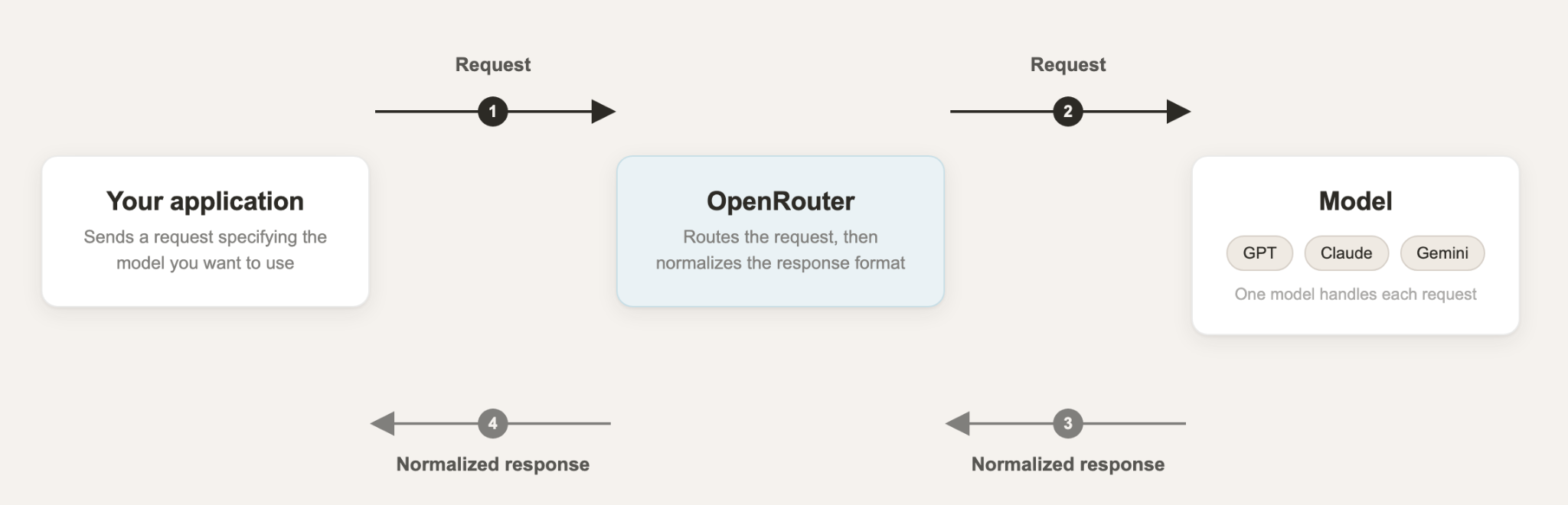
Here's how the workflow typically works:
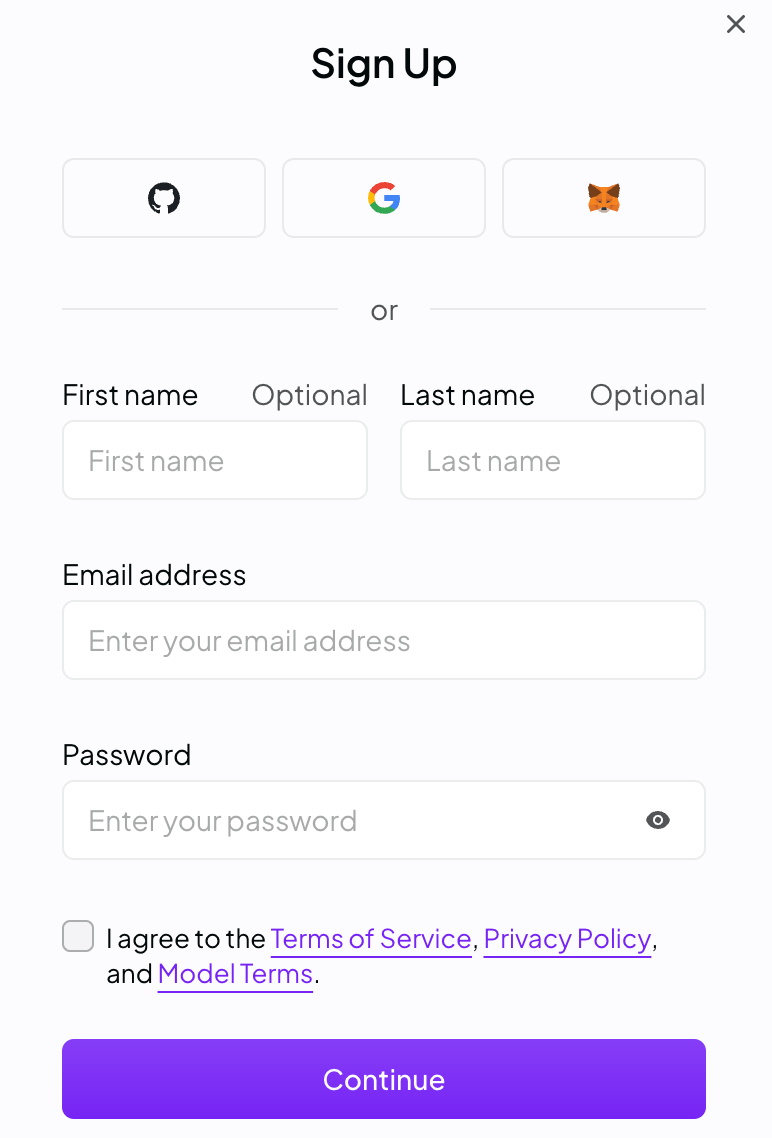
1. Create an OpenRouter account. You can create your own account or set up an organization for team usage.
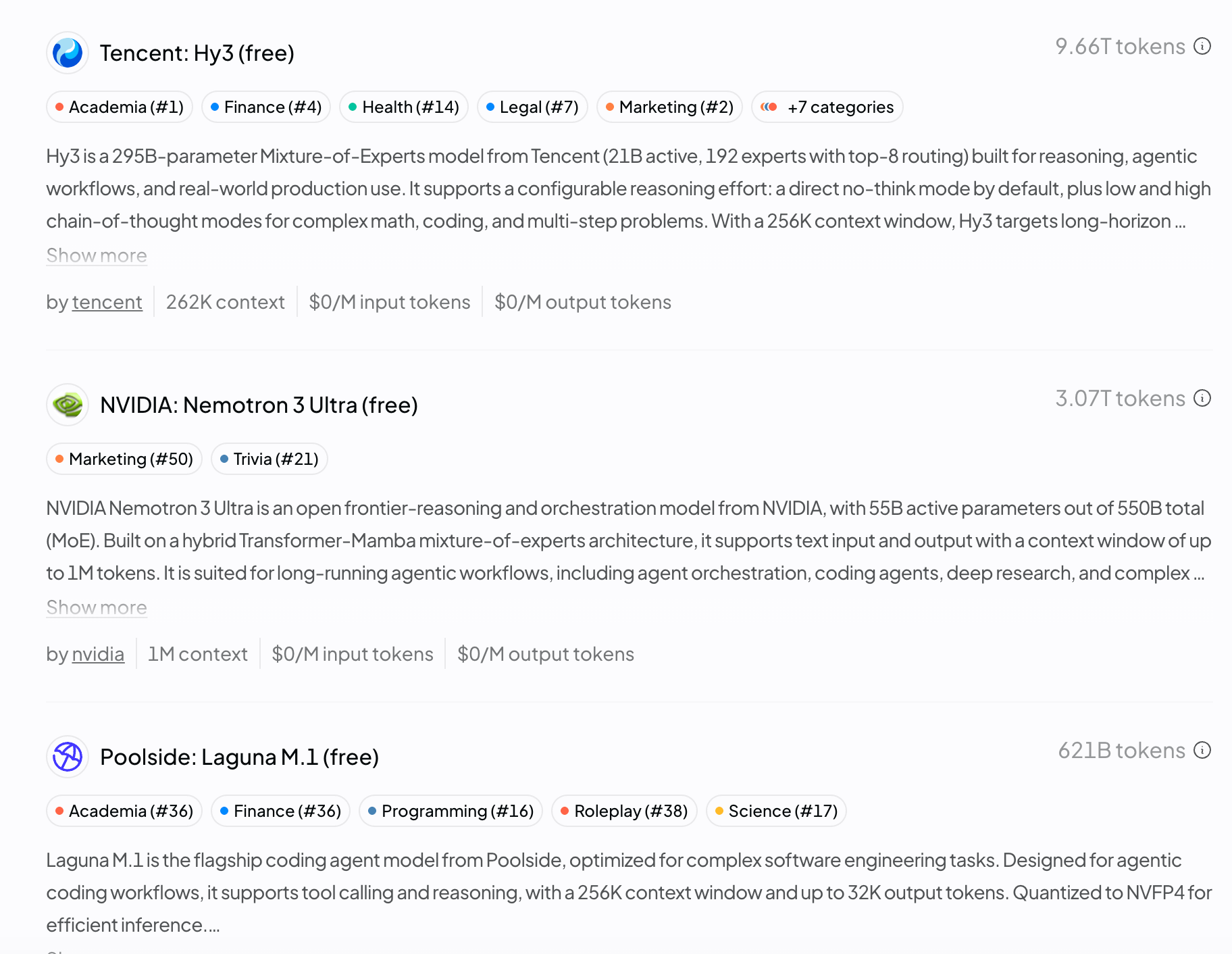
2. Add credits or use free models. OpenRouter supports a free tier with access to free models, as well as pay-as-you-go credits that can be used across paid models and providers.
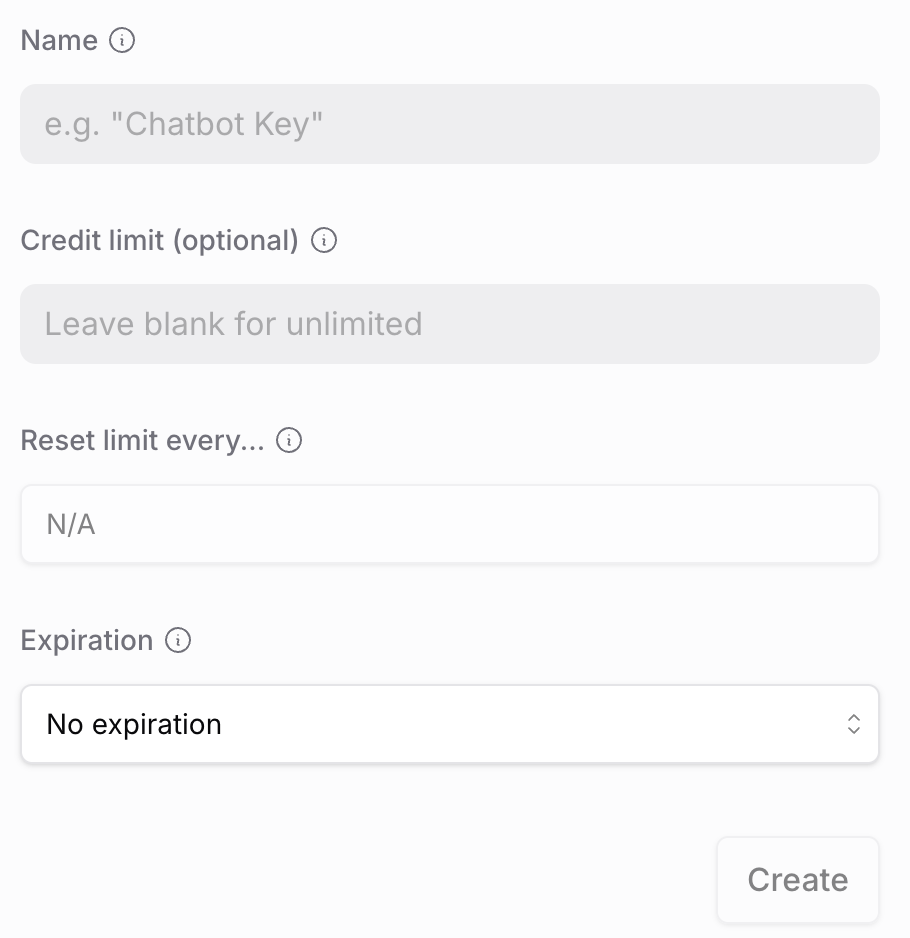
3. Generate an API key. OpenRouter lets you create API keys from the dashboard. These keys are then used to authenticate requests from your application.
4. Send requests through OpenRouter's unified API. Instead of calling the model provider directly, your application sends requests to OpenRouter's endpoint at <code class="blog_inline-code">https://openrouter.ai/api/v1/chat/completions</code>.
5. OpenRouter routes the request. How this happens depends on your routing configuration. For example, you can pin a specific model ID, turn on the Auto Router to let OpenRouter pick a model based on the request, or define fallback models to use if the primary one is unavailable or rate-limited.
For example, you can use the code below to send a request that tries Claude Sonnet's latest release first and automatically falls back to Mythomax L2 13B if that model errors out or is unavailable.
6. You receive a normalized response. OpenRouter normalizes requests and responses across providers, which reduces the amount of provider-specific code your engineering team needs to maintain. In other words, you can parse the response the same way regardless of which model or provider actually handled the request.
Here’s how a response can look:
7. Track usage and spend. As you route requests to OpenRouter, the platform provides usage visibility and unified billing through credits. You can use this to avoid managing separate accounts, invoices, and credentials across every underlying model provider.
Related: The top OpenRouter alternatives
Examples of using OpenRouter
Since OpenRouter can support any workflow that uses LLMs, there are basically infinite use cases.
Here are just a few internal (within your business) and external (within your product) use cases.
Testing and comparing models
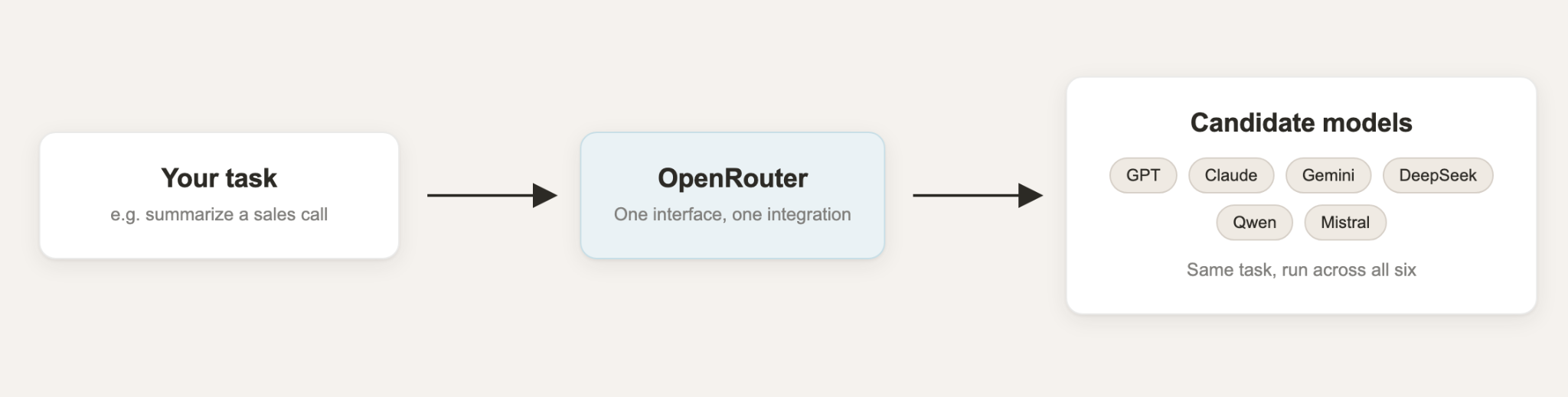
Say you need to evaluate GPT, Claude, Gemini, DeepSeek, Qwen, and Mistral models on the same job: summarizing sales calls.
Your team can test the same task against each of the six models through OpenRouter, then keep whichever one performs best without rewriting any provider-specific code.
Building an internal AI assistant
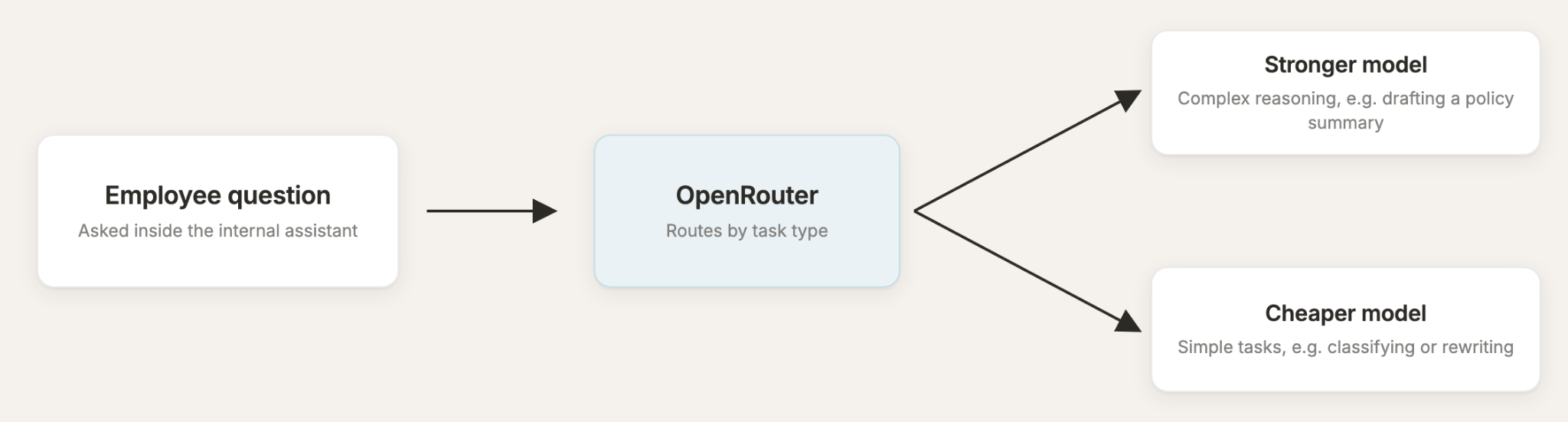
Imagine you need an internal chatbot that answers questions from internal docs, summarizes long documents, and drafts emails.
A given model can either be overkill for the simple requests or too weak for the hard ones.
You can route complex reasoning to a stronger model and simpler classification to a cheaper model via OpenRouter.
Powering AI features for your customer support helpdesk
Say you're shipping three specific features in your helpdesk product:
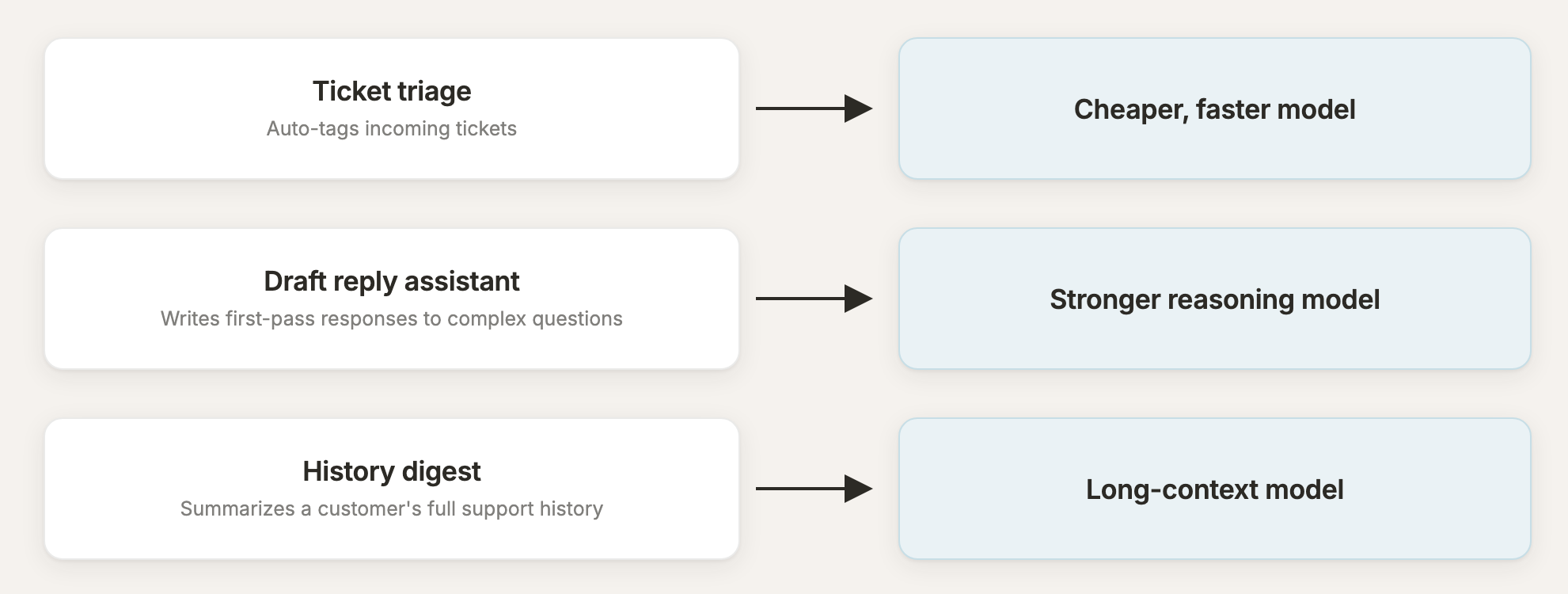
- Ticket triage that auto-tags incoming tickets
- A draft reply assistant that writes first-pass responses to complex questions
- A history digest that summarizes a customer's full support history before a rep picks up the case
Instead of hardcoding one model across all three, your team can assign a cheaper, faster model to triage, a stronger reasoning model to the draft reply assistant, and a long-context model to the history digest. You can then adjust routing per feature as you learn what works.
Benefits of using OpenRouter
Here are some of the pros of using OpenRouter:
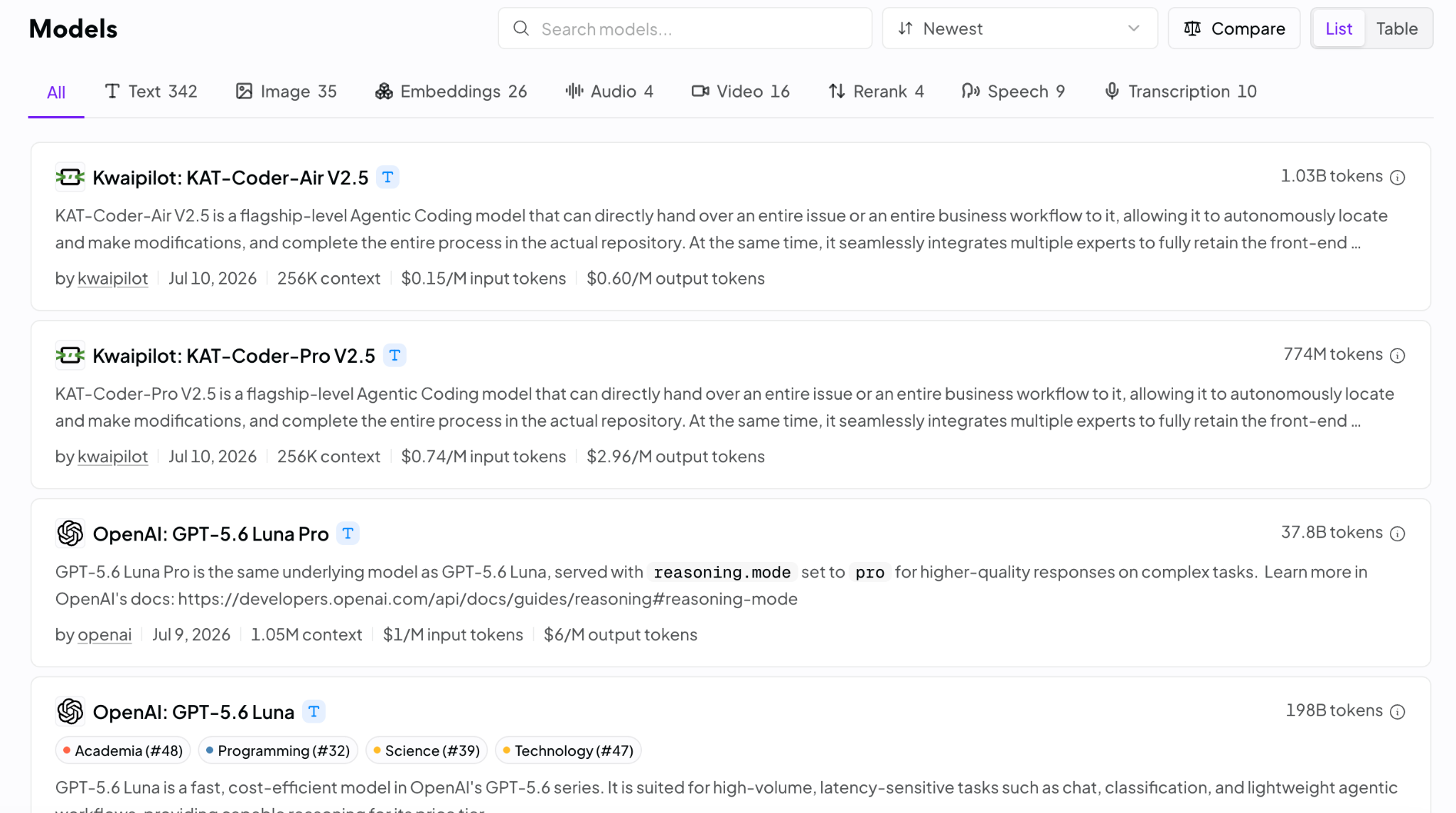
- Broad model catalogue: OpenRouter offers text, image, embeddings, audio, video, speech, transcription, and rerank models from dozens of providers. They’re also constantly adding to their model catalogue
- Fast model experimentation: Swapping models is a parameter change instead of a new integration. This is useful as prices and performance rankings shift
- OpenAI-compatible API: Teams already on the OpenAI SDK can often just swap the base URL and API key. This means you don’t need to replace the SDK or request format
- Free plan: You can use 25+ free models and make up to 50 requests per day on the Free plan, which can help you test the platform before deciding whether to invest in it
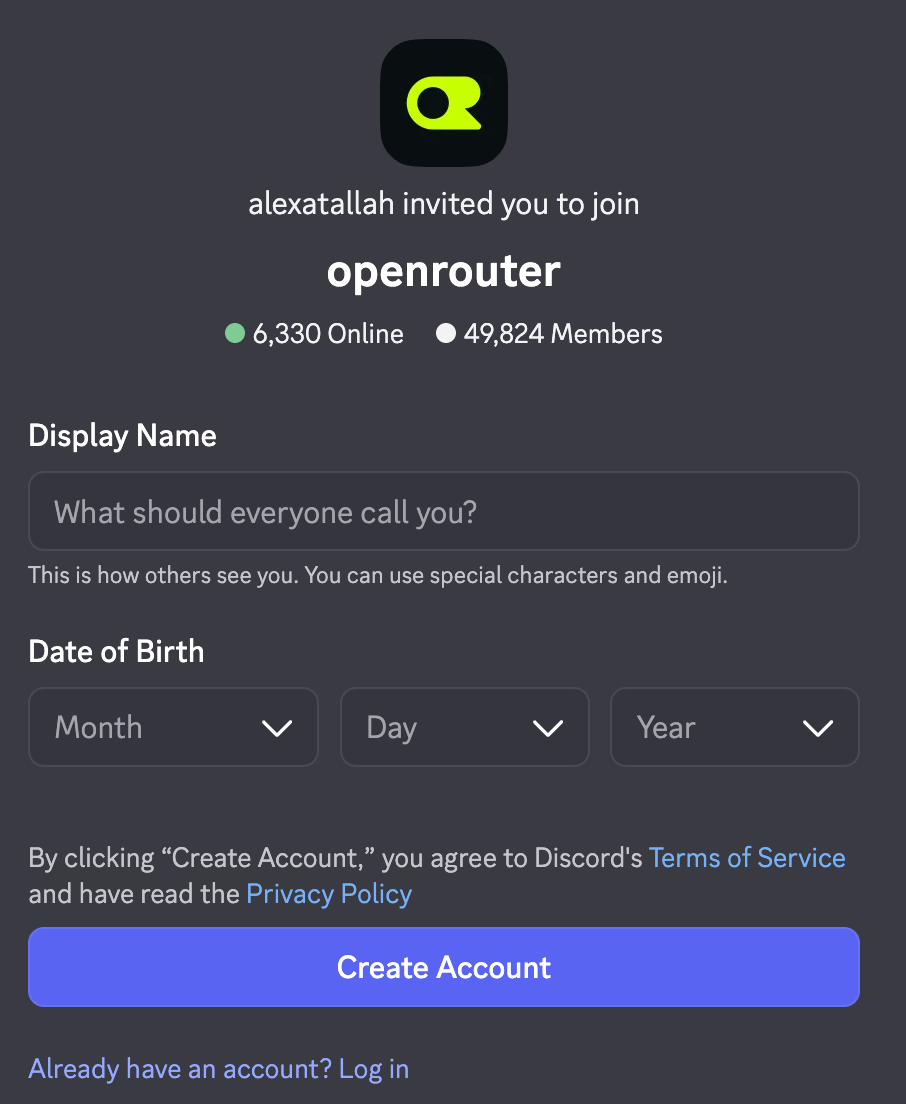
- Large developer ecosystem: OpenRouter has millions of users, leading them to amass large user communities in places like Discord
Challenges of using OpenRouter
OpenRouter isn’t without its drawbacks. Here are a few we’ve heard directly from current and former OpenRouter customers:
- Minimal support: Every plan (with the exception of their enterprise plan) is poorly supported by their team. You’ll have to submit tickets when issues arise, and it can take days to get a response
- Basic cost governance: There's no native per-customer or per-feature budget dashboard across shared keys, and no automatic routing to cheaper models as spend increases, so that layer typically has to be built on top
- Shallow observability features: OpenRouter doesn’t explain why certain routing decisions were made (e.g., fell back to Opus 4.8 because Fable 5 errored), which can make it harder to debug issues
- Solely provides routing support: Your internal and customer-facing AI needs likely extend beyond LLM routing. When they do, you’ll need to invest in additional software
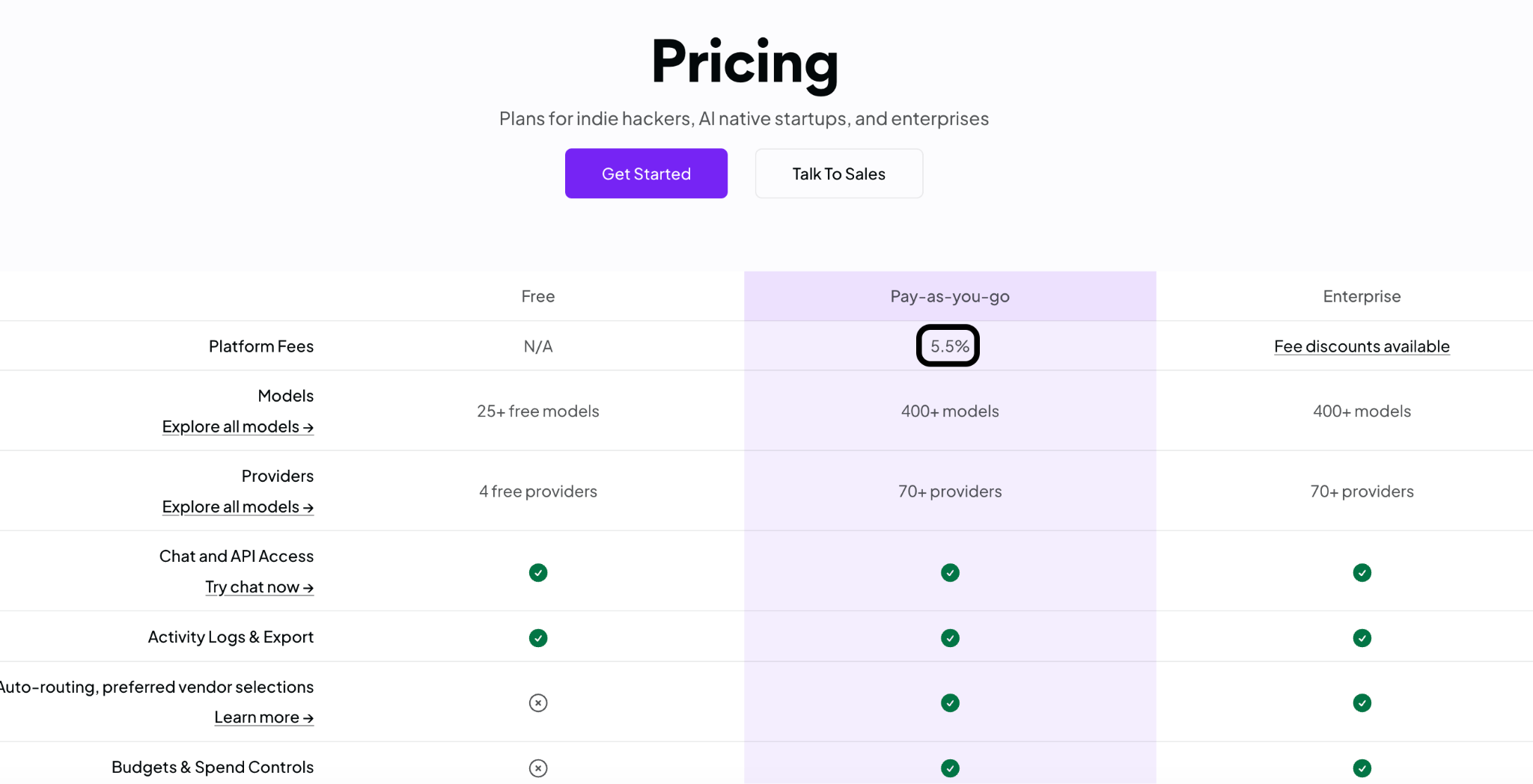
- Costly at scale: OpenRouter’s 5.5% platform fee quickly adds up as you increase your usage. You can end up with a significant bill that limits your ROI with the platform
Why Merge Gateway is the best OpenRouter alternative
OpenRouter is a strong option for developers who want fast access to many models through one API. But AI products, especially SaaS ones, also need to route by customer, cost attribution, data protection, and request-level visibility.
Merge Gateway is a unified API and control plane built for exactly that.
With Merge Gateway, you get:
- Better pricing: Merge’s platform fee is 10% cheaper than OpenRouter’s. This can translate to thousands of dollars in savings every year
- Proven customer impact. Windmill, a performance review platform, switched from OpenRouter to Merge Gateway with a single PR and now saves more than $10,000 a month on LLM spend
- Custom routing policies: Route by customer, feature, region, use case, or capability, not just by model or provider
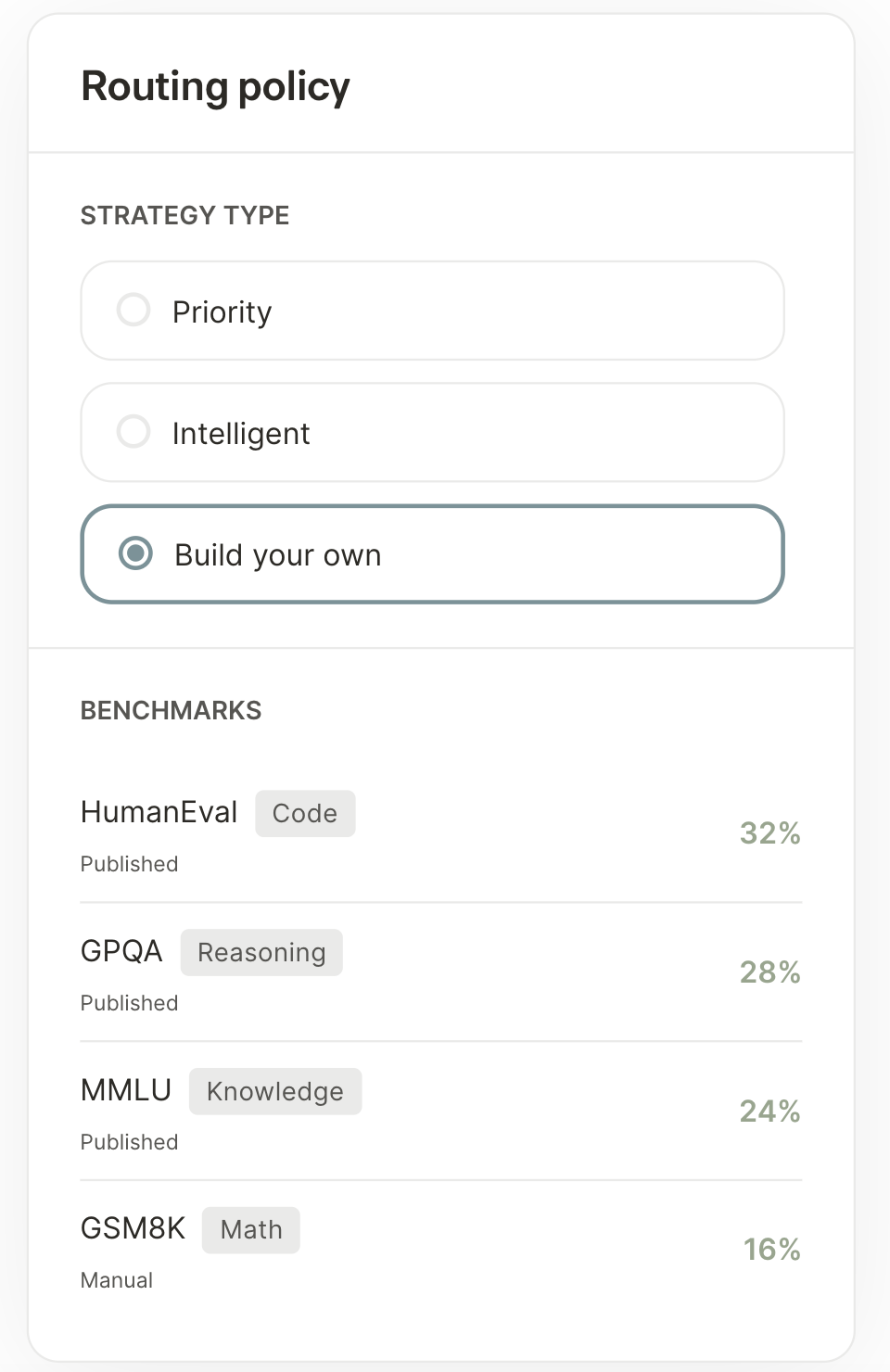
- Build your own router (BYOR): Route on your own benchmark and evaluation scores, not just cost, latency, or provider health, so "best" is defined by your data
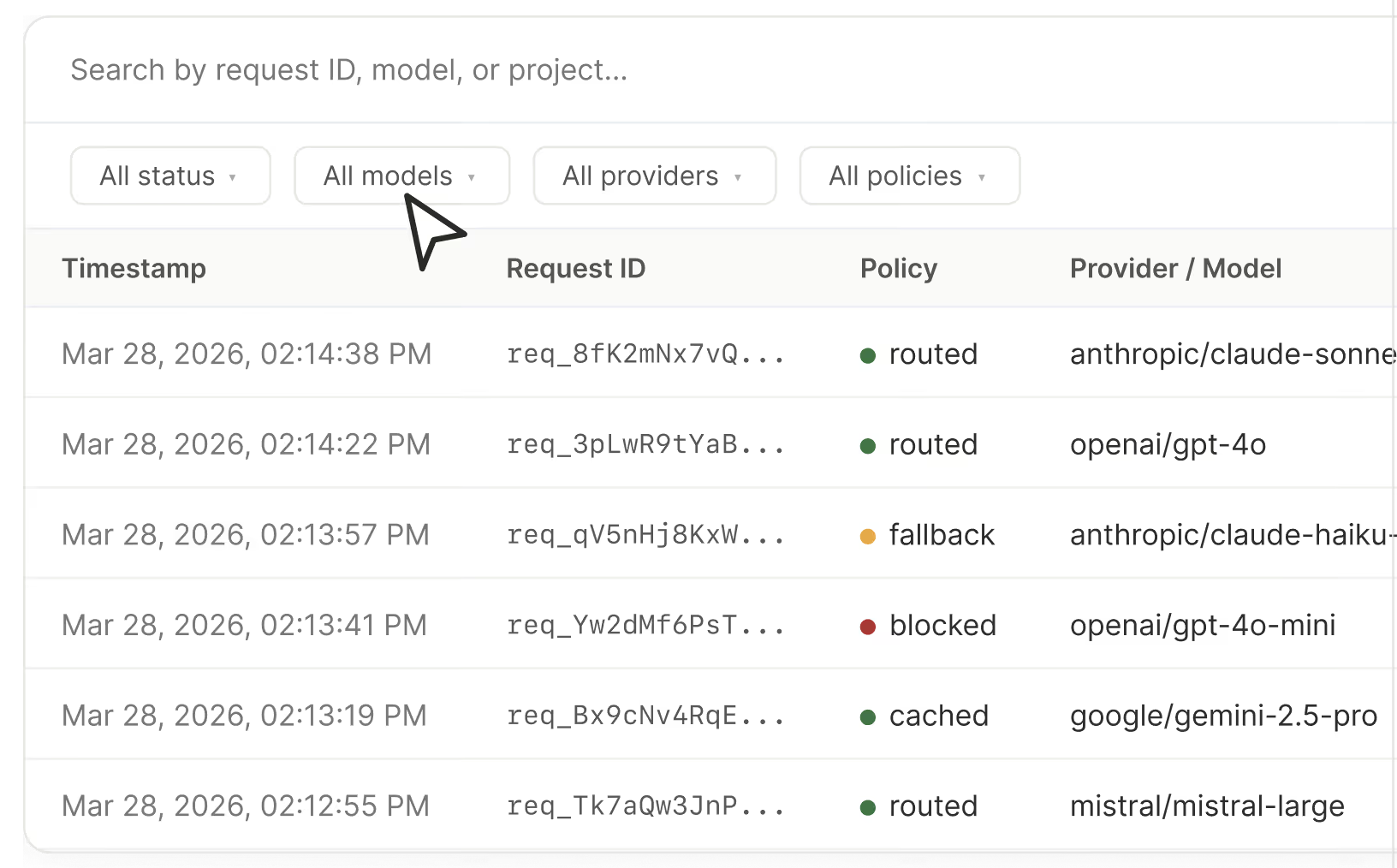
- Request-level observability. Inspect the model, cost, latency, and routing reason behind every request, not just aggregate usage
- Cost attribution. Track and attribute spend by customer, project, team, or feature, built for SaaS margins, not just org-level usage
{{this-blog-only-cta}}
OpenRouter FAQ
In case you have any more questions on OpenRouter, we’ve answered several more below.
What types of AI formats does OpenRouter support?
OpenRouter can route requests to any models that generate text, images, audio, videos, voice, and transcription.
That said, the vast majority of supported models (~75%) are text-based.
Why do people use OpenRouter?
At its core, OpenRouter serves two different use cases:
- Products that use LLMs: product managers and engineers need OpenRouter to route user requests to the best-fit model. In many cases, they’ll prioritize metrics like latency and accuracy to provide a strong user experience
- Internal business processes that use LLMs: Engineers and technical go-to-market employees (e.g., RevOps managers) need OpenRouter to minimize LLM spend without sacrificing performance
That said, AI evangelists often use OpenRouter to benchmark new models against comparable alternatives on metrics like time-to-first token (TTFT).
Is OpenRouter safe to use?
OpenRouter isn’t inherently insecure, but its one-site-fits-all routing setup won’t work if your customers have different compliance, privacy, and vendor approval requirements.
It also offers more limited visibility into why a specific model or provider was selected, how it performed, and whether the routing decision complied with internal or customer-specific governance rules.
Without that visibility, your team will struggle to debug failures, let alone explain them to customers and internal stakeholders.
What companies use OpenRouter?
OpenRouter is primarily geared for individual engineers and AI hobbyists, but a startup might use the platform to see if LLM routing drives performance improvements and cost savings.
If it does, the startup will typically build and maintain the LLM routing logic themselves to have full control or invest in a more enterprise-focused LLM routing platform, like Merge Gateway.
Jon Gitlin




Ready to try the best OpenRouter alternative?
Create a free Merge Gateway account and start routing requests to any model in minutes.


But Merge isn’t just a Unified
API product. Merge is an integration platform to also manage customer integrations. gradient text
But Merge isn’t just a Unified
API product. Merge is an integration platform to also manage customer integrations. gradient text
But Merge isn’t just a Unified
API product. Merge is an integration platform to also manage customer integrations. gradient text
But Merge isn’t just a Unified
API product. Merge is an integration platform to also manage customer integrations. gradient text