

Table of contents

.avif)
How to get your OpenRouter API key (3 steps)



Jon Gitlin
OpenRouter gives developers a single API to route requests across hundreds of models, helping them cut costs, improve performance, and avoid being locked into any model.
To help you start routing LLM requests through OpenRouter, you’ll need to generate a unique API key.
This guide helps you do just that.
Select “Get API Key” from the homepage
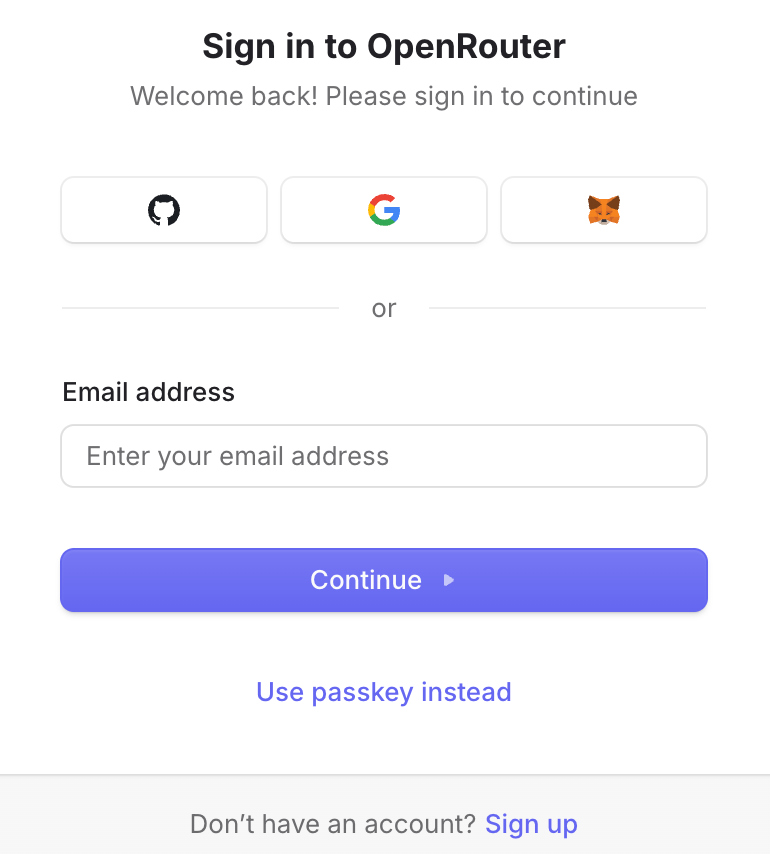
You’ll be prompted to log in. You can do so through OAuth, with your email and password, or through a passkey.
You can also create an account at this step if you don’t have one set up.
Related: How OpenRouter works
Click “+ New Key”
You’ll see a pop-up that asks for specific information on your API key.
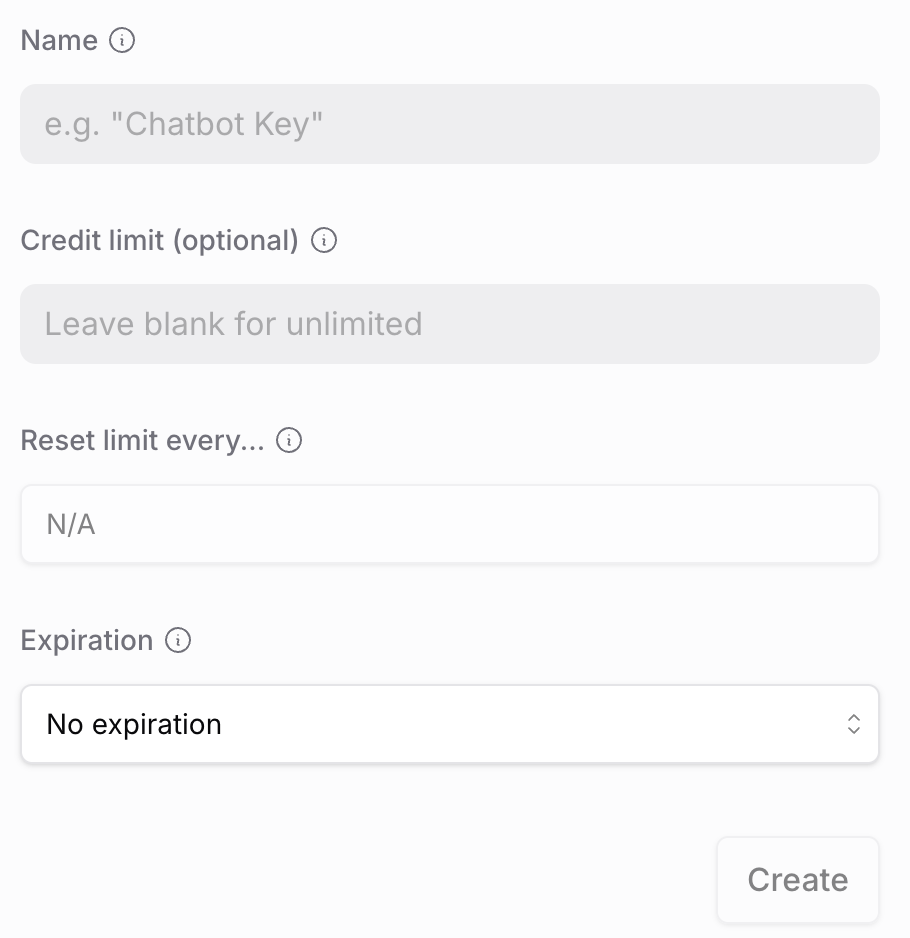
Through the pop-up, you can:
- Give your key a name to later remember where it’s used
- Assign a hard credit limit to cap your LLM routing spend. It’s worth noting that this field is optional and, if used, forces you to fill out the reset limit field
- Reset your credit limit on a schedule (e.g., weekly or monthly) to better control your spend
- Choose a specific expiration date if you don’t want LLM requests to occur past a certain period
Copy your new API key
Your API key should now be generated!
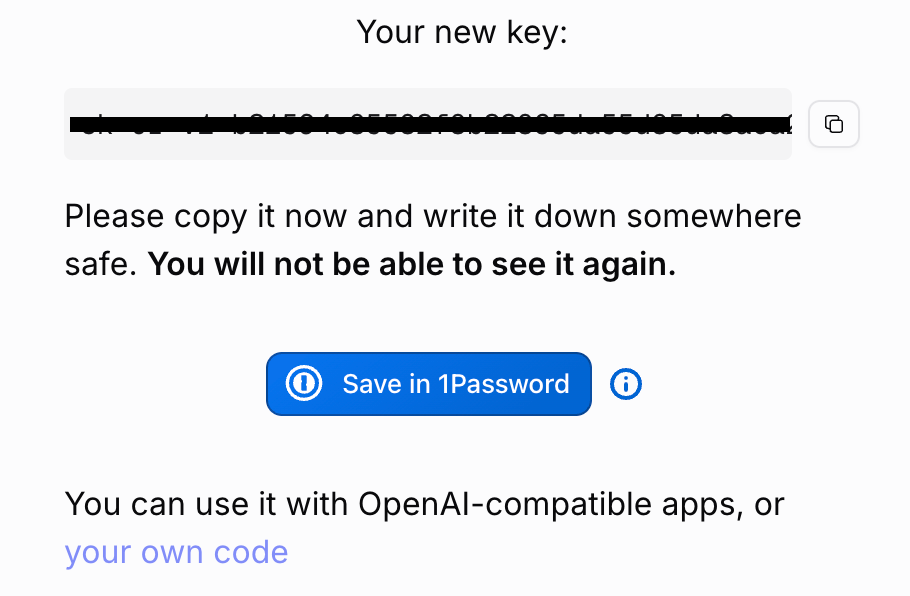
Copy it and save it in a password manager like 1Password. Fortunately, OpenRouter lets you do this with a few clicks.
Related: The best alternatives to OpenRouter
Elevate your LLM routing strategy with Merge Gateway
Gateway is Merge’s control layer for running LLMs in production.
It uses a single API that sits between your product and multiple model providers, and lets you centrally route requests, enforce budgets/policies, and keep AI features reliable (via fallbacks) with request-level visibility.
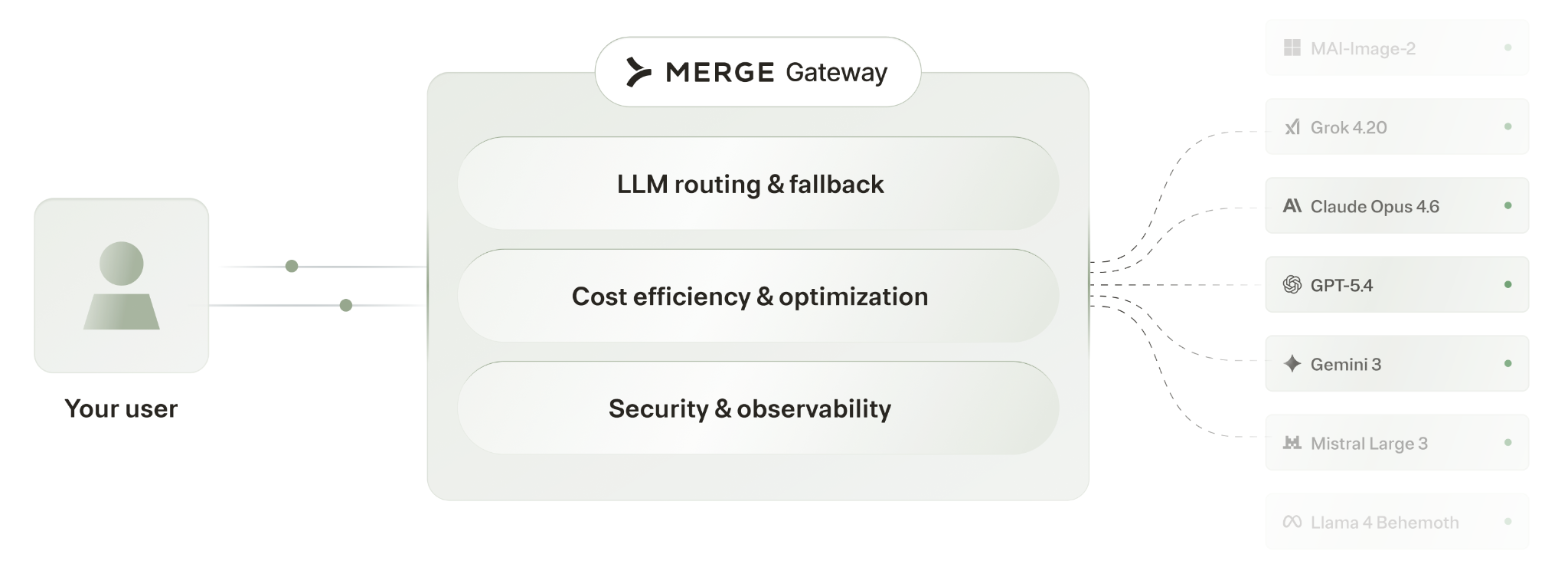
Unlike OpenRouter, it offers:
- Per-customer routing: Route by customer, feature, region, or use case (OpenRouter only optimizes provider/model selection, with no customer context)
- Enterprise data protection: Built-in DLP and prompt-injection protection (versus OpenRouter's basic privacy controls)
- SaaS-grade cost attribution: Track spend by customer, team, or feature, not just the org/workspace/project totals OpenRouter is limited to
- Production observability and governance: Per-request visibility into model, cost, latency, and routing, plus centralized policy enforcement by customer; OpenRouter only stays org-level and engineering-focused
Start testing Merge Gateway today by signing up for a free account.
OpenRouter API FAQ
In case you have any more questions on OpenRouter’s API, we’ve addressed several more common questions below.
Is the OpenRouter API key free?
Yes, since it’s free to create an account, anyone can create an API key without incurring any costs. That said, once you start using the API key, you can be charged by OpenRouter and the LLMs you route requests to.
How does OpenRouter price its API?
You're billed per token (input and output are priced separately) at each model provider's own rates. OpenRouter passes those rates through with no markup, so you pay the provider's cost.
However, OpenRouter charges a platform fee on spend, (e.g., 5.5% on Pay-as-you-go), which can quickly increase as you scale usage.
What models are supported by OpenRouter’s API?
OpenRouter supports hundreds of models from closed and open-sourced providers.
Commonly-used models include DeepSeek V4 Flash, MiniMax M3, Claude Opus 4.7, and Claude Sonnet 4.6.
What are OpenRouter’s API rate limits?
Your rate limit depends on whether you’re calling free or paid models and, if you're calling free models, how many credits you've purchased on your account.
Free models have a fixed per-minute cap, plus a daily cap that scales with your lifetime credit purchases:
- If you've purchased less than $10 in credits, you get the lower daily allowance (around 50 requests/day)
- Once you've purchased $10 or more, your daily allowance jumps significantly (around 1,000 requests/day)
Paid models aren't bound by those free-tier daily caps. Their usage is limited by your credit balance and the provider's capacity. And if your balance goes negative, requests return a 402 Payment Required error until you top up.
You can always check your rate limit remaining credits on your API key by making a GET request to this endpoint: https://openrouter.ai/api/v1/key
Jon Gitlin
.png)
.png)



But Merge isn’t just a Unified
API product. Merge is an integration platform to also manage customer integrations. gradient text
But Merge isn’t just a Unified
API product. Merge is an integration platform to also manage customer integrations. gradient text
But Merge isn’t just a Unified
API product. Merge is an integration platform to also manage customer integrations. gradient text
But Merge isn’t just a Unified
API product. Merge is an integration platform to also manage customer integrations. gradient text