

Table of contents
.avif)
.avif)
MCP vs RAG: how they overlap and differ



Jon Gitlin
As you look to build integrations and automate processes with large language models (LLMs), you’ll likely consider using the Model Context Protocol (MCP) and/or retrieval-augmented generation (RAG).
To better understand when each approach is relevant to a given integration use case, we’ll break down how they work and their relative strengths and weaknesses.
In case you want quick answers, you can also review the table below.
What is RAG?
It's a specific approach for allowing an LLM to access and use relevant, external context when generating a response. This external context can come from a variety of sources, like SaaS applications, files, and databases.
Here’s a closer look at how a RAG pipeline works:

1. Retrieval: An LLM embeds a user’s input (i.e., converts it into a vector representation) and fetches embeddings from a vector database based on how semantically-similar they are to the embedded user input.
2. Augmented: The LLM combines the retrieved embeddings with relevant, existing knowledge from the model’s training.
3. Generation: The LLM uses the retrieved context and existing knowledge to produce an output for the user.
Guru, as an example, uses RAG as a core functionality of their enterprise AI search platform.
An employee can ask all kinds of questions in their employer’s instance of Guru. Guru’s LLM then performs RAG to generate an output that answers the employee’s question in plain text and includes links to relevant sources in case the user wants to learn more.

{{this-blog-only-cta}}
What is MCP
It’s a protocol that allows LLMs to interact with outside data sources via an MCP server.
More specifically, MCP includes:
- An MCP client, which allows the host application (typically an AI chatbot) to request data or functionality exposed by an MCP server
- An MCP server, which can include API endpoints, files, databases, and other types of data
- Tools, which expose data or functionality from the MCP server with MCP clients

For example, say you offer an AI assistant in your product that’s integrated with several of your customers’ ticketing, file storage, and accounting systems.
Your customer can make a request to the assistant, such as creating a high priority ticket for engineering to build a requested product feature. The assistant can then review the tools exposed by the MCP server and call the one that lets it create a ticket in the customer’s project management system.

RAG vs MCP
RAG and MCP both allow an LLM to access data and functionality from an outside data source. They also both help LLMs answer users’ questions.
That said, each approach should be used for different use cases.
An LLM should use RAG to provide up-to-date information from a user’s input, whether that’s related to a customer, an employee, or the business more broadly. And an LLM should use MCP when a user wants to perform actions inside of an application, such as creating a ticket, sending an email to a new hire, or updating a customer’s account information.
Put simply: RAG is best suited for enterprise AI search while MCP should support agentic AI use cases.
https://www.merge.dev/blog/api-vs-mcp?blog-related=image
Leverage Merge’s integrations to support any AI use case
Merge lets you use MCP and RAG across your products and agents successfully through Merge Unified and Agent Handler.
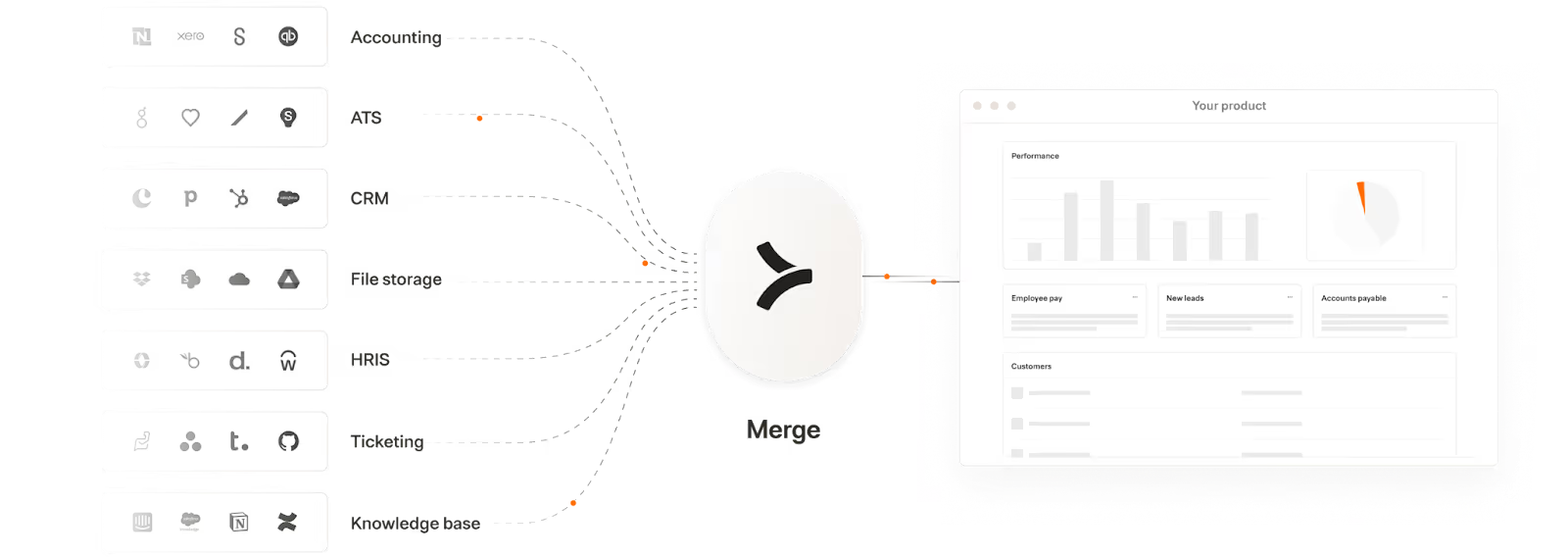
Through Merge Unified, you can integrate your product with hundreds of cross-category applications via a Unified API.
Merge Unified also provides the integration observability tooling your customer-facing teams need to manage integrations independently and effectively.
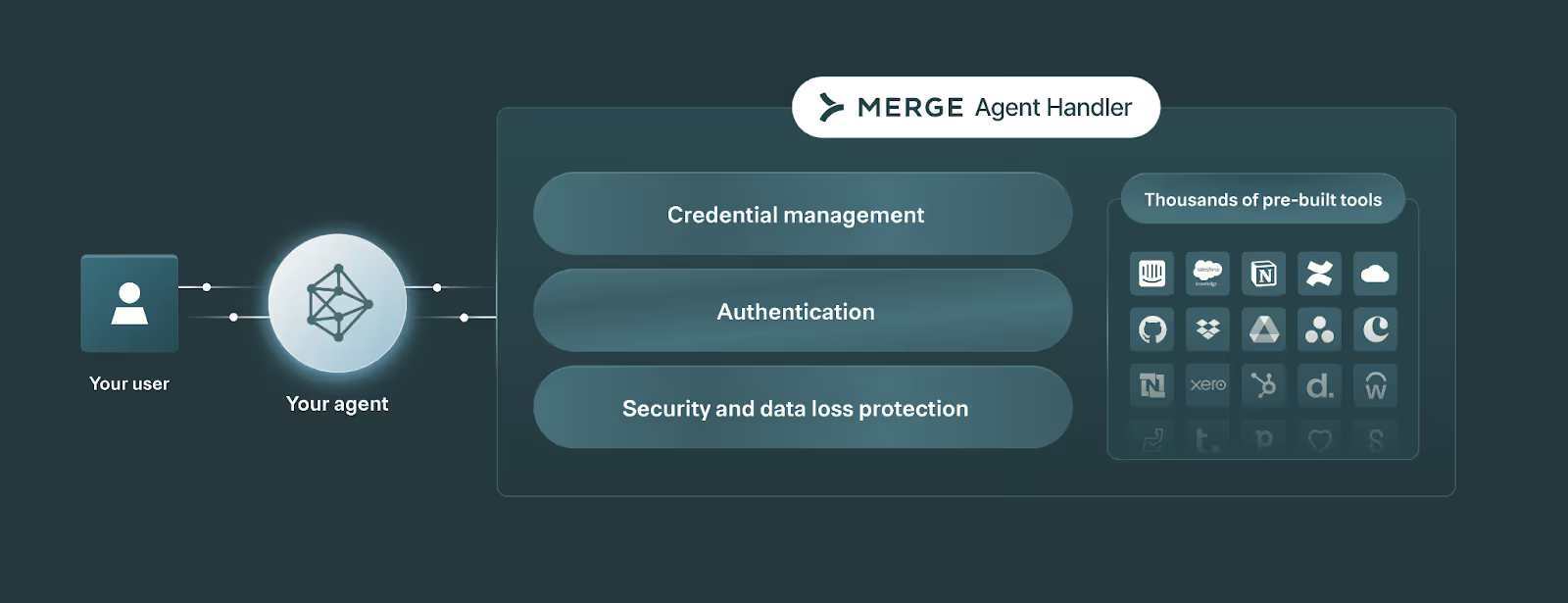
Merge Agent Handler lets you securely connect any of your agents to thousands of pre-built tools, test your tools rigorously, monitor all tool interactions, and more.
Learn how Merge can power your AI agents and your product’s AI features by scheduling a demo with one of our integration experts.
Jon Gitlin


Uplevel your AI workflows in the TECHSY.community
The TECHSY.community includes a library with hundreds of Claude, OpenAI, and Gemini skills and agentic workflows, along with annotated docs and code you can fork into your own stack.


But Merge isn’t just a Unified
API product. Merge is an integration platform to also manage customer integrations. gradient text
But Merge isn’t just a Unified
API product. Merge is an integration platform to also manage customer integrations. gradient text
But Merge isn’t just a Unified
API product. Merge is an integration platform to also manage customer integrations. gradient text
But Merge isn’t just a Unified
API product. Merge is an integration platform to also manage customer integrations. gradient text