

Table of contents
.jpg)
.avif)
Pipedream vs. Composio: which is better for your agents?



Jon Gitlin
If you need to integrate your agents with 3rd-party software and can't afford to have you developers build and maintain each connection, you’ll likely evaluate Composio and Pipedream.
To help you compare the two agentic integration platforms, we’ll break down how each works, their pros and cons, and compare them directly.
What is Composio?
Composio is a developer-first, agentic integration platform that enables developers to embed third-party actions (e.g., Slack, GitHub, Notion) into their agentic workflows without building every integration from scratch.
Pros
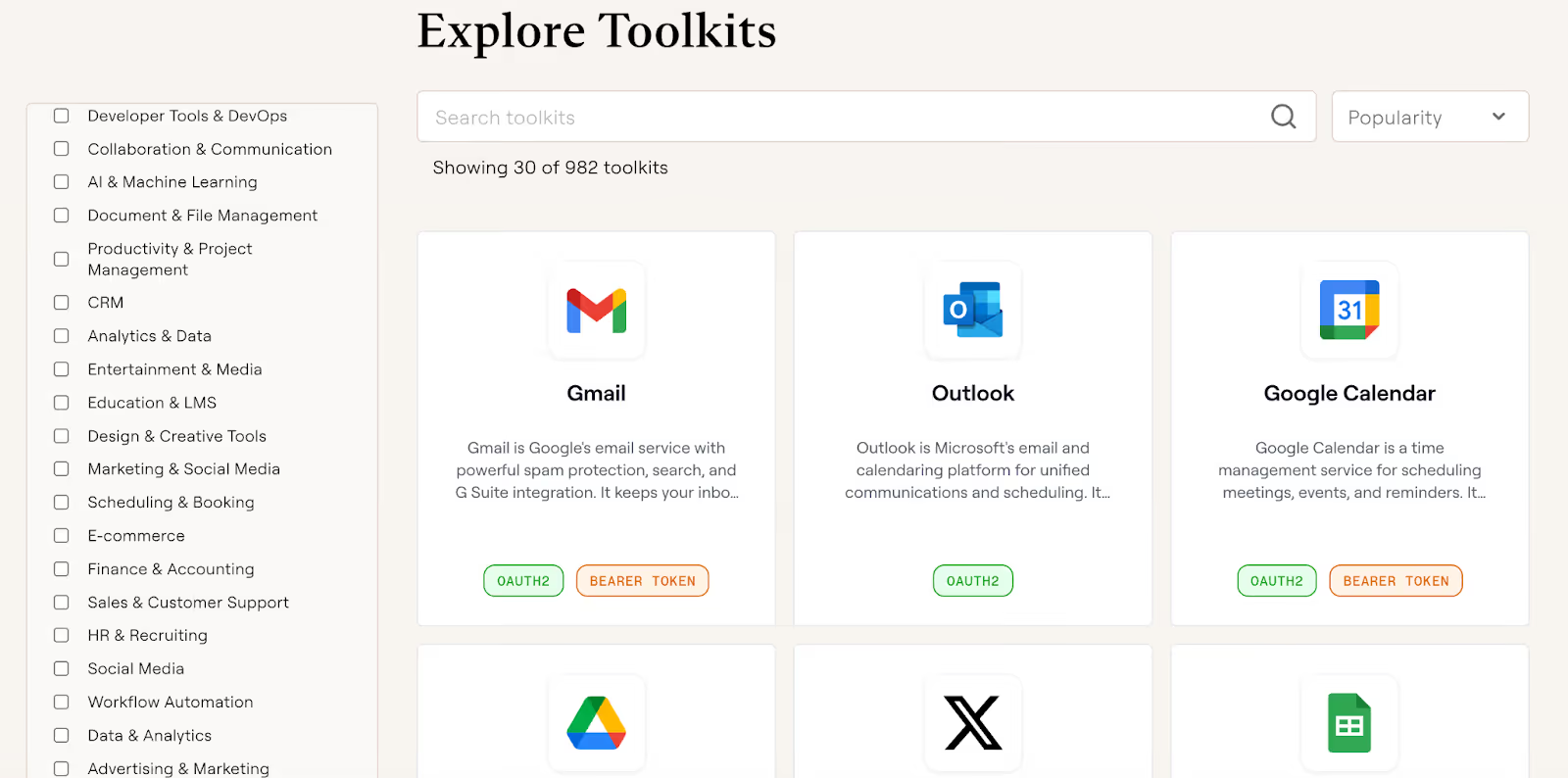
- Leverage broad tool and integration coverage (hundreds of apps, thousands of tools) for fast initial enablement across many use cases
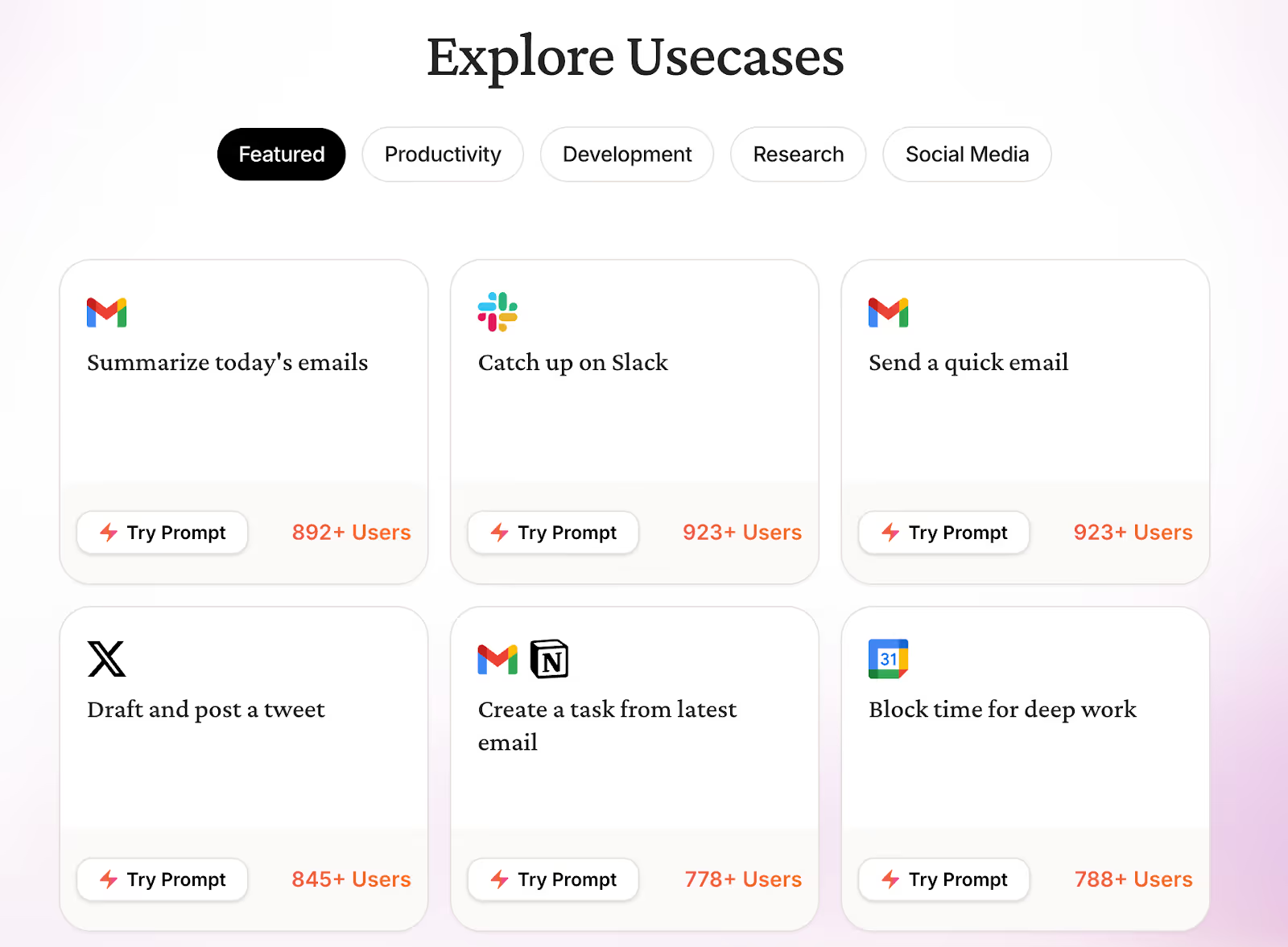
- Access templates to help you ideate and implement your top use cases quickly
- Offers SDKs (Python, TypeScript) and framework adapters (e.g., LangChain and CrewAI), which can accelerate implement timelines
Cons
- Engineering-heavy, code-first implementation that’s not geared toward non-technical users. Since you might have teams across go-to-market, security/IT, etc. that want to build agentic integrations, this can quickly become unscalable
- Security/governance features (e.g., audit logs, RBAC) are gated to higher-priced tiers. In other words, you can be forced into paying more just for access to critical security features
- Limited data loss protection functionality. For example, you can’t define policies that restrict the types of data your agents can access or share across connectors
Related: Composio’s top alternatives in 2026
What is Pipedream?
Pipedream is a comprehensive integration solution that can work across your products and agents.
It provides an integration platform as a service (iPaaS) for building API-based workflows and integrations, an embedded integrations solution that lets SaaS products add integrations inside their own apps, and infra that exposes integrations as tools for AI agents.
Pros
- Its comprehensive integration offerings let you avoid buying separate integration products for different use cases. This can help you save money and time (e.g., your team doesn’t have to manage multiple vendor relationships)
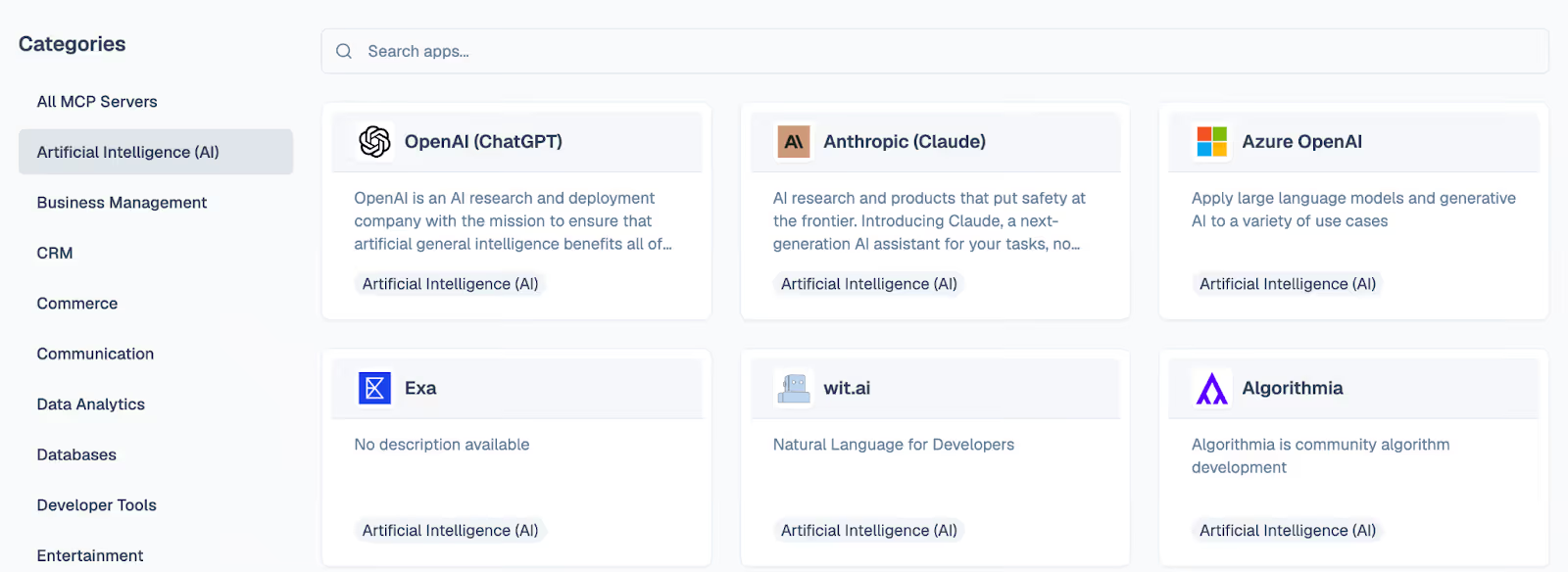
- Supports a wide range of pre-built connectors. These span several software categories, from AI to CRM to file storage
- Now that Pipedream is part of Workday, the company can potentially access more resources to build and improve on its integrations
Cons
- There’s potentially misleading customer proof. On their homepage, Pipedream lists several enterprise logos (e.g., Warner Bros). These companies don’t appear to work with Pipedream; developers at these companies might have just used Pipedream at a previous employer
- By offering a wide range of integration products, their team naturally has less resources available to allocate across them. So if you’re solely focused on using their agentic integration product, you might not be able to get new connectors built quickly or have existing ones improved
- Our go-to-market teams have repeatedly heard that Pipedream’s MCP connectors are unreliable in production, and that connector quality varies widely. This can come down to a lack of resources and a focus on scaling connectors versus making each high quality
Given all of these pros and cons, it can be hard to decide when to use one over the other. We’ll break down how you can compare the two in the following section.
Related: The top alternatives to Pipedream in 2026
Composio vs Pipedream
While both companies support agentic integrations, Composio offers a more battle-tested solution and likely has more resources to allocate towards it.
- Choose Composio if: You’re primarily focused on building agentic integrations and need strong customer proof points for internal approvals
- Choose Pipedream if: You’re more focused on supporting deterministic integration scenarios, such as enterprise search, and your developers are already used to using event-driven workflow builders
You can also refer to this table for a quick analysis:
Why Merge Agent Handler is the best solution for your agentic integrations
Merge Agent Handler is the most complete platform for teams that need agentic integrations to work at enterprise scale.
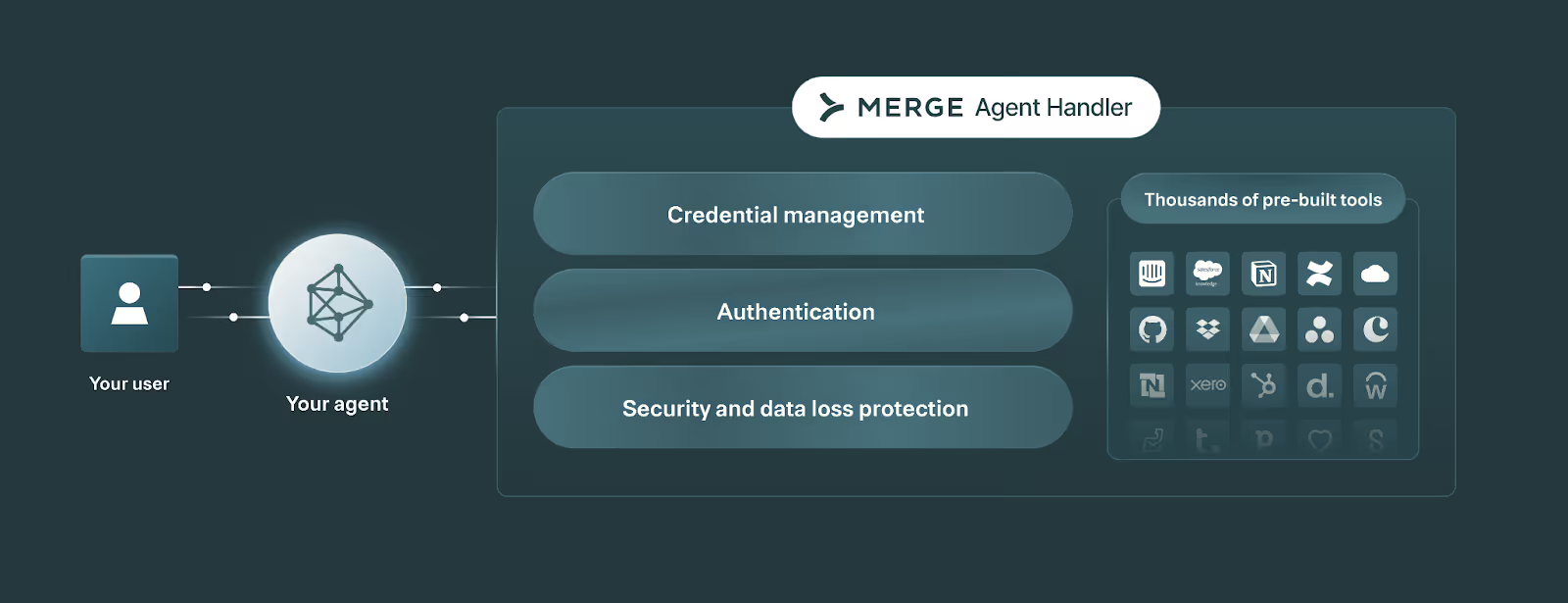
Here’s a snapshot of what you can expect with Merge Agent Handler:
- Enterprise-grade connectors: Agent Handler is already used in production by the largest streaming platform, the leading AI-powered answer engine, and other enterprise companies
- Security and governance built for agents: You’ll get access to a security gateway, configurable rules/DLP, and granular permission controls, so you can reduce data leakage risk and tightly scope what an agent can access and do
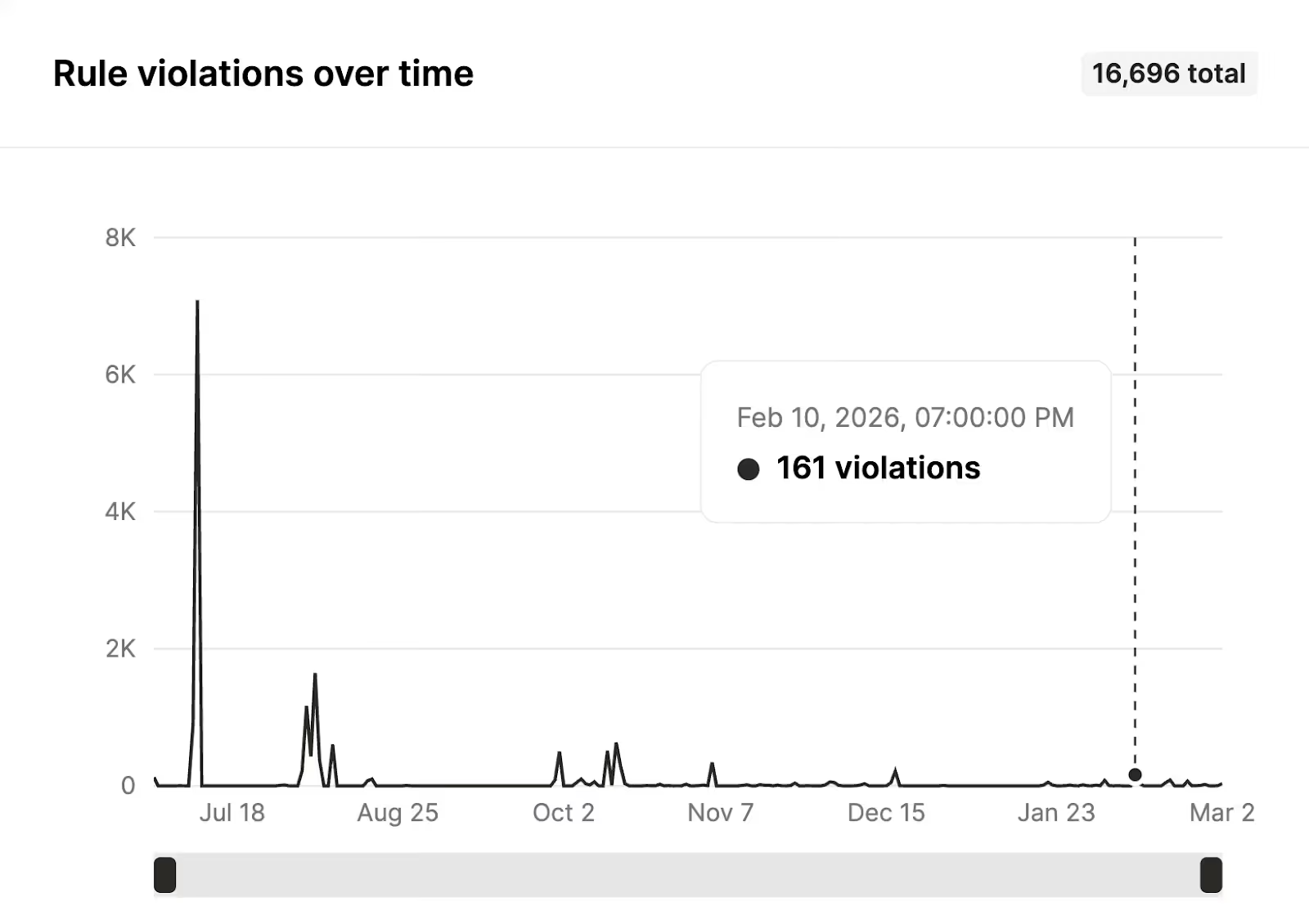
- Deep observability across tool calls and API requests: You’ll get access to fully-searchable logs and audit trails, making it easier to debug failures, prove what happened, and monitor agent behavior over time

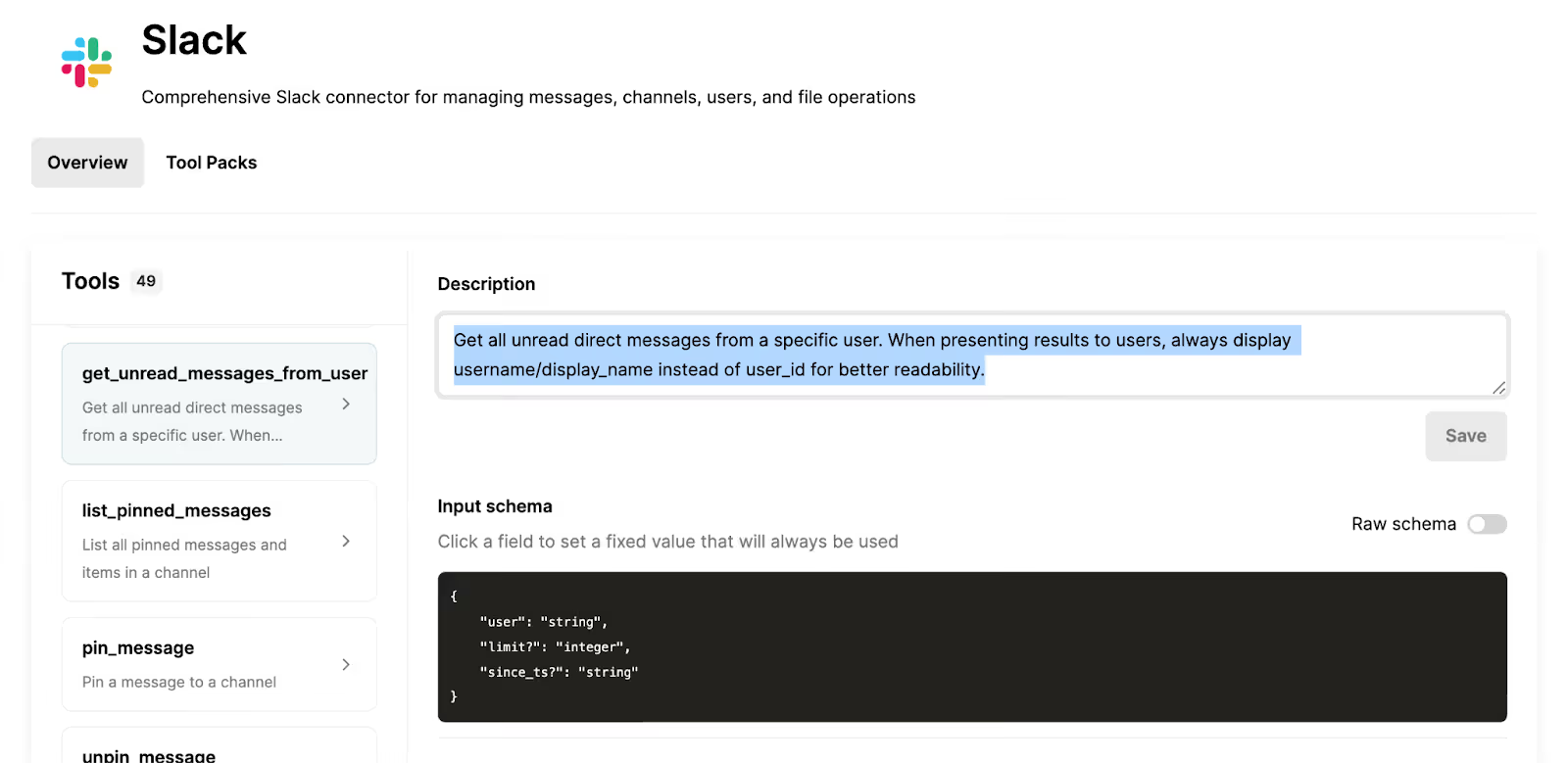
- Customizable connectors: You can fine tune any connector to meet your exact requirements, whether that’s adding a tool or editing a tool’s name, description, or schema to improve tool selection
You can get started with Merge today by signing up for a free account.
Jon Gitlin





But Merge isn’t just a Unified
API product. Merge is an integration platform to also manage customer integrations. gradient text
But Merge isn’t just a Unified
API product. Merge is an integration platform to also manage customer integrations. gradient text
But Merge isn’t just a Unified
API product. Merge is an integration platform to also manage customer integrations. gradient text
But Merge isn’t just a Unified
API product. Merge is an integration platform to also manage customer integrations. gradient text