

Table of contents
.png)
.png)
How to connect a Workday MCP to Cursor (4 steps)



Jon Gitlin
Developers building HR integrations in Cursor have to configure credentials outside the project, make test calls against a live tenant, and copy results back in just to understand the field structure their code depends on.
To help your developers query Workday employee data and org structure without leaving Cursor, we'll show you how to connect Workday with Merge Agent Handler's Workday MCP server.
How it works
Merge Agent Handler connects Cursor to the Workday API through the Merge CLI.
Install the CLI, authenticate once, and run a single setup command from your project root. That command writes a ## Merge CLI section to the project's .cursorrules file, which tells Cursor's agent when to call merge search-tools and merge execute-tool to reach Workday.
Here's the registration command:
Related: A guide to connecting a Workday MCP with Codex
Prerequisites
Before getting started, you'll need the following:
- A Merge Agent Handler account
- Cursor installed
- pipx installed (run
pipx --versionto confirm, or install viapip install pipx) - Workday admin access to generate integration credentials for your tenant
If you want to connect Merge Agent Handler's Workday MCP with internal or customer-facing agentic products, you can follow the steps in our docs.
1. Install the Merge CLI
Install with pipx and verify: pipx install merge-api
Verify your installation: merge --version
Related: How to use a Workday MCP in Claude Code
2. Log in to Merge
Authenticate the CLI with your Merge Agent Handler account: merge login
This links the CLI to your account so it can make authorized requests to Workday on your behalf.
3. Connect the CLI to Cursor
Run the following from the root of the project where you want to use Merge tools:
This writes a ## Merge CLI section to .cursorrules so Cursor knows to use the CLI for third-party services. The command is idempotent, safe to re-run if you need to reset.
4. Authenticate Workday
Open a Cursor chat in your project and start with a query that reflects real development work.
For example: "Fetch a sample active employee record from Workday and return the full JSON, including all field names, nested object structures, and data types, so I can write accurate TypeScript interfaces for my HR integration."
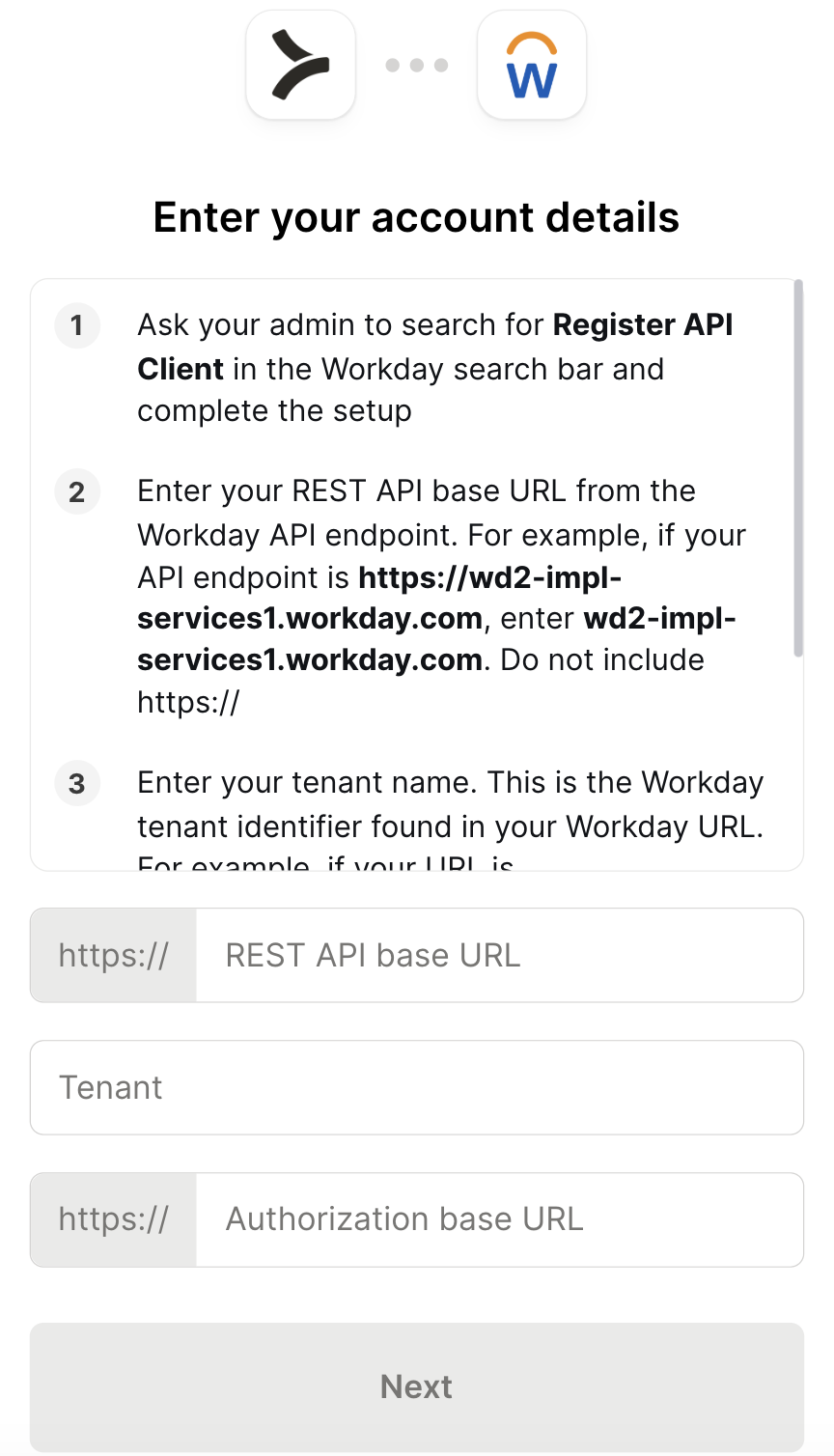
The first time you invoke a Workday tool, a Magic Link will appear to complete connector authentication.
{{this-blog-only-cta}}
Workday MCP FAQ
In case you have more questions on setting up and using the Workday MCP in Cursor, we've addressed several more commonly-asked questions below.
What can you do once the Workday MCP is connected to Cursor?
With Workday connected, Cursor can:
- Inspect employee record field structures while writing data models: fetch a real worker record to see the actual field names, nested object shapes, and value formats before defining TypeScript interfaces or Pydantic schemas your integration depends on
- Pull organization hierarchy data while building reporting features: retrieve the actual org structure for a department to understand how Workday models supervisory organizations before writing the traversal logic your reporting tool needs
- Fetch position field definitions while coding job matching logic: query real position records to see how Workday represents job profiles, grades, and position types before writing the matching or eligibility logic that compares them
- Check compensation field names while implementing pay analysis features: retrieve compensation plan data to confirm field names and nesting depth before writing a pay equity or band analysis tool, so your parsing logic handles the actual schema
- Look up worker type definitions while building access provisioning logic: pull records that include employee type, worker status, and employment classification to understand the values your provisioning rules need to evaluate before writing the conditional logic
- Retrieve time-off record structures while implementing a leave tracking integration: fetch leave of absence records to see the actual field shape your sync logic needs to handle before writing against a schema you may have inferred incorrectly from documentation
Why use Merge Agent Handler vs. a self-hosted Workday MCP server?
You can build a self-hosted MCP server on top of Workday's API.
For a developer with an existing ISU and a well-understood tenant, the initial setup is feasible: configure the ISU credentials, map the endpoints you need, and write tool schemas against the Workday objects you want to expose.
Workday's API is one of the more complex surfaces in enterprise software.
Tenant-specific base URLs, versioned WSDL schemas for SOAP endpoints, and a separate REST surface for newer objects mean there's meaningful upfront work before you get to the first useful query. Field names often don't match common conventions: what other systems call "department" Workday calls "supervisory organization." This translation layer has to live somewhere in your self-hosted setup and stay current as Workday evolves.
At team scale, the access control problem compounds. Each developer managing their own ISU credentials means multiple integration users in Workday with no per-agent scoping on which objects or operations each can reach. When credentials rotate, every developer's local setup breaks at the same time. There's no central audit trail of what was queried or written against the tenant.
Merge Agent Handler abstracts the Workday-specific complexity and adds a control layer on top.
You can define exactly which Workday operations each agent can call: a read-only headcount agent can, for example, get employee list and detail tools, but never write access. Every call is also logged with the timestamp, tool name, and inputs.
Why connect Workday to Cursor?
Workday holds organizational truth that HR integrations depend on: employee field schemas that vary by tenant configuration, org hierarchy structures that don't map cleanly to what documentation describes, and position data whose field names only make sense when you see a real response.
For developers building against Workday in Cursor, that reference data sits outside the editor until you connect it.
With the Workday MCP connected, Cursor can fetch real worker records, pull org structures, and surface field definitions inline while your developers write the code that depends on them.
Jon Gitlin
.png)
.png)

Connect Cursor to thousands of tools with Merge Agent Handler
Use Merge Agent Handler’s 150+ connectors (including Workday) to power reliable, secure, and powerful agents.


But Merge isn’t just a Unified
API product. Merge is an integration platform to also manage customer integrations. gradient text
But Merge isn’t just a Unified
API product. Merge is an integration platform to also manage customer integrations. gradient text
But Merge isn’t just a Unified
API product. Merge is an integration platform to also manage customer integrations. gradient text
But Merge isn’t just a Unified
API product. Merge is an integration platform to also manage customer integrations. gradient text