



How we use Merge for Workforce to give Mergies secure AI access


Noura Alraddadi
Every “Mergie” uses our MCP connectors in Claude to automate key workflows.
Our reps use a Notion connector to get policy questions answered for deals; our SEO team uses an Ahrefs connector to research keyword opportunities; our product marketers use a Gong connector to uncover competitive intel from calls. The list goes on.
The challenge was that my team needed better visibility into which tools were being used, by whom, and what actions were being taken in connected systems.
Rather than block MCP access entirely, we decided to dogfood our own product, Merge for Workforce.
AHFE lets us observe and manage how Mergies use approved MCP tools in Claude Code, while still allowing them to move at the speed they want.
Here’s how we use AHFE and some best practices for implementing it at your org.
Our current AHFE implementation
Employees are granted access through an Okta group that can access our “Jarvis Tool Pack,” which is a pre-configured bundle of connectors and tools employees can access in Claude.
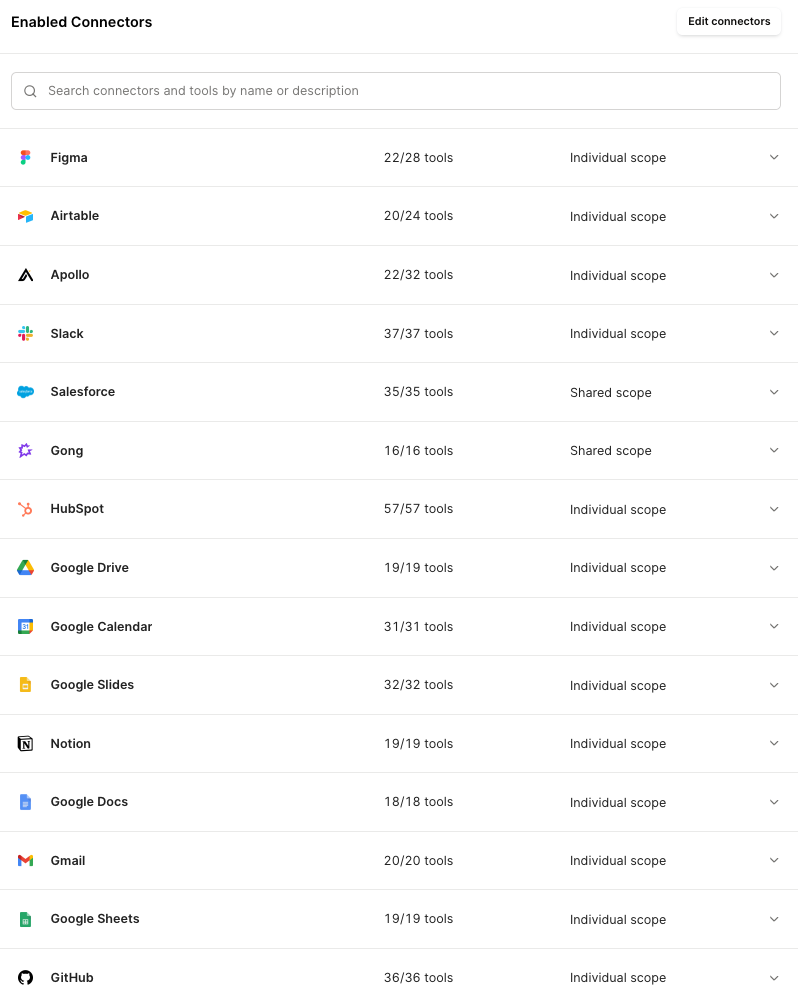
A Mergie can access any of these approved connectors within Claude Code in a few steps:
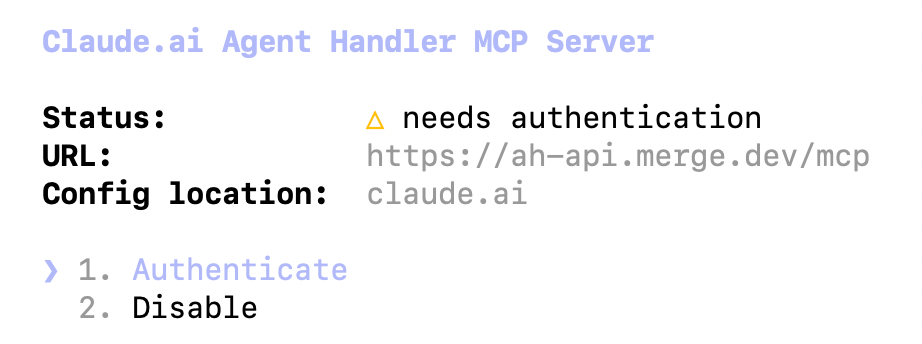
1. Add Merge as an MCP server in Claude Code using our MCP URL: claude mcp add --transport http agent-handler https://ah-api.merge.dev/mcp
2. Once they run a command that uses a tool from the server, they’ll get an authentication message.
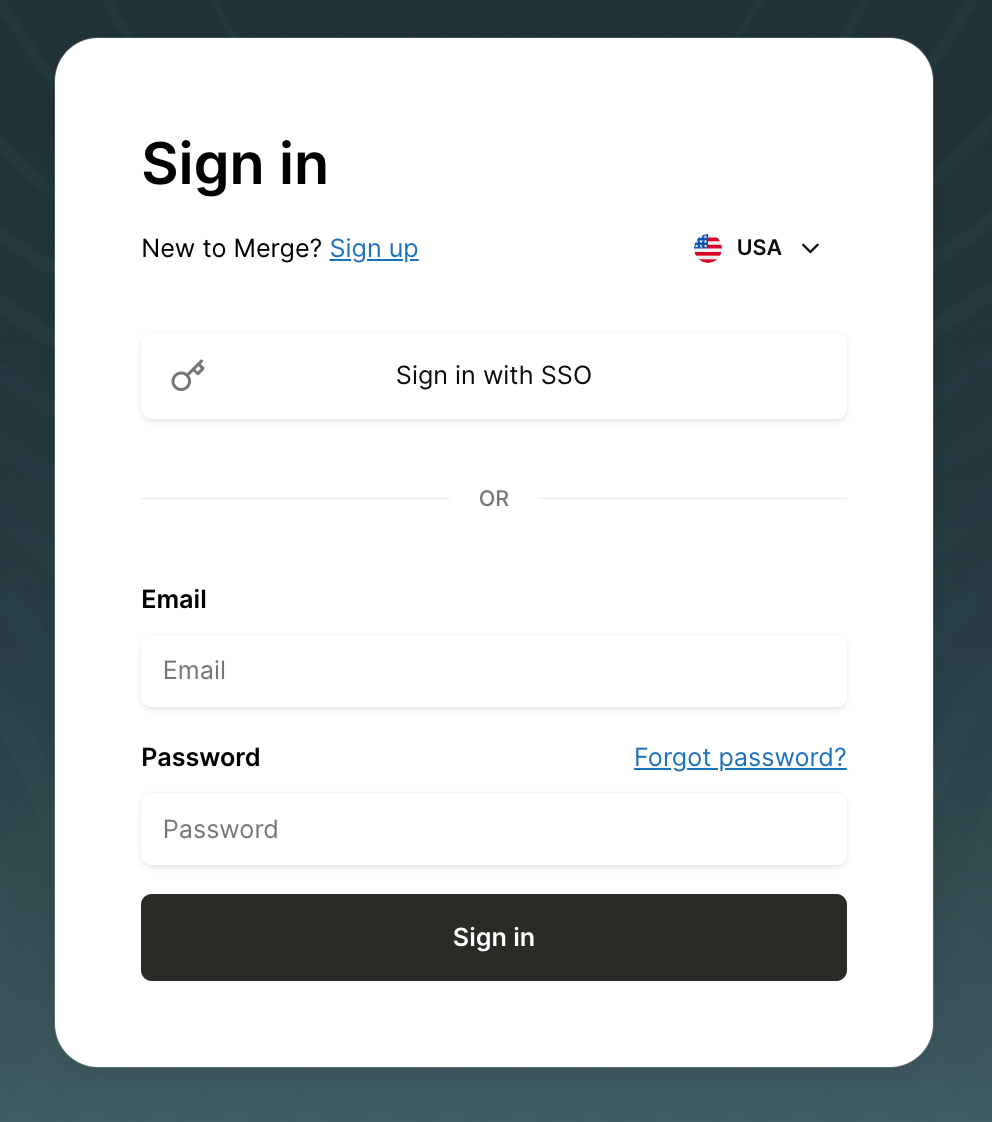
3. A Merge for Workforce window pops up, allowing them to complete the authentication flow via SSO.
4. Once logged in, they can request or select from the tools available to their assigned tool pack.
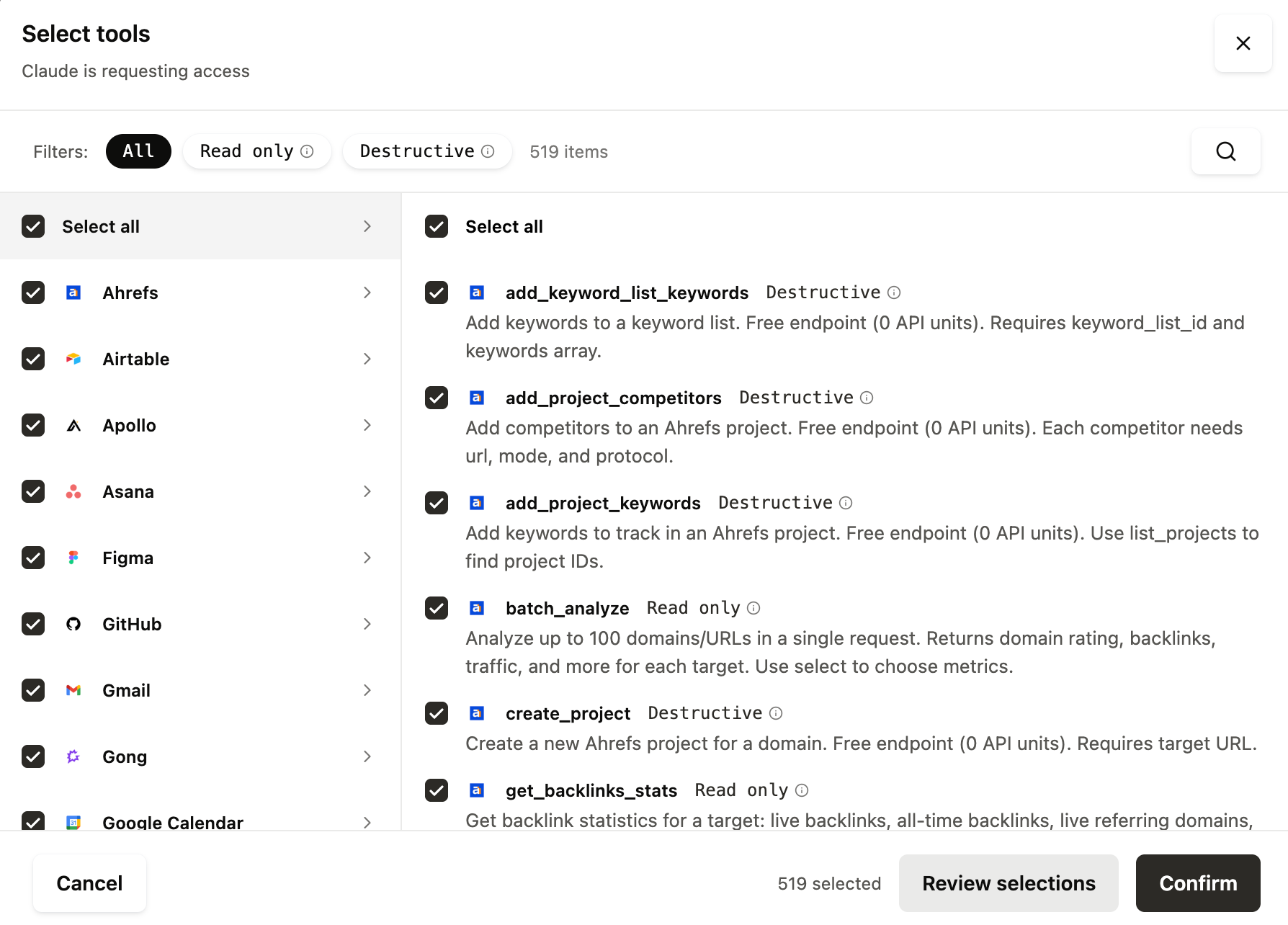
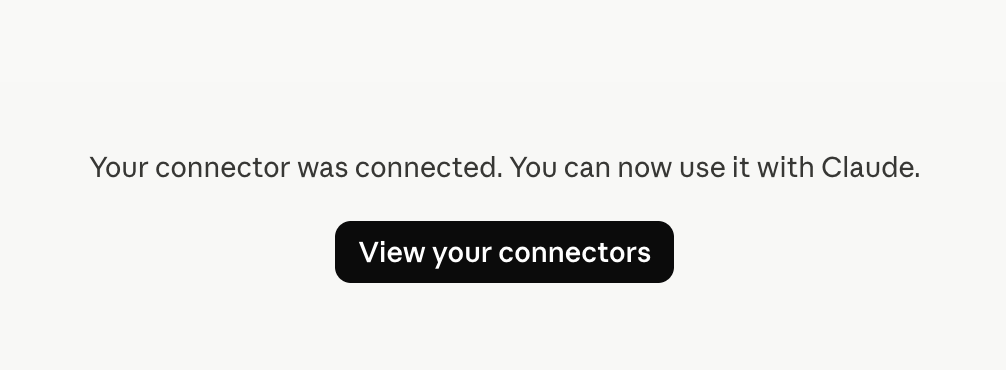
5. After they hit “Confirm,” they’re redirected to Claude, which displays the message below:
On the backend, my team can see every tool call, including who it’s coming from, when it occurred, the connector(s) that was involved, etc.
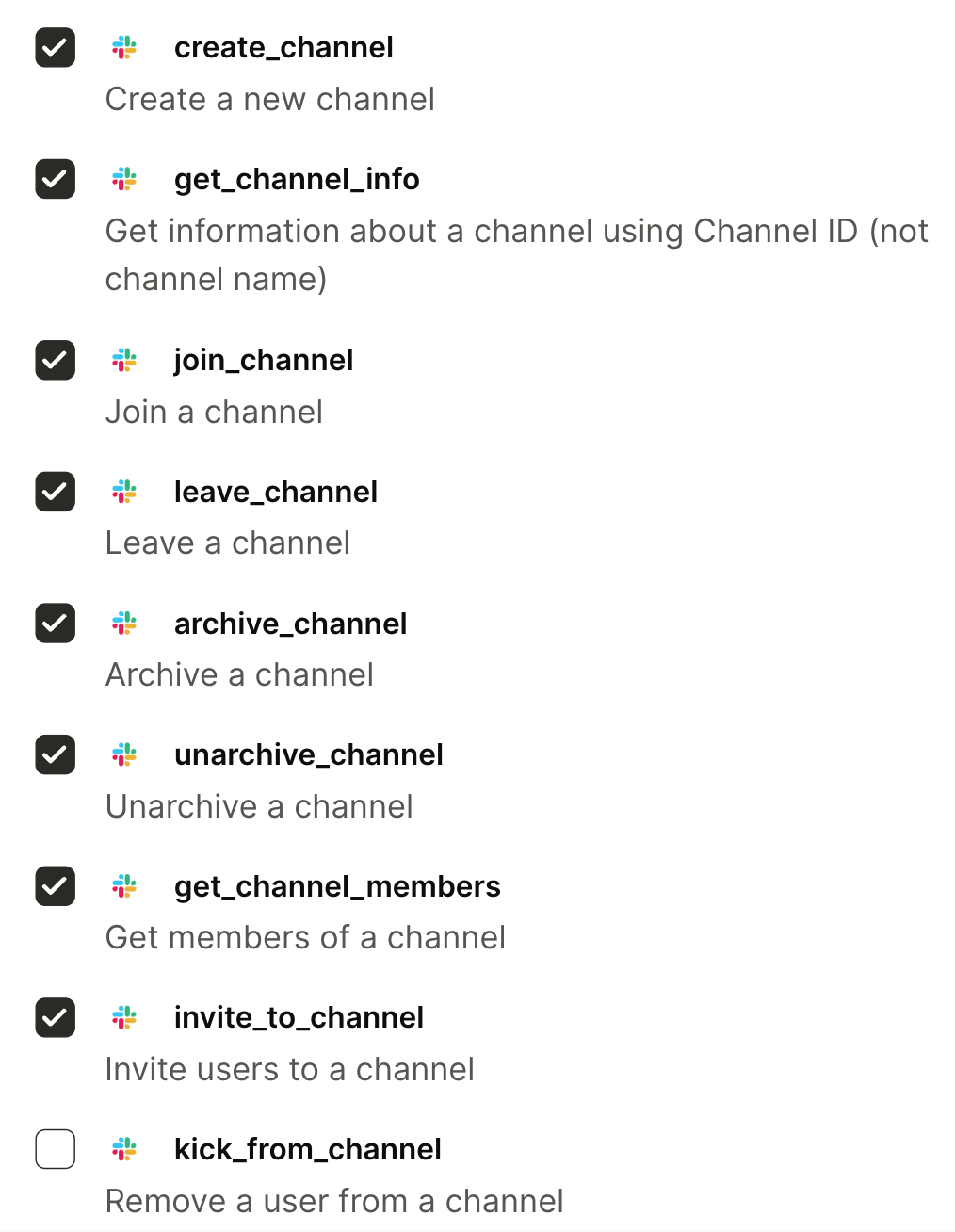
I can also modify the group’s connector and tool access as use cases evolve, so each tool pack stays aligned to approved workflows.
For example, I can approve requested tools.

And I can revoke a permission, like the ability to remove users from a Slack channel, just by unchecking a box.
Best practices for using AHFE
Based on our experience, here are some best practices for rolling out employee-facing AI tools.
Start with the minimum scope of connectors and tools
Starting with minimum scope means treating an employee-facing AI like any other production system: you give it only what it needs to do a clearly defined job, and you expand its capabilities only when there's a clear reason to.
In practice, that means selecting a small number of connectors tied to a specific workflow, then limiting each connector to the smallest set of actions required.
For example, if the initial use case is "answer common internal questions," Claude Code (or whatever AI you use) may only need to search and read from a knowledge base like Notion. It doesn't need to use operations like delete, write, and patch, or access data in other systems.
This reduces your security risk, but it also makes your employee AI more reliable. When you constrain its options, you reduce the chance it picks the wrong tool or pulls the wrong data source.
Avoid tools with destructive capabilities
In addition to explicit deletion, "Destructive" can include any action that changes state at scale, exposes data or causes serious downstream impact, such as:
- Modifying permissions
- Provisioning, deprovisioning or changing user roles
- Initiating payments, refunds or financial changes
- Sending external communications
- Bulk-updating fields that drive operational workflows
There are all kinds of ways to replace destructive capabilities successfully.
For example, the AI can add notes instead of changing statuses, write to a "draft response" field instead of sending an email, or open a pull request instead of pushing directly to a protected branch.
If there's truly no way around a destructive capability, treat it as an exception wrapped in hard guardrails: explicit confirmation steps that summarize impact, strict rate limits and caps, and comprehensive logging. That way a mistake is caught early and its blast radius stays bounded.
Use shared scope for business-critical systems
Rather than connecting broad individual accounts to sensitive systems like HRISs or CRMs, use a centrally managed shared identity with carefully designed least-privilege permissions.
This reduces over-permissioned access, standardizes what the AI can do, and makes monitoring easier.
You’ll just need to make sure that the shared scope preserves end-user attribution. That way your team can trace each action back to the employee who initiated it.
For example, we use a shared scope for Gong because an employee’s individual Gong permissions may be broader than what the AI workflow needs. The AI uses a dedicated read-only account limited to the required transcripts and call summaries, while AHFE still shows which Mergie initiated a given request via logs.
Our future plans for implementing AHFE
Our current AHFE rollout is a strong starting point, but we have aggressive plans to build on it.
For example, we're creating tool packs tailored to specific go-to-market teams and workflows.This lets us minimize data exposure even further while giving each team the approved tools it needs to use AI effectively.
Marketing, for instance, won't have access to tools another GTM team relies on, like Apollo, but will have the ones specific to their work, like Peec AI.
As we keep refining how we securely deploy AI at Merge via AHFE, we'll share what we learn along the way!
{{this-blog-only-cta}}
Noura Alraddadi
.png)

.png)

Ready to equip your team with secure AI access?
Deploy employee AI with provisioning, access control, DLP, and audit logging from day one.


But Merge isn’t just a Unified
API product. Merge is an integration platform to also manage customer integrations. gradient text
But Merge isn’t just a Unified
API product. Merge is an integration platform to also manage customer integrations. gradient text
But Merge isn’t just a Unified
API product. Merge is an integration platform to also manage customer integrations. gradient text
But Merge isn’t just a Unified
API product. Merge is an integration platform to also manage customer integrations. gradient text