

Table of contents
Just for you
No items found.
HCM integration: here’s everything you need to know

No items found.
As your organization adopts more tools that need employee data, you’ll need to integrate them with your human capital management (HCM) system.
Otherwise, you'll be forced to add employee data to these systems manually, which can not only be tedious and time consuming but can also lead to costly human errors (e.g. forgetting to add a new hire in your payroll system).
Similarly, if you offer a SaaS product, you’ll need to integrate it with clients’ HCM solutions to ensure your product can—among other things—automate user provisioning.
To help you in either HR integration scenario, we’ll cover what HCM integration is, common use cases you can implement, the benefits of implementing these use cases, and more.
But first, let’s align on what HCM means.
HCM overview
Human capital management (HCM) consists of practices that help organizations attract employees, manage them, and optimize their productivity over time. Broken down even further, HCM defines how organizations go about the following (and more):
- Recruiting employees
- Onboarding employees
- Managing compensation across their workforce
- Up-skilling their employee base
- Handling performance reviews
- Collecting, analyzing, and acting on employee feedback
An HCM system is a platform that helps organizations perform tasks that fall under any combination of the areas described above. Therefore, these platforms are incredibly versatile, powerful, and valuable to businesses of all shapes and sizes.
You can learn more about HCM from Gartner.
What is HCM integration?
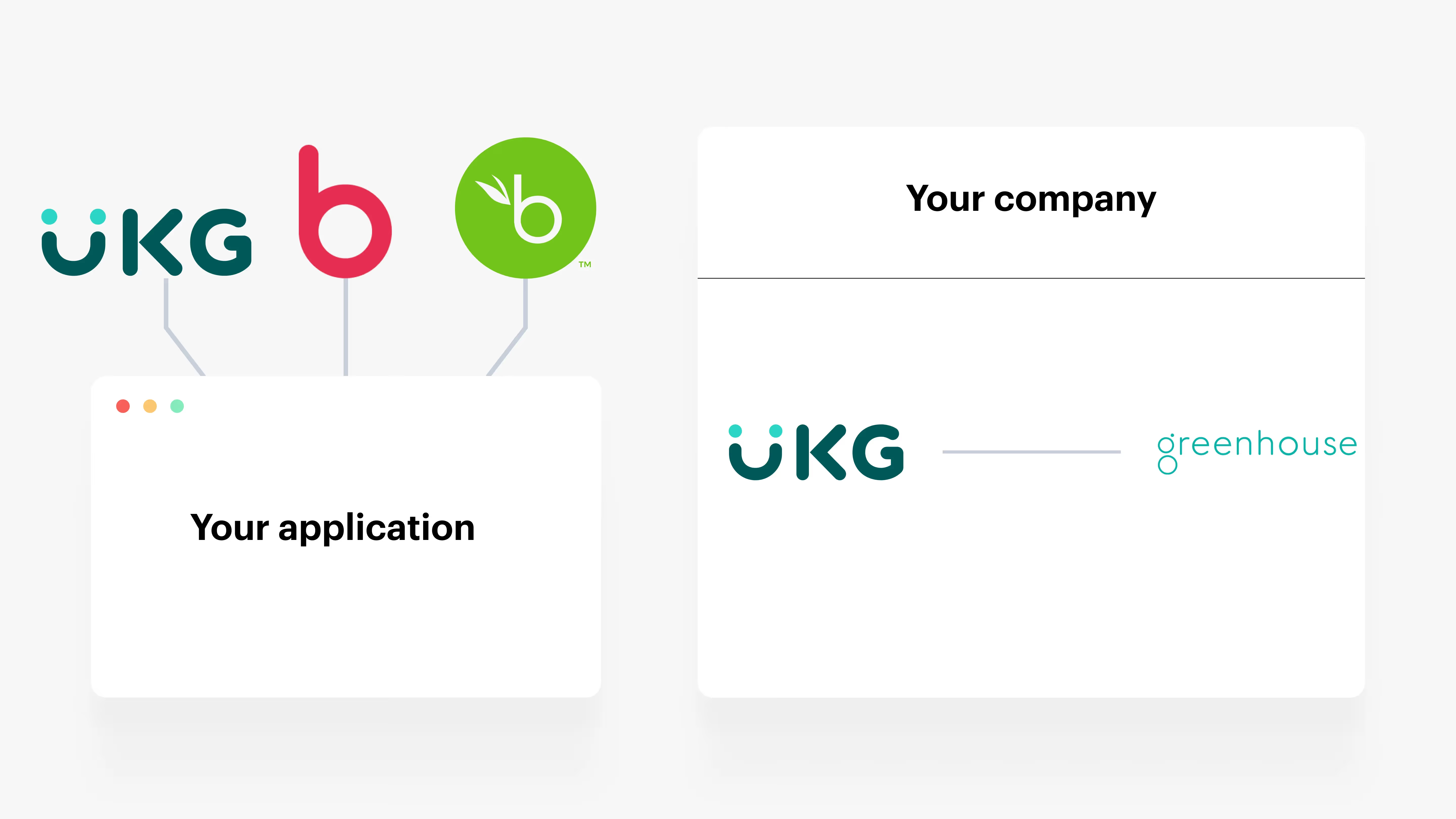
It’s the process of integrating an HCM solution with other applications, typically through their APIs. This includes connecting your internal HCM solution with the other applications you use internally and connecting your product with clients’ HCM solutions.
HCM integration examples
Let’s cover some internal and customer-facing examples of HCM integration.
Add fully-executed documents to employee profiles automatically
Your employees need to sign a wide range of documents, from offer letters to non-compete agreements to drug testing consent forms.
To help your team retrieve specific documents they’ve signed previously, as well as keep tabs on the documents that individual employees have and haven’t signed, you can add every fully-signed document to the associated employee’s profile in your HCM tool.
To help automate the process outlined above, you can integrate your HCM application with your e-signature platform (e.g. DocuSign) and implement the following flow: Once a document is marked as fully-executed in your e-signature platform, it’s automatically uploaded to the HCM system and added to the corresponding employee’s profile.

Send employees gifts when they reach their work anniversaries
To help your employees feel valued, recognized, and happy, you can send them a specific gift every time they reach their work anniversary. For example, if it’s their first day, you can send them a welcome package with company swag; on their first anniversary, you can send them a more practical gift, like an Amazon gift card; on their second anniversary, you can send them a more luxurious item, like a company-branded North Face jacket—and so on.
Once you’ve decided on the gift you want to deliver for a given anniversary year, you can ensure that the right employees receive them on time by connecting your gift-giving platform (e.g. Snappy) with your HCM solution and then building a sync that keeps employee data (most notably, employees’ start dates) consistent between the two.

Auto-provision users in your product with ease
Your clients likely can’t afford to add users to—or remove users from—your product manually.
The process of doing so can become extremely time-consuming (especially when a lot of users need to be added and removed over time) and takes them away from more productive tasks. As a result, they’re less likely to provision many users, leading them to not use your product to the fullest extent and churn sooner than you’d hope.
To help you avoid this altogether, you can integrate with clients’ HRIS solutions and sync employee data from these systems with your product.

In other words, if an employee gets added to a client’s HRIS, they can also be added as a user in your product; and if an employee is removed from a client’s HRIS, they can be removed as a user in your product.
Gather the data your employee compensation tool needs to work effectively
Let’s imagine that you offer a tool that helps employers benchmark employee compensation according to other companies in their industry, size, region, etc.
To help clients adopt your platform and see value from using it, you need to gather their employees’ compensation data—among other fields, like job title, employment type, address, etc.—constantly and in a way that’s easy on the clients' end.
HCM integration can help you accomplish just that, as once you integrate your product with clients’ HCM solutions, you can automatically gather all the employee data you need over time to provide comprehensive, up-to-date compensation analysis.
HCM integration benefits
Here are a few of the benefits of HCM integration:
- Improved efficiency and productivity: By automating and streamlining HR processes, HCM integration reduces manual work, errors, and redundancies. This leads to increased productivity and efficiency.
- Enhanced data accuracy and decision-making: Integrated HCM systems ensure that data is consistent and up-to-date across all platforms, enabling more accurate and informed decision-making.
- Better employee experience: A seamless and integrated HR system improves the employee experience, from onboarding to performance management to offboarding.
- Compliance and risk management: Integrated HCM systems help in maintaining compliance with labor laws and regulations, reducing the risk of non-compliance penalties.
- Cost savings: Over time, the efficiency gains from HCM integration can lead to significant cost savings for organizations.
- Strategic HR management: HR professionals can shift from administrative tasks to more strategic roles, focusing on workforce planning, talent management, and organizational development.
Related: Benefits of ATS integration
Challenges of HCM integration
Unfortunately, implementing HCM integrations isn’t without its challenges. Here are a few to keep in mind:
- Complexity and cost of implementation: Integrating HCM systems can be complex and costly, particularly for large organizations with entrenched legacy systems.
- Data security and privacy concerns: The integration of various HR systems raises concerns about data security and privacy, especially when dealing with sensitive employee information.
- Change management: Implementing a new integrated HCM system often requires significant changes in organizational processes and culture, which can be challenging to manage.
- Ensuring compatibility between different systems: Not all HR systems are designed to work seamlessly together, and ensuring compatibility can be a technical challenge.
- Training and adoption: Employees and HR professionals need to be trained on the new integrated systems, which requires time and resources.
- Ongoing maintenance and updates: Integrated systems require regular maintenance and updates to ensure they continue to meet your internal and/or clients’ needs and remain secure.
HCM integration best practices
To help you build and maintain HCM integrations successfully, it’s worth adopting the following best practices.
Document each HCM integration build
The developers who work on a specific HCM integration may forget key details that prevent them from enhancing it and resolving issues associated with it over time. Similarly, if the engineers who build and maintain HCM integrations leave, they can take valuable information on these integrations with them, which leaves your remaining team in a bad position.
To avoid either of these scenarios, you can task the engineers who implement and maintain a specific HCM integration with documenting it extensively. This can include everything from the endpoints involved to the error handling processes in place to the previous issues that have occurred.
You should also have them add this documentation in an easily-accessible place for your engineering team, whether that’s a specific page in your internal wiki, as a bookmark in a specific channel within an application like Slack, etc.
Prioritize your HCM integrations
In the context of customer-facing integrations, you’ll likely receive a wide range of HCM integration requests, whether it’s coming from prospects, clients, partners, or colleagues.
Your team may struggle to accommodate all these requests within a certain timeframe, so they’re forced to pick and choose the ones they prioritize.
To navigate this successfully, you should adopt a certain set of scoring criteria, score each integration against this criteria, and then compare the integrations' scores.
For instance, your criteria can include the number of customers that request an integration, the average size of companies that request an integration, and the level of difficulty associated with building an integration. You can then score each integration request according to this criteria, and, once you have, compare the requests with one another.

Perform a wide range of HCM integration tests
Your HCM integrations might be vulnerable in ways you don’t anticipate.
To discover and address any potential issues proactively, you can perform a wide range of HCM integration tests. This includes error handling tests to validate that your systems handle different errors correctly; load testing, which lets you review how the integration performs when there’s a high volume of requests; functionality testing, which determines if the integration works as expected—and so on.
Final thoughts
Building HCM integrations in-house can be time consuming and, ultimately, a bad use of your engineering resources.
You can scale your customer-facing integrations without relying on your engineers by using Merge, the leading unified API solution.
Learn how Merge’s HRIS Unified API can help you build 50+ product integrations with ease by scheduling a demo with one of our integration experts.
No items found.
.png)
.png)


But Merge isn’t just a Unified
API product. Merge is an integration platform to also manage customer integrations. gradient text
But Merge isn’t just a Unified
API product. Merge is an integration platform to also manage customer integrations. gradient text
But Merge isn’t just a Unified
API product. Merge is an integration platform to also manage customer integrations. gradient text
But Merge isn’t just a Unified
API product. Merge is an integration platform to also manage customer integrations. gradient text