

Table of contents

How to connect a Slack MCP to Cursor (4 steps)



Jon Gitlin
Developers building tools on top of Slack need to understand Slack's data model while writing the code.
What channel IDs does your workspace use and how are they structured in API responses? What does a message object return, including thread metadata and reaction fields? What event types does Slack emit for bot subscriptions, and what payload does each carry?
Without the MCP connection, answering those questions means leaving Cursor, authenticating against Slack's API separately, running test calls, and copying responses back into the session where the integration code is being written.
To help your developers access and query Slack data without leaving Cursor, we'll show you how to connect Slack with Merge Agent Handler's Slack MCP server.
How it works
Merge Agent Handler connects Cursor to the Slack API through the Merge CLI.
Install the CLI, authenticate once, and run a single setup command from your project root.
That command writes a ## Merge CLI section to the project's .cursorrules file, which tells Cursor's agent when to call merge search-tools and merge execute-tool to reach Slack.
Once connected, Merge handles Slack's OAuth credentials and token lifecycle on your behalf, so you never store access tokens locally or rewire auth when scopes change.
Here's the registration command:
Prerequisites
Before getting started, you'll need the following:
- A Merge Agent Handler account
- Cursor installed
- pipx installed (run
pipx --versionto confirm, or install viapip install pipx) - A Slack workspace with appropriate permissions to query channels and messages
If you want to connect Merge Agent Handler's Slack MCP with internal or customer-facing agentic products, you can follow the steps in our docs.
1. Install the Merge CLI
Run the following to install the Merge CLI: pipx install merge-api
Verify your installation: merge --version
Related: How to use the Slack MCP in Claude Code
2. Log in to Merge
Authenticate the CLI with your Merge Agent Handler account: merge login
This links the CLI to your account so it can make authorized requests to Slack on your behalf.
3. Connect the CLI to Cursor
Run the following from the root of the project where you want to use Merge tools:
This writes a ## Merge CLI section to .cursorrules so Cursor knows to use the CLI for third-party services. The command is idempotent, safe to re-run if you need to reset.
4. Authenticate Slack
Open a Cursor chat in your project and start with a query that reflects real integration work: "List all channels in my Slack workspace, including their IDs, names, types, and member counts, so I can write correct channel-targeting logic in my notification integration."
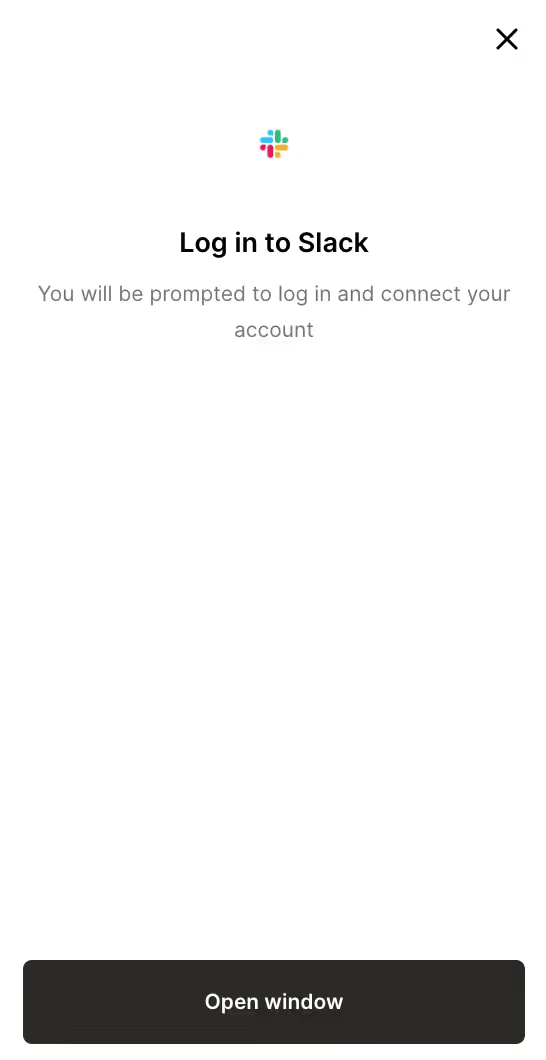
The first time you invoke a Slack tool, a Magic Link will appear to complete connector authentication.
{{this-blog-only-cta}}
Slack MCP FAQ
In case you have more questions on setting up and using the Slack MCP in Cursor, we've addressed several more commonly-asked questions below.
What can you do once the Slack MCP is connected to Cursor?
With Slack connected, Cursor can:
- Fetch channel IDs and metadata before writing channel-targeting code: retrieve the full list of channels with their IDs, types (public, private, mpim), and names before writing code that posts to or reads from specific channels, so channel references in your payloads are correct before the first API call
- Inspect message object structure before writing parsers: pull recent messages from a channel to see the actual JSON shape, including thread reply counts, reaction arrays, attachment metadata, and block kit structure, before writing code that extracts or transforms message data
- Check event payload shapes before writing bot subscription handlers: retrieve the field layout of a specific event type your bot subscribes to before writing the handler that processes it, so your field references match what Slack actually delivers
- Look up user IDs and profile fields before writing mention or DM logic: query workspace members with their IDs and profile data before writing code that sends DMs or formats user mentions in messages, so user references in your payloads are correctly formed
- Retrieve bot token scopes before writing permission validation logic: inspect what your app's token can reach before writing code that gates features on scope availability, so your validation logic reflects the actual permissions the token carries
- Validate channel membership before writing access-control logic: fetch the members list for a specific channel before writing code that checks whether a user is in a channel before routing a message to it
Why use Merge Agent Handler vs. a self-hosted Slack MCP server?
You can connect directly to Slack's API using a bot token. Slack's REST API is well-documented, bot token creation is self-service through the Slack app manifest, and for a single developer building against their own workspace the setup is fast.
The access control problem appears when you scale beyond one developer or one agent.
A Slack bot token carries all the scopes granted at the app level. Sharing that token across multiple agents means every agent operates with the same permissions, with no way to restrict which channels or operations a given agent can reach. If the token needs to be rotated, every system that holds it must be updated at once.
Merge Agent Handler handles Slack authentication centrally.
You control exactly which Slack operations each agent is allowed to call: an agent that reads channel messages for classification can list channels and fetch messages without reaching write operations like posting or deleting. Every call is logged with the timestamp, tool, and inputs, so you have a full audit trail of what each agent read or modified.
For teams running multiple agents against a shared Slack workspace, that combination of scoped access and centralized audit logging is the difference between a controlled deployment and a shared credential problem.
Why connect Slack to Cursor?
Slack's API data—channel IDs, user identifiers, message object shapes, event payload structures—is workspace-specific and only visible in live API responses.
The code that routes messages, parses events, or sends formatted notifications can only be correct once you've seen what the API actually returns from the workspace it will run against.
Connecting Slack to Cursor puts that discovery step inside the editor.
Jon Gitlin
.png)


Connect Cursor to thousands of tools with Merge Agent Handler
Use Merge Agent Handler’s 150+ connectors (including Slack) to power reliable, secure, and powerful agents.


But Merge isn’t just a Unified
API product. Merge is an integration platform to also manage customer integrations. gradient text
But Merge isn’t just a Unified
API product. Merge is an integration platform to also manage customer integrations. gradient text
But Merge isn’t just a Unified
API product. Merge is an integration platform to also manage customer integrations. gradient text
But Merge isn’t just a Unified
API product. Merge is an integration platform to also manage customer integrations. gradient text