


Square
Merge lets you securely connect your agents to Square and thousands of tools instantly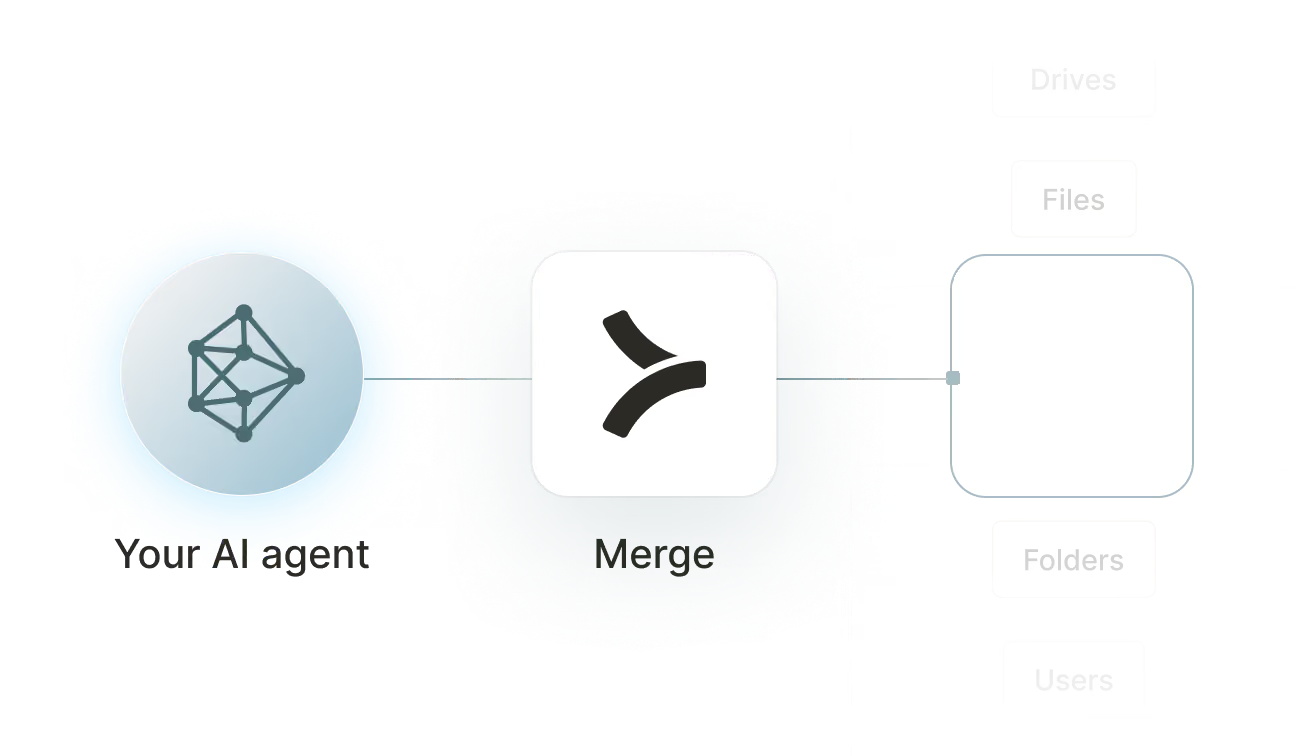

Available tools

How to set upMerge Agent Handler
In an mcp.json file, add the configuration below, and restart Cursor.
Learn more in the official documentation ↗
1{
2  "mcpServers": {
3    "agent-handler": {
4      "url": "https://ah-api-develop.merge.dev/api/v1/tool-packs/{TOOL_PACK_ID}/registered-users/{REGISTERED_USER_ID}/mcp",
5      "headers": {
6        "Authorization": "Bearer yMt*****"
7      }
8    }
9  }
10}
Copy Code
Open your Claude Desktop configuration file and add the server configuration below. You'll also need to restart the application for the changes to take effect.
Make sure Claude is using the Node v20+.
Learn more in the official documentation ↗
1{
2  "mcpServers": {
3    "agent-handler": {
4      "command": "npx",
5      "args": [
6        "-y",
7        "mcp-remote@latest",
8        "https://ah-api-develop.merge.dev/api/v1/tool-packs/{TOOL_PACK_ID}/registered-users/{REGISTERED_USER_ID}/mcp",
9        "--header",
10        "Authorization: Bearer ${AUTH_TOKEN}"
11      ],
12      "env": {
13        "AUTH_TOKEN": "yMt*****"
14      }
15    }
16  }
17}
Copy Code
Open your Windsurf MCP configuration file and add the server configuration below.
Click on the refresh button in the top right of the Manage MCP server page or in the top right of the chat box in the box icon.
Learn more in the official documentation ↗
1{
2    "mcpServers": {
3      "agent-handler": {
4        "command": "npx",
5        "args": [
6          "-y",
7          "mcp-remote@latest",
8          "https://ah-api.merge.dev/api/v1/tool-packs/<tool-pack-id>/registered-users/<registered-user-id>/mcp",
9          "--header",
10          "Authorization: Bearer ${AUTH_TOKEN}"
11        ],
12        "env": {
13          "AUTH_TOKEN": "<ah-production-access-key>"
14        }
15      }
16    }
17  }
Copy Code
In Command Palette (Cmd+Shift+P on macOS, Ctrl+Shift+P on Windows), run "MCP: Open User Configuration".
You can then add the configuration below and press "start" right under servers. Enter the auth token when prompted.
Learn more in the official documentation ↗
1{
2  "inputs": [
3    {
4      "type": "promptString",
5      "id": "agent-handler-auth",
6      "description": "Agent Handler AUTH_TOKEN", // "yMt*****" when prompt
7      "password": true
8    }
9  ],
10  "servers": {
11    "agent-handler": {
12      "type": "stdio",
13      "command": "npx",
14      "args": [
15        "-y",
16        "mcp-remote@latest",
17        "https://ah-api-develop.merge.dev/api/v1/tool-packs/{TOOL_PACK_ID}/registered-users/{REGISTERED_USER_ID}/mcp",
18        "--header",
19        "Authorization: Bearer ${input:agent-handler-auth}"
20      ]
21    }
22  }
23}
Copy Code
FAQ on integrating with Google Drive’s API
Heading

What is a Square MCP?
It's an MCP server that gives your agents access to Square's commerce platform via tools. Your agents can invoke these tools to process payments, manage orders and invoices, maintain customer records, update catalog items, and more.
Square offers an official MCP server, but you can also use one from a third-party platform, like Merge Agent Handler.
How can I use the Square MCP server?
The use cases naturally depend on the agent you've built, but here are a few common ones:
- Order creation from external channels: When a new order comes in via a website form or third-party booking tool, an agent creates the corresponding Square order, links it to the customer's profile, and sends a confirmation to the fulfillment team in Slack
- End-of-day payment reconciliation: At the close of each business day, an agent queries Square for all completed payments, cross-references them against expected invoices in an accounting tool, and flags discrepancies for the finance team to review
- Catalog sync on product updates: When a product is updated in a PIM or inventory spreadsheet, an agent calls Square to upsert the catalog object, keeping the POS and online store aligned without any manual data entry
- Loyalty milestone enrollment: When a customer completes a qualifying purchase in Square, an agent checks their order history and, if they've hit a repeat-purchase threshold, adds them to a segment in a marketing tool for a loyalty reward campaign
What are popular tools for Square's MCP server?
Here are some of the most commonly used tools:
create_payment: processes a new payment against a card or other payment source, with amount, currency, and optional order reference. Use this when an agent needs to complete a transaction triggered by an external event like a booking confirmation or form submission
list_payments: returns a paginated list of payments filterable by date range, location, or status. Good for workflows that pull a daily or weekly transaction ledger for reconciliation or financial reporting
create_order: creates a new order with line items, quantities, and pricing, scoped to a specific location. Call this when an agent is building an order from data in another system before attaching a payment or routing it to a POS terminal
search_orders: finds orders matching filters like customer ID, date range, location, or fulfillment state. Useful for agents that need to look up a customer's order history or identify orders stuck in a particular status
create_customer: adds a new customer to Square with name, email, phone, and reference ID. Helpful when an agent is syncing contacts from a CRM or form tool into Square ahead of a transaction or loyalty enrollment
upsert_catalog_object: creates or updates a product, variation, or modifier in the Square catalog. Use this when an agent is keeping Square's catalog in sync with a product database or inventory management system
What makes Merge Agent Handler's Square MCP server better than alternative Square MCP servers?
Square ships its own official MCP server, but routing it through Merge Agent Handler adds controls that matter when payment and customer data are involved:
- Enterprise-grade security and DLP: Merge Agent Handler includes built-in data loss prevention controls that let you block or redact sensitive fields before they reach an agent. For Square, this means you can prevent payment amounts, customer card metadata, order histories, and personally identifiable information from being exposed even when the agent has broad access
- Managed authentication and credentials: Merge stores and refreshes Square OAuth tokens and API keys on your behalf. You never embed credentials in agent configuration or manage re-authorization when tokens expire
- Real-time observability and audit trail: Every tool call against Square is recorded with timestamp, tool name, inputs, and response status. Finance and compliance teams can see exactly which payments or orders an agent touched without any custom instrumentation
- Tool Packs and controlled access: Tool Packs let you bundle specific Square tools with tools from other connectors into a single MCP endpoint, scoped to a specific use case. An agent gets exactly the tools it needs, nothing more
How can I start using Merge Agent Handler's Square MCP server?
You can take the following steps:
1. Create or log into your Merge Agent Handler account and navigate to Tool Packs (collections of connector tools scoped to a specific use case).
2. Create a new Tool Pack, then find and enable the Square connector. Scope the tools to your workflow: read tools like list_payments and search_orders cover reporting and lookup needs, while write tools like create_payment, create_order, and create_customer are needed for agents that process transactions or manage records.
3. Add a Registered User inside the Tool Pack. This is the identity context under which your agent operates. Merge generates a unique MCP URL scoped to this user once it's created.
4. From the Registered User detail page, authenticate Square by completing the OAuth flow. Merge stores and manages the credentials going forward.
5. Copy the MCP URL from the Tool Pack detail page and generate an API key from Settings. You'll need both to connect your agent.
6. Add the MCP server to your agent or IDE using the MCP URL and API key. Your Square tools are now accessible through that endpoint.


























Ready to try it out?
Whether you're an engineer experimenting with agents or a product manager looking to add tools, you can get started for free now
