


Rootly
Merge lets you securely connect your agents to Rootly and thousands of tools instantly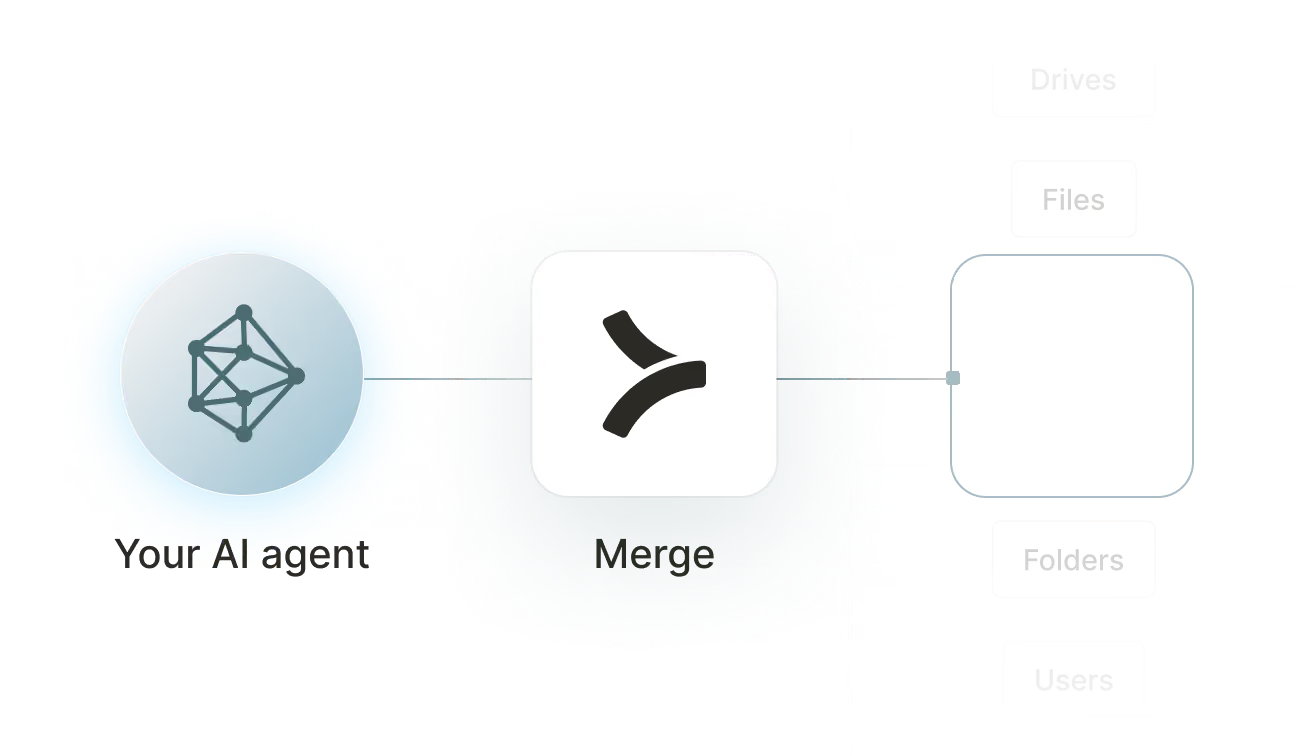

Available tools

How to set upMerge Agent Handler
In an mcp.json file, add the configuration below, and restart Cursor.
Learn more in the official documentation ↗
1{
2  "mcpServers": {
3    "agent-handler": {
4      "url": "https://ah-api-develop.merge.dev/api/v1/tool-packs/{TOOL_PACK_ID}/registered-users/{REGISTERED_USER_ID}/mcp",
5      "headers": {
6        "Authorization": "Bearer yMt*****"
7      }
8    }
9  }
10}
Copy Code
Open your Claude Desktop configuration file and add the server configuration below. You'll also need to restart the application for the changes to take effect.
Make sure Claude is using the Node v20+.
Learn more in the official documentation ↗
1{
2  "mcpServers": {
3    "agent-handler": {
4      "command": "npx",
5      "args": [
6        "-y",
7        "mcp-remote@latest",
8        "https://ah-api-develop.merge.dev/api/v1/tool-packs/{TOOL_PACK_ID}/registered-users/{REGISTERED_USER_ID}/mcp",
9        "--header",
10        "Authorization: Bearer ${AUTH_TOKEN}"
11      ],
12      "env": {
13        "AUTH_TOKEN": "yMt*****"
14      }
15    }
16  }
17}
Copy Code
Open your Windsurf MCP configuration file and add the server configuration below.
Click on the refresh button in the top right of the Manage MCP server page or in the top right of the chat box in the box icon.
Learn more in the official documentation ↗
1{
2    "mcpServers": {
3      "agent-handler": {
4        "command": "npx",
5        "args": [
6          "-y",
7          "mcp-remote@latest",
8          "https://ah-api.merge.dev/api/v1/tool-packs/<tool-pack-id>/registered-users/<registered-user-id>/mcp",
9          "--header",
10          "Authorization: Bearer ${AUTH_TOKEN}"
11        ],
12        "env": {
13          "AUTH_TOKEN": "<ah-production-access-key>"
14        }
15      }
16    }
17  }
Copy Code
In Command Palette (Cmd+Shift+P on macOS, Ctrl+Shift+P on Windows), run "MCP: Open User Configuration".
You can then add the configuration below and press "start" right under servers. Enter the auth token when prompted.
Learn more in the official documentation ↗
1{
2  "inputs": [
3    {
4      "type": "promptString",
5      "id": "agent-handler-auth",
6      "description": "Agent Handler AUTH_TOKEN", // "yMt*****" when prompt
7      "password": true
8    }
9  ],
10  "servers": {
11    "agent-handler": {
12      "type": "stdio",
13      "command": "npx",
14      "args": [
15        "-y",
16        "mcp-remote@latest",
17        "https://ah-api-develop.merge.dev/api/v1/tool-packs/{TOOL_PACK_ID}/registered-users/{REGISTERED_USER_ID}/mcp",
18        "--header",
19        "Authorization: Bearer ${input:agent-handler-auth}"
20      ]
21    }
22  }
23}
Copy Code
FAQ on integrating with Google Drive’s API
Heading

What is a Rootly MCP?
It's an MCP server that lets your agents interface with Rootly's incident response platform via tools. Your agents can invoke these tools to open and resolve incidents, create action items, trigger workflows, manage alerts, and more.
Rootly offers an official MCP server, but you can also use one from a third-party platform, like Merge Agent Handler.
How can I use the Rootly MCP server?
The use cases naturally depend on the agent you've built, but here are a few common ones:
- Alert-driven incident creation: An agent receives an alert from a monitoring tool like Grafana or New Relic and automatically opens a Rootly incident, sets the severity, attaches the affected service, and notifies the on-call team
- Action item tracking across tools: An agent listens for follow-up items identified during an incident call, creates Rootly action items for each, and creates corresponding tasks in Jira or Linear to ensure nothing falls through the cracks after the incident closes
- Automated workflow triggering: When a Rootly incident reaches a specific severity level, an agent triggers a pre-built workflow to start a war room, post status updates to a status page, and notify executive stakeholders via email
- Cross-system incident status sync: An agent polls Rootly for newly resolved incidents and updates the corresponding records in a customer-facing ticketing system like Zendesk to keep support teams and customers informed
What are popular tools for Rootly's MCP server?
Here are some of the most commonly used tools:
create_incident: opens a new Rootly incident with specified title, severity, and affected services. Useful for agents that need to kick off incident response automatically when an external alert or threshold is triggered
list_incidents: retrieves active and historical incidents with filters for status, severity, or service. Call this when an agent needs to assess current incident load or pull data for a weekly reliability report
resolve_incident: marks an open incident as resolved with a resolution summary. Good for workflows where an agent confirms a successful deployment and closes the corresponding incident without manual intervention
mitigate_incident: transitions an incident to a mitigated state before full resolution. Use this when an agent needs to signal that the immediate impact has been contained while investigation continues
create_incident_action_item: adds a follow-up action item to an incident with an owner and due date. Helpful when an agent is running a post-incident workflow and needs to ensure remediation steps are formally tracked
list_workflows: fetches the available Rootly workflows with their trigger conditions. Call this when an agent needs to determine which workflow to invoke based on an incident's characteristics before taking automated action
What makes Merge Agent Handler's Rootly MCP server better than alternative Rootly MCP servers?
Merge Agent Handler's Rootly MCP server has a few clear advantages over building your own integration or using an alternative:
- Enterprise-grade security and DLP: Merge Agent Handler includes built-in data loss prevention controls that let you block or redact sensitive fields before they reach an agent. For Rootly, this means you can prevent incident descriptions containing customer PII, internal architecture details, or vulnerability information from being exposed even when the agent has broad read access
- Managed authentication and credentials: Merge stores and refreshes Rootly credentials on your behalf. You never expose raw API keys or OAuth tokens to an agent or manage token rotation manually
- Real-time observability and audit trail: Every tool call made against Rootly is logged with timestamp, tool name, input parameters, and response metadata. You can audit exactly what an agent read or wrote without instrumenting anything yourself
- Tool Packs and controlled access: Tool Packs let you bundle specific Rootly tools with tools from other connectors into a single MCP endpoint, scoped to a specific use case. An agent gets exactly the tools it needs, nothing more
How can I start using Merge Agent Handler's Rootly MCP server?
You can take the following steps:
1. Create or log into your Merge Agent Handler account.
2. Install the Merge CLI by running pipx install merge-api, then run merge configure to link the CLI to your Merge account and merge login to authenticate your session.
3. Register the Agent Handler MCP server with Claude Code by running claude mcp add --transport http agent-handler https://ah-api.merge.dev/mcp, then open Claude Code and run /mcp to confirm agent-handler appears with a connected status.
4. Select agent-handler from the MCP list. This opens a browser window where you select which integrations to authenticate. Choose Rootly and complete the auth flow. Merge stores and manages the credentials going forward.
5. Open a Claude Code session and start querying Rootly data directly. The first time you use a Rootly tool, a Magic Link may appear to complete connector authentication.
If you want to connect Merge Agent Handler's Rootly MCP with internal or customer-facing agentic products, you can follow the steps in our docs.


























Ready to try it out?
Whether you're an engineer experimenting with agents or a product manager looking to add tools, you can get started for free now
