


Quartr
Merge lets you securely connect your agents to Quartr and thousands of tools instantly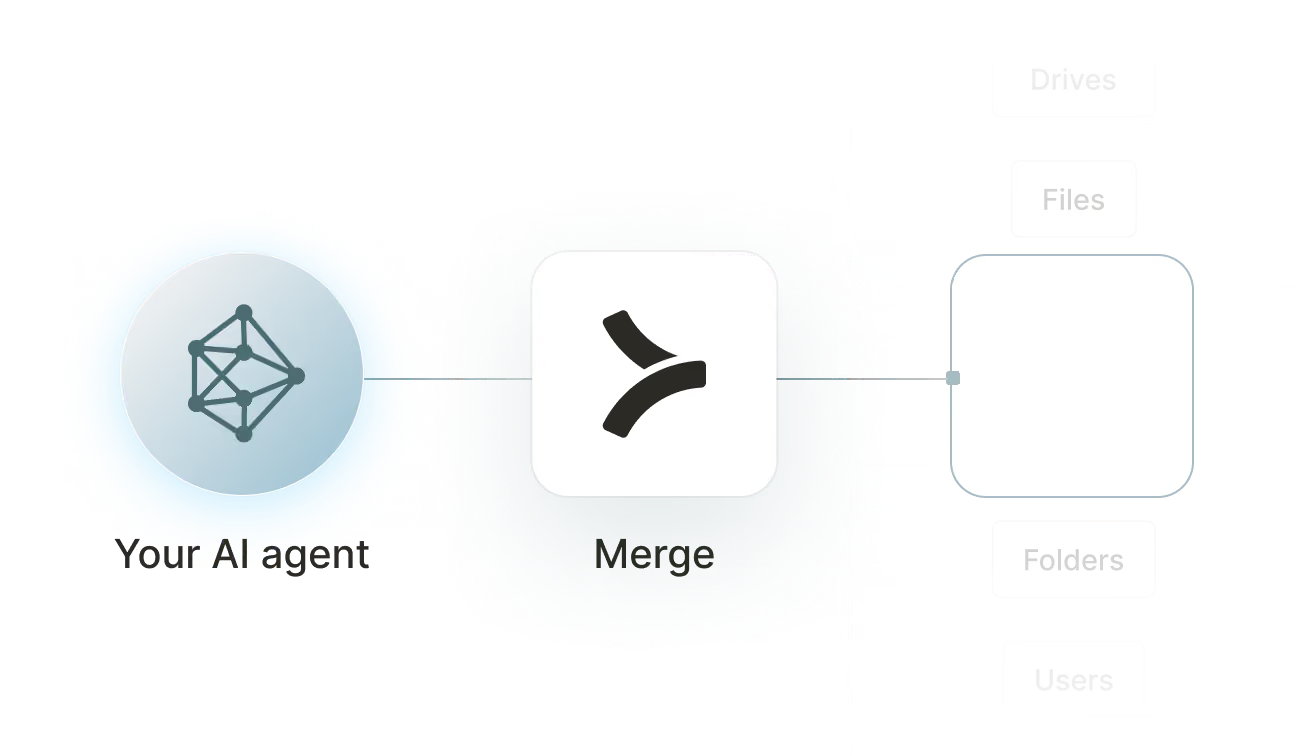

Available tools

How to set upMerge Agent Handler
In an mcp.json file, add the configuration below, and restart Cursor.
Learn more in the official documentation ↗
1{
2  "mcpServers": {
3    "agent-handler": {
4      "url": "https://ah-api-develop.merge.dev/api/v1/tool-packs/{TOOL_PACK_ID}/registered-users/{REGISTERED_USER_ID}/mcp",
5      "headers": {
6        "Authorization": "Bearer yMt*****"
7      }
8    }
9  }
10}
Copy Code
Open your Claude Desktop configuration file and add the server configuration below. You'll also need to restart the application for the changes to take effect.
Make sure Claude is using the Node v20+.
Learn more in the official documentation ↗
1{
2  "mcpServers": {
3    "agent-handler": {
4      "command": "npx",
5      "args": [
6        "-y",
7        "mcp-remote@latest",
8        "https://ah-api-develop.merge.dev/api/v1/tool-packs/{TOOL_PACK_ID}/registered-users/{REGISTERED_USER_ID}/mcp",
9        "--header",
10        "Authorization: Bearer ${AUTH_TOKEN}"
11      ],
12      "env": {
13        "AUTH_TOKEN": "yMt*****"
14      }
15    }
16  }
17}
Copy Code
Open your Windsurf MCP configuration file and add the server configuration below.
Click on the refresh button in the top right of the Manage MCP server page or in the top right of the chat box in the box icon.
Learn more in the official documentation ↗
1{
2    "mcpServers": {
3      "agent-handler": {
4        "command": "npx",
5        "args": [
6          "-y",
7          "mcp-remote@latest",
8          "https://ah-api.merge.dev/api/v1/tool-packs/<tool-pack-id>/registered-users/<registered-user-id>/mcp",
9          "--header",
10          "Authorization: Bearer ${AUTH_TOKEN}"
11        ],
12        "env": {
13          "AUTH_TOKEN": "<ah-production-access-key>"
14        }
15      }
16    }
17  }
Copy Code
In Command Palette (Cmd+Shift+P on macOS, Ctrl+Shift+P on Windows), run "MCP: Open User Configuration".
You can then add the configuration below and press "start" right under servers. Enter the auth token when prompted.
Learn more in the official documentation ↗
1{
2  "inputs": [
3    {
4      "type": "promptString",
5      "id": "agent-handler-auth",
6      "description": "Agent Handler AUTH_TOKEN", // "yMt*****" when prompt
7      "password": true
8    }
9  ],
10  "servers": {
11    "agent-handler": {
12      "type": "stdio",
13      "command": "npx",
14      "args": [
15        "-y",
16        "mcp-remote@latest",
17        "https://ah-api-develop.merge.dev/api/v1/tool-packs/{TOOL_PACK_ID}/registered-users/{REGISTERED_USER_ID}/mcp",
18        "--header",
19        "Authorization: Bearer ${input:agent-handler-auth}"
20      ]
21    }
22  }
23}
Copy Code
FAQ on integrating with Google Drive’s API
Heading

What is a Quartr MCP?
It's an MCP server that gives your agents access to Quartr's financial intelligence platform via tools. Your agents can invoke these tools to retrieve earnings transcripts, pull financial reports, get event summaries, fetch investor presentation slides, and more.
Quartr offers an official MCP server, but you can also use one from a third-party platform, like Merge Agent Handler.
How can I use the Quartr MCP server?
The use cases naturally depend on the agent you've built, but here are a few common ones:
- Earnings call monitoring: An agent tracks a watchlist of companies and sends a Slack summary to an investment team whenever a new earnings event is published, pulling the event summary and key transcript highlights from Quartr automatically
- Investor research briefs: An agent takes a list of companies from a CRM deal and fetches the latest financial reports and transcript summaries from Quartr, then compiles a one-page research brief in Google Docs before a client call
- Competitive intelligence tracking: An agent monitors a set of competitor companies in Quartr and alerts a strategy team in email or Slack when new documents or reports are published that mention specific keywords
- CRM enrichment: An agent pulls the latest Quartr financial data for companies in a Salesforce pipeline and updates revenue, event history, and document links directly on the account record
What are popular tools for Quartr's MCP server?
Here are some of the most commonly used tools:
list_companies: searches for companies in the Quartr database by name or ticker. Call this first when an agent needs to resolve a company name to a Quartr ID before pulling financial data
get_event_summary: returns an AI-generated summary of a specific earnings event, including key themes and financial highlights. Useful for agents that need to surface the most important takeaways without processing a full transcript
get_transcript_summary: fetches a summarized version of an earnings call transcript. Good for workflows that need a condensed view of management commentary to include in a research brief or CRM note
get_report_summary: retrieves a summary of a financial report for a given company and period. Use this when an agent needs to quickly surface revenue, margin, or guidance highlights without parsing the full document
list_events: returns upcoming and historical events for a company, including earnings calls and investor days. Helpful when an agent needs to check whether a new event has been published since the last time it ran
list_documents: fetches company filings and investor relations documents available in Quartr. Call this when an agent needs to verify what source material is available before generating a research output
What makes Merge Agent Handler's Quartr MCP server better than alternative Quartr MCP servers?
Here's what sets Merge Agent Handler's Quartr MCP server apart from building your own integration or using an alternative:
- Enterprise-grade security and DLP: Merge Agent Handler includes built-in data loss prevention controls that let you block or redact sensitive fields before they reach an agent. For Quartr, this means you can prevent detailed financial figures, pre-release event data, or proprietary research from being surfaced to an agent with overly broad access
- Managed authentication and credentials: Merge stores and refreshes Quartr credentials on your behalf. You never expose raw API keys or OAuth tokens to an agent or manage token rotation manually
- Real-time observability and audit trail: Every tool call made against Quartr is logged with timestamp, tool name, input parameters, and response metadata. You can audit exactly what an agent read or wrote without instrumenting anything yourself
- Tool Packs and controlled access: Tool Packs let you bundle specific Quartr tools with tools from other connectors into a single MCP endpoint, scoped to a specific use case. An agent gets exactly the tools it needs, nothing more
How can I start using Merge Agent Handler's Quartr MCP server?
You can take the following steps:
1. Create or log into your Merge Agent Handler account.
2. Install the Merge CLI by running pipx install merge-api, then run merge configure to link the CLI to your Merge account and merge login to authenticate your session.
3. Register the Agent Handler MCP server with Claude Code by running claude mcp add --transport http agent-handler https://ah-api.merge.dev/mcp, then open Claude Code and run /mcp to confirm agent-handler appears with a connected status.
4. Select agent-handler from the MCP list. This opens a browser window where you select which integrations to authenticate. Choose Quartr and complete the auth flow. Merge stores and manages the credentials going forward.
5. Open a Claude Code session and start querying Quartr data directly. The first time you use a Quartr tool, a Magic Link may appear to complete connector authentication.
If you want to connect Merge Agent Handler's Quartr MCP with internal or customer-facing agentic products, you can follow the steps in our docs.


























Ready to try it out?
Whether you're an engineer experimenting with agents or a product manager looking to add tools, you can get started for free now
