


n8n
Merge lets you securely connect your agents to n8n and thousands of tools instantly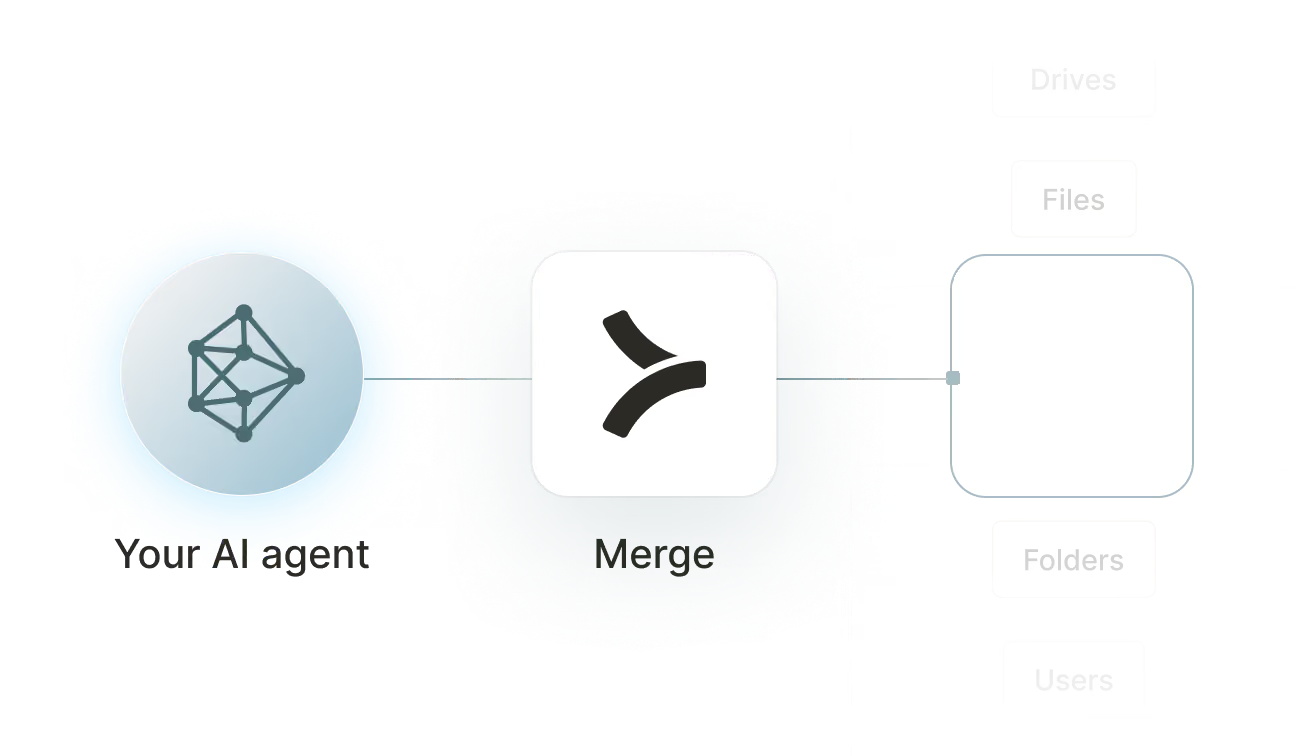

Available tools

How to set upMerge Agent Handler
In an mcp.json file, add the configuration below, and restart Cursor.
Learn more in the official documentation ↗
1{
2  "mcpServers": {
3    "agent-handler": {
4      "url": "https://ah-api-develop.merge.dev/api/v1/tool-packs/{TOOL_PACK_ID}/registered-users/{REGISTERED_USER_ID}/mcp",
5      "headers": {
6        "Authorization": "Bearer yMt*****"
7      }
8    }
9  }
10}
Copy Code
Open your Claude Desktop configuration file and add the server configuration below. You'll also need to restart the application for the changes to take effect.
Make sure Claude is using the Node v20+.
Learn more in the official documentation ↗
1{
2  "mcpServers": {
3    "agent-handler": {
4      "command": "npx",
5      "args": [
6        "-y",
7        "mcp-remote@latest",
8        "https://ah-api-develop.merge.dev/api/v1/tool-packs/{TOOL_PACK_ID}/registered-users/{REGISTERED_USER_ID}/mcp",
9        "--header",
10        "Authorization: Bearer ${AUTH_TOKEN}"
11      ],
12      "env": {
13        "AUTH_TOKEN": "yMt*****"
14      }
15    }
16  }
17}
Copy Code
Open your Windsurf MCP configuration file and add the server configuration below.
Click on the refresh button in the top right of the Manage MCP server page or in the top right of the chat box in the box icon.
Learn more in the official documentation ↗
1{
2    "mcpServers": {
3      "agent-handler": {
4        "command": "npx",
5        "args": [
6          "-y",
7          "mcp-remote@latest",
8          "https://ah-api.merge.dev/api/v1/tool-packs/<tool-pack-id>/registered-users/<registered-user-id>/mcp",
9          "--header",
10          "Authorization: Bearer ${AUTH_TOKEN}"
11        ],
12        "env": {
13          "AUTH_TOKEN": "<ah-production-access-key>"
14        }
15      }
16    }
17  }
Copy Code
In Command Palette (Cmd+Shift+P on macOS, Ctrl+Shift+P on Windows), run "MCP: Open User Configuration".
You can then add the configuration below and press "start" right under servers. Enter the auth token when prompted.
Learn more in the official documentation ↗
1{
2  "inputs": [
3    {
4      "type": "promptString",
5      "id": "agent-handler-auth",
6      "description": "Agent Handler AUTH_TOKEN", // "yMt*****" when prompt
7      "password": true
8    }
9  ],
10  "servers": {
11    "agent-handler": {
12      "type": "stdio",
13      "command": "npx",
14      "args": [
15        "-y",
16        "mcp-remote@latest",
17        "https://ah-api-develop.merge.dev/api/v1/tool-packs/{TOOL_PACK_ID}/registered-users/{REGISTERED_USER_ID}/mcp",
18        "--header",
19        "Authorization: Bearer ${input:agent-handler-auth}"
20      ]
21    }
22  }
23}
Copy Code
FAQ on integrating with Google Drive’s API
Heading

What is an n8n MCP?
It's an MCP server that connects your agents to n8n via tools. Your agents can invoke these tools to activate and deactivate workflows, monitor execution history, provision new workflows, and manage credentials, and more.
n8n offers an official MCP server, but you can also use one from a third-party platform, like Merge Agent Handler.
How can I use the n8n MCP server?
The use cases naturally depend on the agent you've built, but here are a few common ones:
- Conditional workflow activation: When a new customer account is created in your CRM, an agent calls <code class="blog_inline-code">
activate_workflow</code>to turn on the corresponding onboarding automation in n8n, scoped to that customer's environment
- Failed execution response: An agent polls <code class="blog_inline-code">
list_executions</code>for error states, calls <code class="blog_inline-code">get_execution</code>to retrieve the failure details, posts a structured alert to Slack, and calls <code class="blog_inline-code">retry_execution</code>if the error is transient
- Workflow provisioning for new tenants: When a new team is onboarded, an agent calls <code class="blog_inline-code">
create_workflow</code>to provision a standard set of automations in their n8n instance, pulling from a template library rather than requiring manual setup each time
- Execution audit for compliance: An agent calls <code class="blog_inline-code">
list_executions</code>filtered by workflow and date range, compiles a structured report of what ran, when, and with what outcome, and delivers it to a finance or compliance stakeholder on a scheduled cadence
What are popular tools for n8n's MCP server?
Here are some of the most commonly used tools:
<code class="blog_inline-code">list_workflows</code>returns all workflows in an n8n instance along with their active status. Good for agents that need to audit what automations exist before making changes or generating a summary
<code class="blog_inline-code">activate_workflow</code>turns on a specific workflow so it begins responding to its trigger. Use this when an agent needs to enable an automation in response to an external event, like a new customer signup or a project kickoff
<code class="blog_inline-code">deactivate_workflow</code>stops a workflow from executing without deleting it. Helpful when an agent needs to pause an automation during maintenance, a freeze period, or after detecting unexpected behavior
<code class="blog_inline-code">list_executions</code>retrieves the execution history for workflows, filterable by status and time range. Call this when an agent needs to check whether automations are running successfully or surface failures for review
<code class="blog_inline-code">get_execution</code>fetches the full details of a single workflow execution, including input, output, and error data. Useful for agents diagnosing why a specific run failed before deciding whether to retry or escalate
<code class="blog_inline-code">create_workflow</code>adds a new workflow to an n8n instance from a provided definition. Use this when an agent is provisioning automations programmatically, such as during customer onboarding or environment setup
What makes Merge Agent Handler's n8n MCP server better than alternative n8n MCP servers?
Several things distinguish Merge Agent Handler's n8n MCP server:
- Enterprise-grade security and DLP: Merge Agent Handler includes built-in data loss prevention controls that let you block or redact sensitive fields before they reach an agent. For n8n, this means you can prevent workflow credentials, API keys embedded in configurations, and execution payloads containing PII from being exposed even when the agent has broad read access
- Managed authentication and credentials: Merge stores and refreshes n8n credentials on your behalf. You never hand raw API tokens to an agent or rewire authentication when n8n credentials rotate
- Real-time observability and audit trail: Every tool call made against n8n is logged with timestamp, tool name, input parameters, and response metadata. You can audit exactly which workflows an agent activated, modified, or queried without adding any instrumentation yourself
- Tool Packs and controlled access: Tool Packs let you bundle specific n8n tools with tools from other connectors into a single MCP endpoint, scoped to a specific use case. An agent gets exactly the tools it needs, nothing more
How can I start using Merge Agent Handler's n8n MCP server?
You can take the following steps:
1. Create or log into your Merge Agent Handler account and navigate to Tool Packs (collections of connector tools scoped to a specific use case).
2. Create a new Tool Pack, then find and enable the n8n connector. Choose which tools to include; enable read tools like <code class="blog_inline-code">list_workflows</code> and <code class="blog_inline-code">list_executions</code> for monitoring use cases, or add write tools like <code class="blog_inline-code">activate_workflow</code> and <code class="blog_inline-code">create_workflow</code> if your agent needs to control or provision automations.
3. Add a Registered User inside the Tool Pack. This is the identity context under which your agent operates. Merge generates a unique MCP URL scoped to this user once it's created.
4. From the Registered User detail page, authenticate n8n by completing the credential flow. Merge stores and manages the credentials going forward.
5. Copy the MCP URL from the Tool Pack detail page and generate an API key from Settings. You'll need both to connect your agent.
6. Add the MCP server to your agent or IDE using the MCP URL and API key. Your n8n tools are now accessible through that endpoint.
























Ready to try it out?
Whether you're an engineer experimenting with agents or a product manager looking to add tools, you can get started for free now
