


Monday.com
Merge lets you securely connect your agents to Monday.com and thousands of tools instantly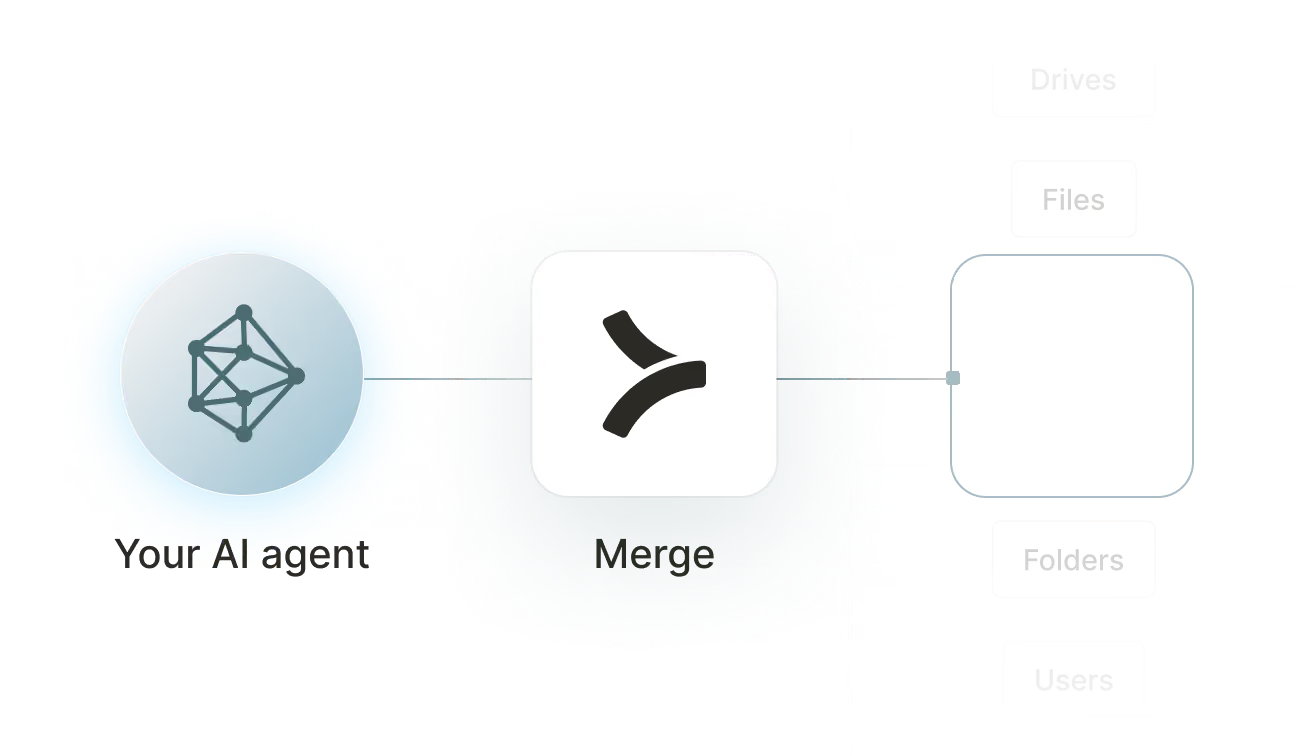

Available tools

How to set upMerge Agent Handler
In an mcp.json file, add the configuration below, and restart Cursor.
Learn more in the official documentation ↗
1{
2  "mcpServers": {
3    "agent-handler": {
4      "url": "https://ah-api-develop.merge.dev/api/v1/tool-packs/{TOOL_PACK_ID}/registered-users/{REGISTERED_USER_ID}/mcp",
5      "headers": {
6        "Authorization": "Bearer yMt*****"
7      }
8    }
9  }
10}
Copy Code
Open your Claude Desktop configuration file and add the server configuration below. You'll also need to restart the application for the changes to take effect.
Make sure Claude is using the Node v20+.
Learn more in the official documentation ↗
1{
2  "mcpServers": {
3    "agent-handler": {
4      "command": "npx",
5      "args": [
6        "-y",
7        "mcp-remote@latest",
8        "https://ah-api-develop.merge.dev/api/v1/tool-packs/{TOOL_PACK_ID}/registered-users/{REGISTERED_USER_ID}/mcp",
9        "--header",
10        "Authorization: Bearer ${AUTH_TOKEN}"
11      ],
12      "env": {
13        "AUTH_TOKEN": "yMt*****"
14      }
15    }
16  }
17}
Copy Code
Open your Windsurf MCP configuration file and add the server configuration below.
Click on the refresh button in the top right of the Manage MCP server page or in the top right of the chat box in the box icon.
Learn more in the official documentation ↗
1{
2    "mcpServers": {
3      "agent-handler": {
4        "command": "npx",
5        "args": [
6          "-y",
7          "mcp-remote@latest",
8          "https://ah-api.merge.dev/api/v1/tool-packs/<tool-pack-id>/registered-users/<registered-user-id>/mcp",
9          "--header",
10          "Authorization: Bearer ${AUTH_TOKEN}"
11        ],
12        "env": {
13          "AUTH_TOKEN": "<ah-production-access-key>"
14        }
15      }
16    }
17  }
Copy Code
In Command Palette (Cmd+Shift+P on macOS, Ctrl+Shift+P on Windows), run "MCP: Open User Configuration".
You can then add the configuration below and press "start" right under servers. Enter the auth token when prompted.
Learn more in the official documentation ↗
1{
2  "inputs": [
3    {
4      "type": "promptString",
5      "id": "agent-handler-auth",
6      "description": "Agent Handler AUTH_TOKEN", // "yMt*****" when prompt
7      "password": true
8    }
9  ],
10  "servers": {
11    "agent-handler": {
12      "type": "stdio",
13      "command": "npx",
14      "args": [
15        "-y",
16        "mcp-remote@latest",
17        "https://ah-api-develop.merge.dev/api/v1/tool-packs/{TOOL_PACK_ID}/registered-users/{REGISTERED_USER_ID}/mcp",
18        "--header",
19        "Authorization: Bearer ${input:agent-handler-auth}"
20      ]
21    }
22  }
23}
Copy Code
FAQ on integrating with Google Drive’s API
Heading

What is a Monday.com MCP server?
It’s an MCP server that exposes data and functionality from Monday.com via tools. Your agents can use these tools to do anything from creating a new board for a specific workspace to providing status updates on a specific set of tasks.
How can I use the Monday.com MCP server?
Here are some common use cases (these also apply to other project management MCP servers):
- Project tracking automation: Your agent can monitor project statuses and automatically update items based on triggers. For example, when a GitHub PR is merged, it can update the feature's status on your roadmap board and notify the QA team
- Data enrichment: Your agent can auto-populate Monday.com items with relevant information. For instance, when a new lead is added, it can research the company and auto-fill fields like industry, employee count, and recent funding
- Automated routing: Your agent can intelligently categorize and route work items. If a task indicates a critical bug, it can assign it to an available developer, set priority to "High," and create a Slack incident channel
- Custom reporting: Your agent can build tailored reports by querying items with specific filters and statuses, helping teams identify bottlenecks and track progress
- Workflow orchestration: Your agent can trigger coordinated actions across tools. When a deal moves to "Closed Won," it can create a delivery project, provision accounts, send onboarding emails, and notify stakeholders
What are popular tools for Monday.com’s MCP server?
Here are some popular tools across data types:
Boards
- <code class="blog_inline-code">list_boards</code>
- <code class="blog_inline-code">get_board</code>
- <code class="blog_inline-code">create_board</code>
- <code class="blog_inline-code">update_board</code>
Items
- <code class="blog_inline-code">archive_item</code>
- <code class="blog_inline-code">move_item_to_group</code>
- <code class="blog_inline-code">create_subitem</code>
- <code class="blog_inline-code">duplicate_item</code>
Workspaces
- <code class="blog_inline-code">list_workspaces</code>
- <code class="blog_inline-code">create_workspace</code>
What makes Merge Agent Handler’s Monday.com MCP server better than alternative Monday.com MCP servers?
Merge Agent Handler provides platform-level capabilities that go beyond a standalone MCP server:
- Enterprise-grade security and DLP: All tool inputs and outputs pass through a security gateway that can block, redact, or mask sensitive data using default or custom rules. This enables strict governance over how agents interact with Monday.com data
- Built-in authentication and credential management: Merge handles dynamic authentication flows and credential storage, allowing Monday.com tools to be used with either individual or shared authentication without custom auth logic.
- Tool Pack–based access control: Monday.com tools can be bundled with other MCP connectors into Tool Packs, letting you precisely control which tools an agent can access for a given use case
- Real-time observability and audit trails: Every tool call is logged with full context, and logs are fully searchable, enabling auditing, debugging, and behavioral analysis across all agent interactions
- Evaluation Suite for testing: Test Monday.com tools across different prompts and scenarios before pushing to production, ensuring reliability and validating performance in real-world agent workflows
Can I set custom security rules for Monday.com tool calls in Merge Agent Handler?
Yes, Merge Agent Handler includes a Security Gateway with Data Loss Protection (DLP) that allows you to configure both default and custom security rules. These rules inspect tool inputs and outputs and can automatically block, redact, or mask sensitive data before it reaches or leaves Monday.com.
Here are some examples:
- Block credit card numbers: Prevent agents from adding credit card information to Monday.com item descriptions, updates, or custom column fields
- Redact customer email addresses: Automatically redact customer email addresses when your agent reads Monday.com data, ensuring contact details aren't exposed in agent logs or downstream tools
- Mask deal amounts: Redact or mask financial figures (like contract values or deal sizes) when agents query Monday.com boards, protecting sensitive pricing information
- Block social security numbers: Prevent any tool calls that attempt to write SSNs to Monday.com items, whether in text fields, updates, or comments
- Log proprietary project names: Flag and log (without blocking) when agents access Monday.com items containing terms like "confidential," "internal only," or specific code names, enabling compliance monitoring without disrupting workflows
How can I start using Merge Agent Handler’s Monday.com MCP server?
You can follow these steps:
1. Create your Agent Handler account. Sign up for a free account.
2. Create a Tool Pack. Navigate to "Tool Packs" in the left sidebar and click "Create New Tool Pack." Give it a descriptive name (e.g., "Monday.com Workspace Pack").
3. Add the Monday.com connector. Within your Tool Pack, add Monday.com from the available connectors list.
4. Configure authentication. Set up OAuth for Monday.com to enable secure access to your boards and workspaces.
5. Select specific tools. Choose which Monday.com tools you want to make available to your agent, or enable all tools by default.
6. Register a User. Navigate to "Registered Users" in the sidebar and create a new registered user. This represents the identity that will perform actions through your agent.
7. Save your Tool Pack. Review and save all your Tool Pack settings.
8. Connect to your agent or IDE. Copy the MCP entry URL from your Tool Pack settings. Then add it to your IDE or agent configuration.

























Ready to try it out?
Whether you're an engineer experimenting with agents or a product manager looking to add tools, you can get started for free now
