Govern AI access for every employee
Let your employees connect Claude, ChatGPT, Cursor, and other AI tools to every system IT manages, while Agent Handler centralizes control.
Manage permissions, audit interactions, and keep AI moving. All from one place.

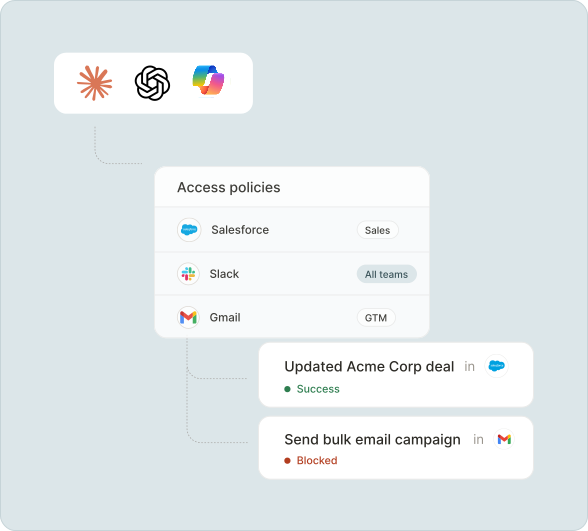





.svg)
Employees want to move fast with AI.
IT can’t enable it safely.
When employees connect AI to third-party systems, it’s all or nothing. Most companies have no way to scope tool access by role, no guardrails on what data reaches third party APIs, and no audit trail.
Employees get all-or-nothing access to internal systems. IT has no way to assign the right tools to the right people
When employees connect AI tools on their own, IT has no way to track, manage, or revoke connections
When an employee uses AI to take action in a system, there is no record of what happened or what data was shared
AI tool calls pass through third-party systems with no policy enforcement on what data is included
A governance layer that makes AI access authenticated, scoped, and auditable
Boost productivity without creating blind spots
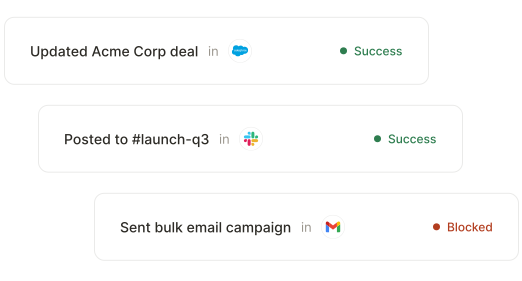
Run AI workflows with IT-approved boundaries
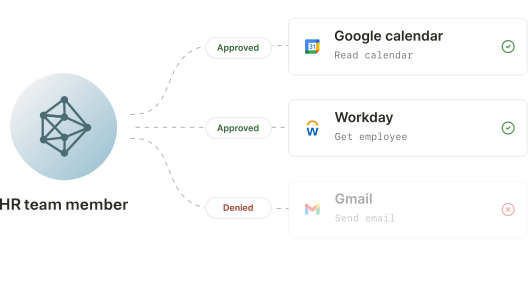
Provision AI the way you provision everything else
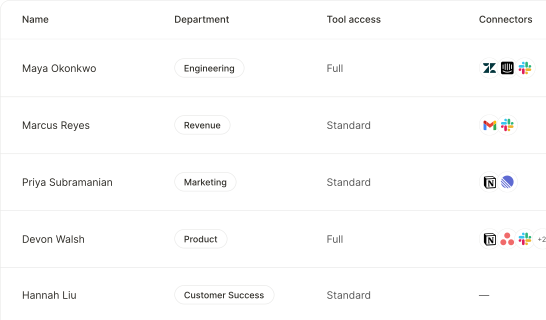
Consistent permissions across AI tools
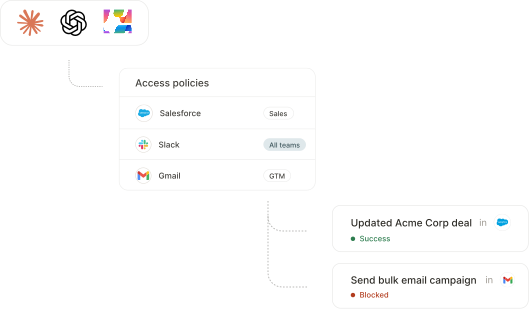
Model access governance
Define which AI models each employee can access based on their role, team, and work authorization status. Keep rules current as attributes change.
Attribute-based access controls
Build access policies from any attribute Agent Handler syncs from your identity provider or HR system: citizenship status, work authorization, team, or location.
Automatic provisioning
New employees inherit model access once added to a group in your identity provider. Changes in employee status are handled automatically.
Model visibility and access requests
Employees see which AI models are available to them, and can request short-term access to additional models. IT manages approvals within Agent Handler.

How Agent Handler for employees works
Provision with your identity provider
Connect Okta, Azure AD, or any SCIM-compatible identity provider. Agent Handler provisions users and assigns tool access based on your existing roles and groups.
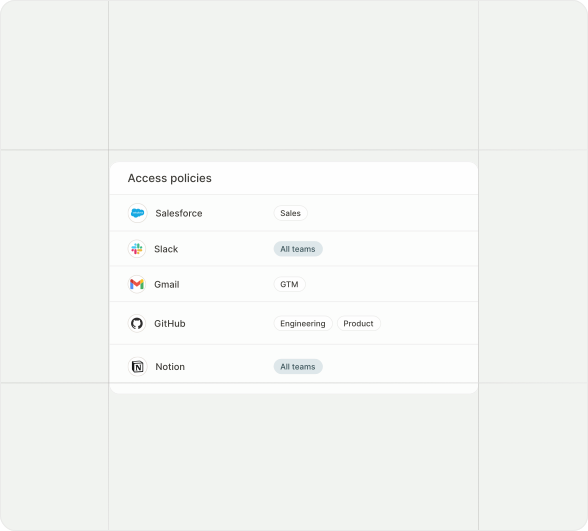
Define access policies
Set which tools each team or user can access. Configure DLP rules, manage permissions, and review activity from a central dashboard.
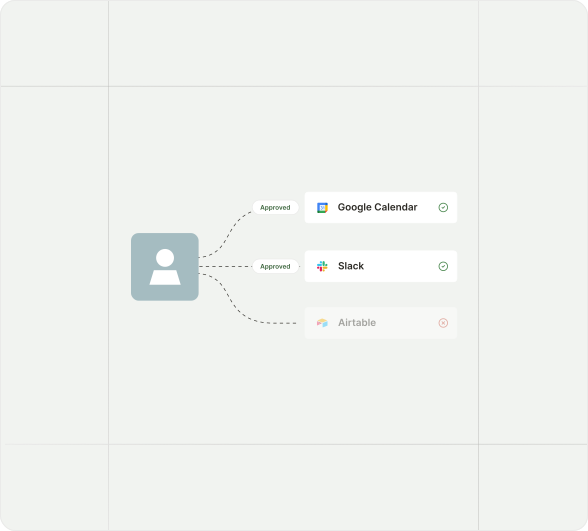
Employees securely connect AI to systems
Employees connect Claude, ChatGPT, Cursor, n8n, or any MCP-compatible tool with a single URL. Every action runs under their identity, with policy enforced automatically.
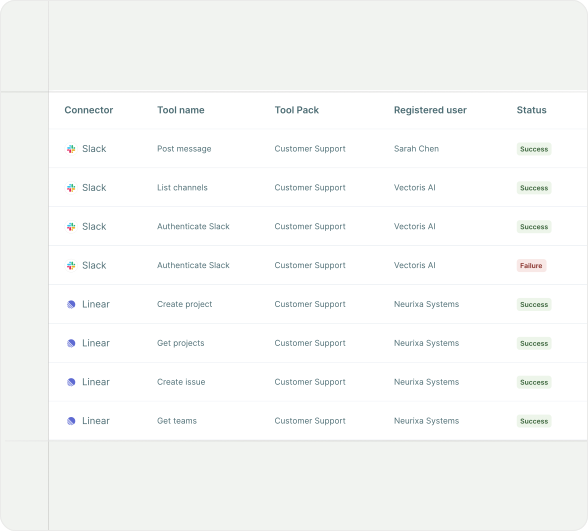
Every action is logged
Every tool call is recorded: who authorized it, which system it touched, and what happened.
Let employees use AI with the tools they already work in
Thousands of maintained tools plus the ability to add public MCP servers when needed. Merge maintains all connectors. When a third-party API changes, your agent connections don't break.
For details on SLAs, uptime, incident response, and our infrastructure model, talk to our team or visit our security documentation.


























FAQ
Employees are ready.
Now IT can say yes.
Deploy employee AI with provisioning, access control, DLP, and audit logging from day one.