


Datadog
Merge lets you securely connect your agents to Datadog and thousands of tools instantly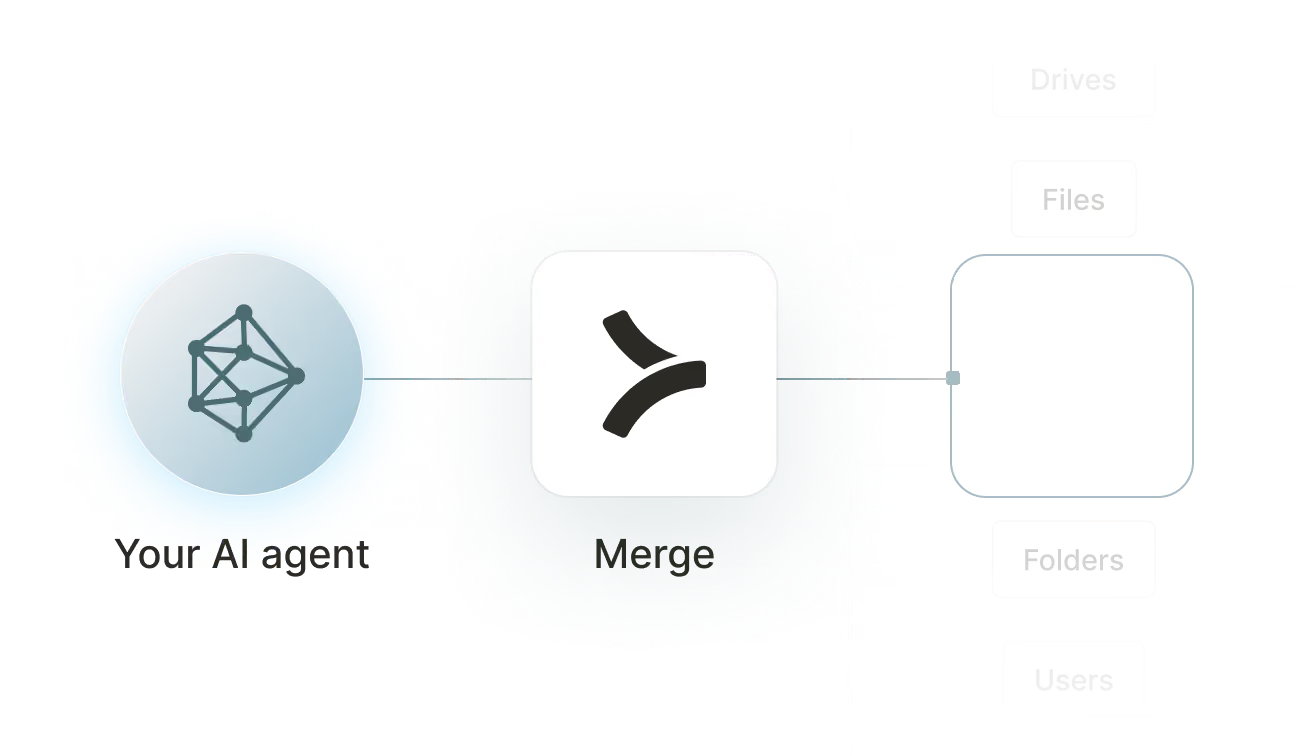

Available tools

How to set upMerge Agent Handler
In an mcp.json file, add the configuration below, and restart Cursor.
Learn more in the official documentation ↗
1{
2  "mcpServers": {
3    "agent-handler": {
4      "url": "https://ah-api-develop.merge.dev/api/v1/tool-packs/{TOOL_PACK_ID}/registered-users/{REGISTERED_USER_ID}/mcp",
5      "headers": {
6        "Authorization": "Bearer yMt*****"
7      }
8    }
9  }
10}
Copy Code
Open your Claude Desktop configuration file and add the server configuration below. You'll also need to restart the application for the changes to take effect.
Make sure Claude is using the Node v20+.
Learn more in the official documentation ↗
1{
2  "mcpServers": {
3    "agent-handler": {
4      "command": "npx",
5      "args": [
6        "-y",
7        "mcp-remote@latest",
8        "https://ah-api-develop.merge.dev/api/v1/tool-packs/{TOOL_PACK_ID}/registered-users/{REGISTERED_USER_ID}/mcp",
9        "--header",
10        "Authorization: Bearer ${AUTH_TOKEN}"
11      ],
12      "env": {
13        "AUTH_TOKEN": "yMt*****"
14      }
15    }
16  }
17}
Copy Code
Open your Windsurf MCP configuration file and add the server configuration below.
Click on the refresh button in the top right of the Manage MCP server page or in the top right of the chat box in the box icon.
Learn more in the official documentation ↗
1{
2    "mcpServers": {
3      "agent-handler": {
4        "command": "npx",
5        "args": [
6          "-y",
7          "mcp-remote@latest",
8          "https://ah-api.merge.dev/api/v1/tool-packs/<tool-pack-id>/registered-users/<registered-user-id>/mcp",
9          "--header",
10          "Authorization: Bearer ${AUTH_TOKEN}"
11        ],
12        "env": {
13          "AUTH_TOKEN": "<ah-production-access-key>"
14        }
15      }
16    }
17  }
Copy Code
In Command Palette (Cmd+Shift+P on macOS, Ctrl+Shift+P on Windows), run "MCP: Open User Configuration".
You can then add the configuration below and press "start" right under servers. Enter the auth token when prompted.
Learn more in the official documentation ↗
1{
2  "inputs": [
3    {
4      "type": "promptString",
5      "id": "agent-handler-auth",
6      "description": "Agent Handler AUTH_TOKEN", // "yMt*****" when prompt
7      "password": true
8    }
9  ],
10  "servers": {
11    "agent-handler": {
12      "type": "stdio",
13      "command": "npx",
14      "args": [
15        "-y",
16        "mcp-remote@latest",
17        "https://ah-api-develop.merge.dev/api/v1/tool-packs/{TOOL_PACK_ID}/registered-users/{REGISTERED_USER_ID}/mcp",
18        "--header",
19        "Authorization: Bearer ${input:agent-handler-auth}"
20      ]
21    }
22  }
23}
Copy Code
FAQ on integrating with Google Drive’s API
Heading

What is a Datadog MCP server?
It’s a server that exposes data and functionality from Datadog through tools. Your agents can use these tools to update dashboards, cancel a scheduled downtime, fetch APM services, and more.
How can I use the Datadog MCP server?
Here are just a few use cases (these use cases can also apply to other observability MCP servers):
- Incident detection and triage: Your agent can monitor Datadog alerts and service health, and if an incident occurs, automatically open an incident with a short triage summary. For example, when an API latency monitor fires, it can pull affected endpoints, recent deploys, and related logs or traces
- Alert noise reduction and routing: Your agent can detect duplicate or flapping alerts and recommend better thresholds or routing. For instance, it can route low-severity alerts to Slack while reserving paging for sustained issues
- Root cause investigation across signals: Your agent can correlate metrics, logs, and traces to build a timeline from an alert. For example, when error rates spike, it can surface the services, regions, and log patterns most strongly associated with the issue
- SLO and reliability reporting: Your agent can track SLO performance and generate regular summaries. For example, it can report weekly SLO attainment, error budget burn, and the incidents that had the biggest impact
- Deployment health monitoring: Your agent can watch key metrics during deploys and flag regressions. For example, if a canary release increases 5xx errors, it can notify the on-call engineer with supporting charts and traces
- Cost and usage optimization: Your agent can spot unexpected growth in logs, metrics, or APM usage. For example, it can identify a noisy service driving up log volume and suggest sampling or exclusion rules
What makes Merge Agent Handler’s Datadog MCP server better than alternative Datadog MCP servers?
Merge Agent Handler differentiates itself at the platform layer:
- Enterprise-grade security and DLP: All tool inputs and outputs are scanned by a security gateway with configurable data-loss-prevention rules, allowing sensitive data to be blocked, redacted, or logged based on policy
- Real-time observability and auditability: Every tool call to Datadog’s MCP server is logged with a fully-searchable audit trail, enabling teams to monitor, debug, and review agent behavior across production environments
- Managed authentication and permissions: Agent Handler handles credential storage, dynamic authorization flows, and shared vs. individual authentication without requiring custom infrastructure
- Evaluation suite: Pressure test the Datadog connector with automated evaluations to ensure high-quality, consistent tool call performance
Can I set custom security rules for Datadog tool calls in Merge Agent Handler?
Yes, Merge Agent Handler supports custom security rules through its Security Gateway and Data Loss Protection (DLP) system. These rules can inspect both tool inputs and outputs and automatically block, redact, or mask sensitive data before it is returned to the agent.
Here are just a few examples:
- API keys and tokens: Block any tool calls that attempt to include API keys, authentication tokens, or credentials in Datadog monitor configurations, dashboard annotations, or incident notes
- Internal service identifiers: Redact sensitive internal service names or infrastructure identifiers from Datadog query results, so agents only see masked versions (e.g., prod-*-db) when retrieving metrics or logs
- Customer data in logs: Prevent agents from creating or updating Datadog log queries that expose customer PII, email addresses, or account numbers by blocking tool calls containing these patterns
- Social security numbers: Block any tool calls that attempt to include SSNs in Datadog incident descriptions, dashboard text, or monitor messages before they're written to your observability platform
- External alert destinations: Block tool calls that attempt to configure Datadog monitors or incidents with webhook destinations outside your organization's approved domains
- Credit card numbers: Automatically block any attempts to log or query credit card information through Datadog's logging or APM tools
How can I start using Merge Agent Handler’s Datadog MCP server?
You can follow these steps:
1. Create your Agent Handler account. Sign up for a free account here.
2. Create a Tool Pack. Navigate to "Tool Packs" in the left sidebar and click "Create New Tool Pack." Give it a descriptive name (e.g., "Datadog Monitoring Pack").
3. Add the Datadog connector. Browse the available connectors and add Datadog to your Tool Pack.
4. Configure authentication. Choose your authentication method:
- Individual authentication: Each user connects their own Datadog account
- Shared authentication: Use one set of organization-level credentials for all users
5. Select specific tools.Choose which Datadog tools you want to make available to your agent, or enable all tools by default.
6. Register a User. Navigate to "Registered Users" in the sidebar and create a new registered user. This represents the identity that will perform actions through your agent.
7. Save your Tool Pack. Review and save all your Tool Pack settings.
8. Connect to your agent or IDE. Copy the MCP entry URL from your Tool Pack settings and add it to your IDE's MCP configuration file (e.g., mcp.json for Cursor or the MCP settings for Windsurf/Claude Desktop). Include your API key in the authorization header. After restarting your IDE or agent, you'll have access to all the Datadog tools you configured.
Can employees use Merge Agent Handler to connect their AI tools to Datadog?
Yes, Agent Handler for Employees lets your employees connect Claude, ChatGPT, Microsoft Copilot, Cursor, and other MCP-compatible AI tools to Datadog without bypassing IT governance.
Instead of setting up direct connections with personal credentials that IT can't monitor or revoke, each employee authenticates through Agent Handler and gets individual credentials tied to their identity.
IT also provisions access by role or group via SCIM. An SRE, for instance, gets Datadog to query metrics and investigate incidents, PagerDuty to manage on-call response, and ServiceNow to log infrastructure changes; while an engineer gets Datadog to search logs and monitor service health, GitLab to track code changes, and Slack to coordinate with the team.
Every tool call an employee's AI makes to Datadog is also inspected against your DLP rules and logged to a searchable audit trail, giving security teams full visibility into what data was accessed and by whom.
Explore other MCP servers built and managed by Merge
View Docs

























Ready to try it out?
Whether you're an engineer experimenting with agents or a product manager looking to add tools, you can get started for free now
