


Canva
Merge lets you securely connect your agents to Canva and thousands of tools instantly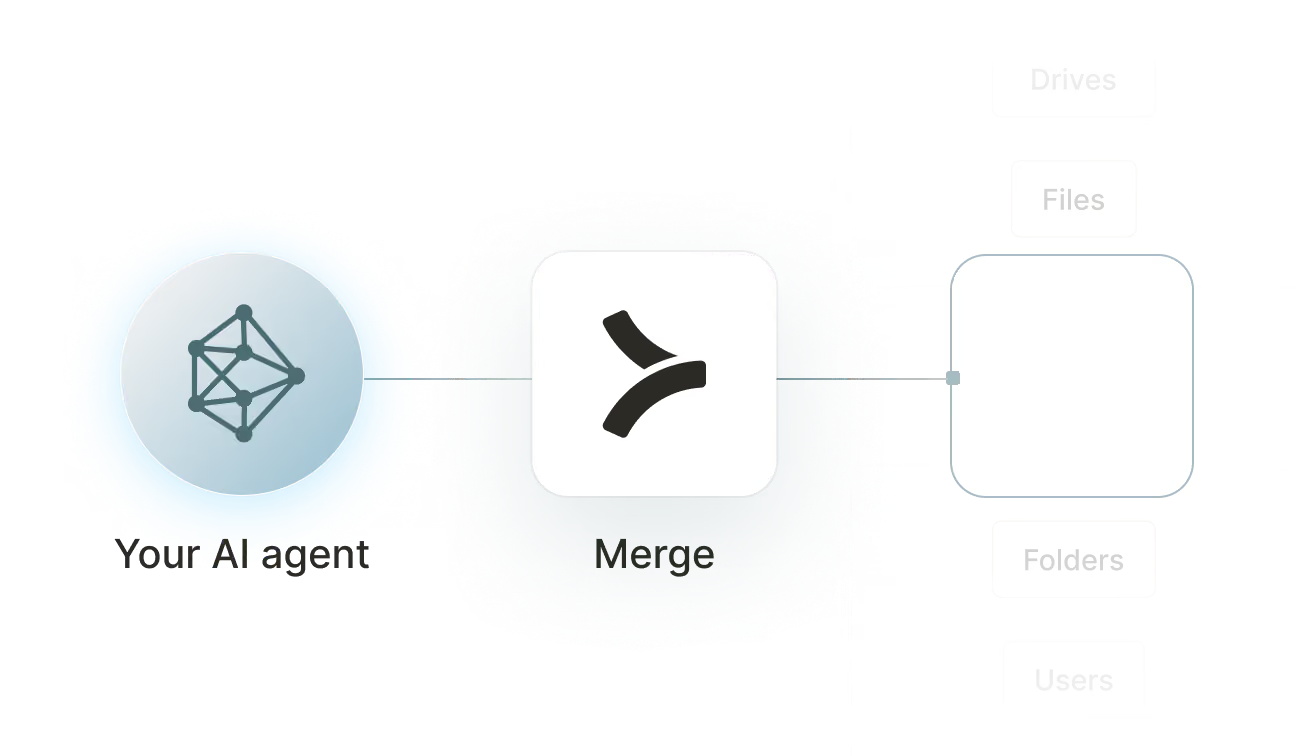

Available tools

How to set upMerge Agent Handler
In an mcp.json file, add the configuration below, and restart Cursor.
Learn more in the official documentation ↗
1{
2  "mcpServers": {
3    "agent-handler": {
4      "url": "https://ah-api-develop.merge.dev/api/v1/tool-packs/{TOOL_PACK_ID}/registered-users/{REGISTERED_USER_ID}/mcp",
5      "headers": {
6        "Authorization": "Bearer yMt*****"
7      }
8    }
9  }
10}
Copy Code
Open your Claude Desktop configuration file and add the server configuration below. You'll also need to restart the application for the changes to take effect.
Make sure Claude is using the Node v20+.
Learn more in the official documentation ↗
1{
2  "mcpServers": {
3    "agent-handler": {
4      "command": "npx",
5      "args": [
6        "-y",
7        "mcp-remote@latest",
8        "https://ah-api-develop.merge.dev/api/v1/tool-packs/{TOOL_PACK_ID}/registered-users/{REGISTERED_USER_ID}/mcp",
9        "--header",
10        "Authorization: Bearer ${AUTH_TOKEN}"
11      ],
12      "env": {
13        "AUTH_TOKEN": "yMt*****"
14      }
15    }
16  }
17}
Copy Code
Open your Windsurf MCP configuration file and add the server configuration below.
Click on the refresh button in the top right of the Manage MCP server page or in the top right of the chat box in the box icon.
Learn more in the official documentation ↗
1{
2    "mcpServers": {
3      "agent-handler": {
4        "command": "npx",
5        "args": [
6          "-y",
7          "mcp-remote@latest",
8          "https://ah-api.merge.dev/api/v1/tool-packs/<tool-pack-id>/registered-users/<registered-user-id>/mcp",
9          "--header",
10          "Authorization: Bearer ${AUTH_TOKEN}"
11        ],
12        "env": {
13          "AUTH_TOKEN": "<ah-production-access-key>"
14        }
15      }
16    }
17  }
Copy Code
In Command Palette (Cmd+Shift+P on macOS, Ctrl+Shift+P on Windows), run "MCP: Open User Configuration".
You can then add the configuration below and press "start" right under servers. Enter the auth token when prompted.
Learn more in the official documentation ↗
1{
2  "inputs": [
3    {
4      "type": "promptString",
5      "id": "agent-handler-auth",
6      "description": "Agent Handler AUTH_TOKEN", // "yMt*****" when prompt
7      "password": true
8    }
9  ],
10  "servers": {
11    "agent-handler": {
12      "type": "stdio",
13      "command": "npx",
14      "args": [
15        "-y",
16        "mcp-remote@latest",
17        "https://ah-api-develop.merge.dev/api/v1/tool-packs/{TOOL_PACK_ID}/registered-users/{REGISTERED_USER_ID}/mcp",
18        "--header",
19        "Authorization: Bearer ${input:agent-handler-auth}"
20      ]
21    }
22  }
23}
Copy Code
FAQ on integrating with Google Drive’s API
Heading

What is a Canva MCP server?
It’s an MCP server that lets you access data and functionality from an instance of Canva via tools. Your agents can invoke these tools to update specific assets, list available brand templates, add comments on a design, and more.
Canva offers two official MCP servers; one is for designers and the other is for developers building an application that leverages Canva’s functionality.
You can also access additional Canva MCP servers via 3rd-party platforms, like Merge Agent Handler.
What are some popular tools for a Canva MCP server?
Here are several commonly-used tools:
- <code class="blog_inline-code">Upload_asset</code>: Uploads a new file (image, video, font, etc.) into the user’s Canva library and returns an asset_id
- <code class="blog_inline-code">Create_design</code>: Creates a new design document with a given size/preset (e.g., Instagram Post, A4 document, Presentation)
- <code class="blog_inline-code">Add_page</code>: Inserts a new page into a design, optionally based on a layout template
- <code class="blog_inline-code">List_fonts</code>: Returns fonts available to the user (e.g., system fonts, brand fonts, uploaded fonts)
- <code class="blog_inline-code">Get_brand_kit</code>: Retrieves the brand colors, logos, and fonts configured for a workspace/brand
How can I use a Canva MCP server?
Here are just a few use cases:
- Pitch deck customization at scale: swap logos, metrics, and case studies per prospect, then export/share
- Localization and regionalization: translate copy, adapt imagery, and ensure brand-safe layouts for multiple languages/regions
- Review workflows: route designs to approvers and log what changed
- Competitive battlecard visuals: keep charts and tables updated as positioning or pricing changes
- Help center visuals: create/update step-by-step screenshots, callouts, and diagrams when docs change
What makes Merge Agent Handler’s Canva MCP server better than alternative Canva MCP servers?
Here are a few reasons:
- Unified authentication and credential management: Merge handles OAuth flows and credential storage across connectors, eliminating the need to build custom auth logic for Canva integrations. This ensures secure, consistent access control across all tool calls
- Enterprise-grade security with DLP enforcement: The security gateway scans all tool inputs and outputs for sensitive data and enforces configurable policies (e.g., blocking restricted content). This is critical for design assets that may contain proprietary or branded information
- Connector Studio for customization: Developers can extend or modify Canva tools, define custom actions, and tailor integrations to specific workflows without rebuilding infrastructure
- Evaluation Suite for pre-production testing: Tools can be validated against expected outputs before deployment, improving reliability of design generation and automation workflows
- Real-time observability and auditability: Merge provides real-time logging of all tool calls, along with fully-searchable logs for debugging, compliance, and performance monitoring. This enables complete audit trails of Canva-related actions
Can I set custom security rules for Canva tool calls in Merge Agent Handler?
Yes, Merge Agent Handler includes a Security Gateway with Data Loss Protection (DLP) that scans all tool inputs and outputs and enforces configurable rules.
Here are some custom rules you can set:
- Public link sharing: Block any tool call that creates a share link with access set to “anyone” or “public,” and only allow “restricted” or “org-only”
- External collaborators: Block any tool call that invites collaborators whose email domain is not on an approved allowlist
- Permission changes: Require step-up approval for any tool call that changes roles or permissions on an existing design
- Export format control: Allow exports only to approved formats like PNG or PDF, and block higher-risk formats like SVG
- Bulk export limits: Block or require approval for any tool call that exports more than a set threshold of pages or assets in one request
How can I start using Merge Agent Handler’s Canva MCP server?
You can take these steps:
1. Create an Agent Handler account and grab your API key since your MCP client will use it as a bearer token when calling the Agent Handler MCP endpoint.
2. Add the Canva MCP server into Agent Handler (as a hosted MCP server) by pasting the server’s MCPConfig JSON so it shows up in your connector catalog like any other connector.
3. Create a Tool Pack for your Canva workflow because Tool Packs define exactly which connectors and tools your agent is allowed to use.
4. Add the imported “Canva MCP server” connector to that Tool Pack and select only the specific tools you want exposed (start narrow, then expand).
5. Create a Registered User (or decide on a service-account pattern) since this identity boundary scopes credentials and audit logs for tool calls.
6. Authenticate Canva for that Registered User so Agent Handler can run Canva tool calls using stored credentials without you handling tokens directly.
7. Copy the MCP endpoint URL for your Tool Pack + Registered User in the format <code class="blog_inline-code">/tool-packs/{TOOL_PACK_ID}/registered-users/{REGISTERED_USER_ID}/mcp</code>.
8. Add that MCP server URL to your MCP client (Cursor, Claude Desktop, VS Code, Windsurf, etc.) and send <code class="blog_inline-code">Authorization: Bearer <AGENT_HANDLER_API_KEY></code> on requests.
9. Test and validate with a simple read tool call first, then check logs and tighten Tool Pack scope and security rules before production.
Explore other MCP servers built and managed by Merge
View Docs
























Ready to try it out?
Whether you're an engineer experimenting with agents or a product manager looking to add tools, you can get started for free now
