


Amplitude
Merge lets you securely connect your agents to Amplitude and thousands of tools instantly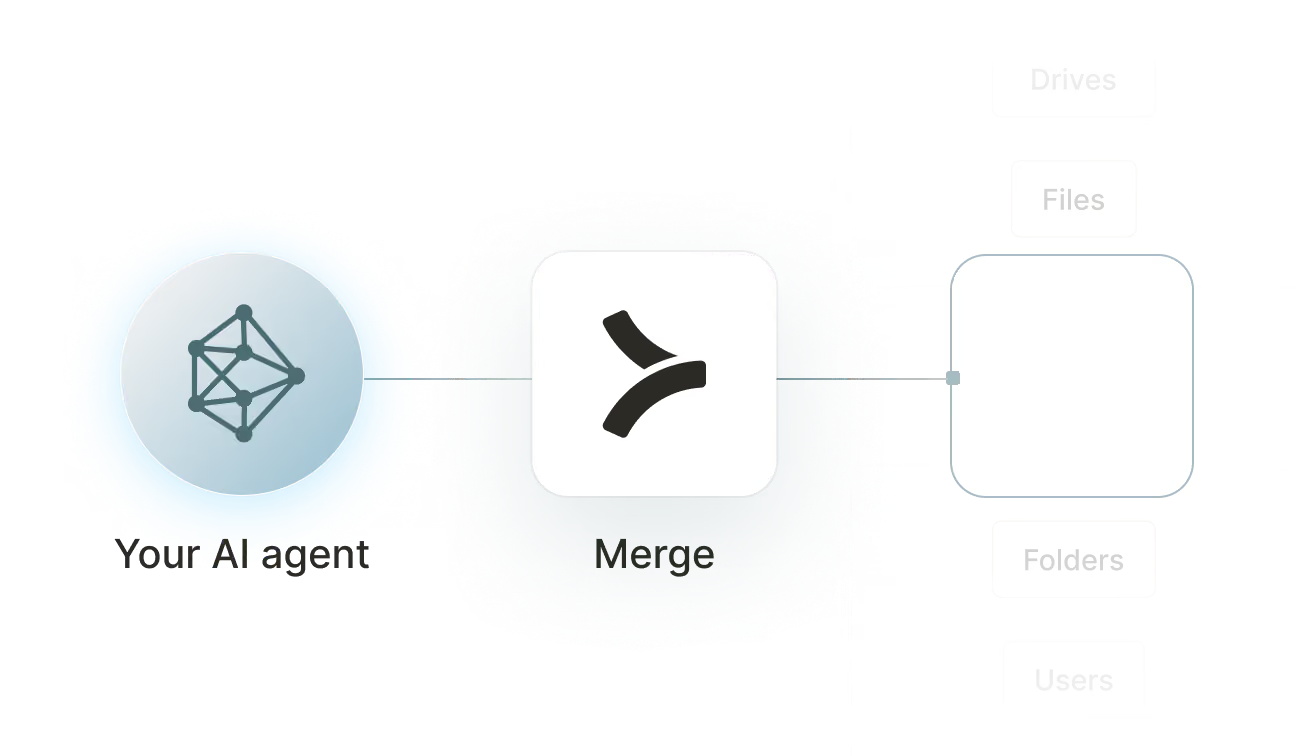

Available tools

How to set upMerge Agent Handler
In an mcp.json file, add the configuration below, and restart Cursor.
Learn more in the official documentation ↗
1{
2  "mcpServers": {
3    "agent-handler": {
4      "url": "https://ah-api-develop.merge.dev/api/v1/tool-packs/{TOOL_PACK_ID}/registered-users/{REGISTERED_USER_ID}/mcp",
5      "headers": {
6        "Authorization": "Bearer yMt*****"
7      }
8    }
9  }
10}
Copy Code
Open your Claude Desktop configuration file and add the server configuration below. You'll also need to restart the application for the changes to take effect.
Make sure Claude is using the Node v20+.
Learn more in the official documentation ↗
1{
2  "mcpServers": {
3    "agent-handler": {
4      "command": "npx",
5      "args": [
6        "-y",
7        "mcp-remote@latest",
8        "https://ah-api-develop.merge.dev/api/v1/tool-packs/{TOOL_PACK_ID}/registered-users/{REGISTERED_USER_ID}/mcp",
9        "--header",
10        "Authorization: Bearer ${AUTH_TOKEN}"
11      ],
12      "env": {
13        "AUTH_TOKEN": "yMt*****"
14      }
15    }
16  }
17}
Copy Code
Open your Windsurf MCP configuration file and add the server configuration below.
Click on the refresh button in the top right of the Manage MCP server page or in the top right of the chat box in the box icon.
Learn more in the official documentation ↗
1{
2    "mcpServers": {
3      "agent-handler": {
4        "command": "npx",
5        "args": [
6          "-y",
7          "mcp-remote@latest",
8          "https://ah-api.merge.dev/api/v1/tool-packs/<tool-pack-id>/registered-users/<registered-user-id>/mcp",
9          "--header",
10          "Authorization: Bearer ${AUTH_TOKEN}"
11        ],
12        "env": {
13          "AUTH_TOKEN": "<ah-production-access-key>"
14        }
15      }
16    }
17  }
Copy Code
In Command Palette (Cmd+Shift+P on macOS, Ctrl+Shift+P on Windows), run "MCP: Open User Configuration".
You can then add the configuration below and press "start" right under servers. Enter the auth token when prompted.
Learn more in the official documentation ↗
1{
2  "inputs": [
3    {
4      "type": "promptString",
5      "id": "agent-handler-auth",
6      "description": "Agent Handler AUTH_TOKEN", // "yMt*****" when prompt
7      "password": true
8    }
9  ],
10  "servers": {
11    "agent-handler": {
12      "type": "stdio",
13      "command": "npx",
14      "args": [
15        "-y",
16        "mcp-remote@latest",
17        "https://ah-api-develop.merge.dev/api/v1/tool-packs/{TOOL_PACK_ID}/registered-users/{REGISTERED_USER_ID}/mcp",
18        "--header",
19        "Authorization: Bearer ${input:agent-handler-auth}"
20      ]
21    }
22  }
23}
Copy Code
FAQ on integrating with Google Drive’s API
Heading

What is an Amplitude MCP?
It's an MCP server that connects your agents to Amplitude via tools. Your agents can invoke these tools to query user analytics, analyze funnel and retention data, manage cohorts, track event segmentation, and more.
Amplitude offers an official MCP server, but you can also use one from a third-party platform, like Merge Agent Handler.
How can I use the Amplitude MCP server?
The use cases naturally depend on the agent you've built, but here are a few common ones:
- On-demand funnel analysis: When a product manager asks about conversion for a specific user flow, an agent calls <code class="blog_inline-code">get_funnel</code> with the relevant event sequence and returns a step-by-step breakdown, identifying drop-off points without requiring anyone to open the Amplitude dashboard
- Post-release retention check: After shipping a new feature, an agent calls <code class="blog_inline-code">get_retention</code> for users who triggered the feature event and surfaces whether that cohort retains better or worse than baseline, giving the team a signal on feature stickiness within hours of launch
- Real-time anomaly alerting: An agent calls <code class="blog_inline-code">get_realtime_active_users</code> on a schedule, detects a significant drop from baseline, and posts a structured alert to the team's Slack channel with the current active user count and the expected range so engineers can investigate before it compounds
- Deployment annotation: When a release is pushed to production, an agent calls <code class="blog_inline-code">create_annotation</code> to mark the date on Amplitude charts. That way, future analysis can correctly attribute metric changes to the specific deployment that caused them
What are popular tools for Amplitude's MCP server?
Here are some of the most commonly used tools:
- <code class="blog_inline-code">get_funnel</code> retrieves conversion rates across a defined sequence of events for a specified time range and user segment. Use this when an agent needs to quantify where users are dropping off in a flow without requiring a manual dashboard query
- <code class="blog_inline-code">get_retention</code> returns retention data for a cohort over a specified window, showing what percentage of users return after a triggering event. Good for agents that need to evaluate feature stickiness or compare cohort behavior after a product change
- <code class="blog_inline-code">get_event_segmentation</code> breaks down event counts by user property, event property, or time interval. Call this when an agent needs to analyze how a specific action varies across user segments or platforms
- <code class="blog_inline-code">get_realtime_active_users</code> returns the current count of active users in near real-time. Helpful when an agent is monitoring for traffic anomalies or validating that a deployment didn't cause an unexpected drop in engagement
- <code class="blog_inline-code">search_users</code> finds users in Amplitude by property values or identifiers and returns their profile data. Use this when an agent needs to look up a specific user's attributes before cross-referencing activity from another system
- <code class="blog_inline-code">create_annotation</code> adds a labeled marker to Amplitude charts at a specified date. Useful for agents that automatically document deployments, experiments, or external events so future analysis has the context to interpret metric shifts correctly
What makes Merge Agent Handler's Amplitude MCP server better than alternative Amplitude MCP servers?
A few things distinguish Merge Agent Handler's Amplitude MCP server from building your own or using a standalone alternative:
- Enterprise-grade security and DLP: Merge Agent Handler includes built-in data loss prevention controls that let you block or redact sensitive fields before they reach an agent. For Amplitude, this means you can prevent user-level behavioral data, cohort membership details, and revenue metrics from being exposed even when the agent has broad read access to your analytics
- Managed authentication and credentials: Merge stores and refreshes Amplitude credentials on your behalf. You never expose API keys to an agent directly or manage re-authentication when credentials rotate
- Real-time observability and audit trail: Every tool call made against Amplitude is logged with timestamp, tool name, input parameters, and response metadata. You can audit exactly what analytics an agent queried or what annotations it created without adding any custom instrumentation
- Tool Packs and controlled access: Tool Packs let you bundle specific Amplitude tools with tools from other connectors into a single MCP endpoint, scoped to a specific use case. An agent gets exactly the tools it needs, nothing more
How can I start using Merge Agent Handler's Amplitude MCP server?
You can take the following steps:
1. Create or log into your Merge Agent Handler account and navigate to Tool Packs (collections of connector tools scoped to a specific use case).
2. Create a new Tool Pack, then find and enable the Amplitude connector. Choose which tools to include: enable read tools like <code class="blog_inline-code">get_funnel</code> and <code class="blog_inline-code">get_retention</code> for analysis use cases, or add write tools like <code class="blog_inline-code">create_annotation</code> and <code class="blog_inline-code">update_cohort_membership</code> if your agent needs to annotate releases or manage cohort data.
3. Add a Registered User inside the Tool Pack. This is the identity context under which your agent operates. Merge generates a unique MCP URL scoped to this user once it's created.
4. From the Registered User detail page, authenticate Amplitude by completing the credential flow. Merge stores and manages the credentials going forward.
5. Copy the MCP URL from the Tool Pack detail page and generate an API key from Settings. You'll need both to connect your agent.
6. Add the MCP server to your agent or IDE using the MCP URL and API key. Your Amplitude tools are now accessible through that endpoint.
Explore other MCP servers built and managed by Merge
View Docs























Ready to try it out?
Whether you're an engineer experimenting with agents or a product manager looking to add tools, you can get started for free now
