


ActiveCampaign
Merge lets you securely connect your agents to ActiveCampaign and thousands of tools instantly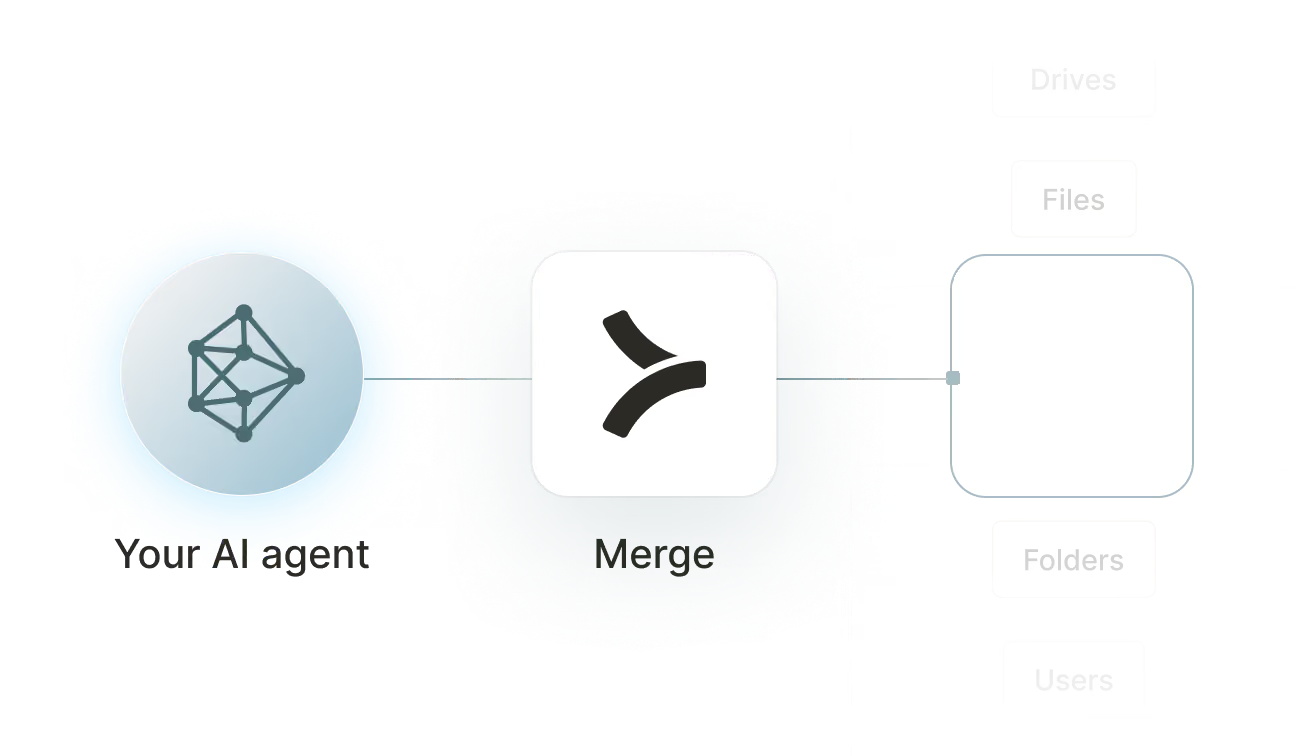

Available tools

How to set upMerge Agent Handler
In an mcp.json file, add the configuration below, and restart Cursor.
Learn more in the official documentation ↗
1{
2  "mcpServers": {
3    "agent-handler": {
4      "url": "https://ah-api-develop.merge.dev/api/v1/tool-packs/{TOOL_PACK_ID}/registered-users/{REGISTERED_USER_ID}/mcp",
5      "headers": {
6        "Authorization": "Bearer yMt*****"
7      }
8    }
9  }
10}
Copy Code
Open your Claude Desktop configuration file and add the server configuration below. You'll also need to restart the application for the changes to take effect.
Make sure Claude is using the Node v20+.
Learn more in the official documentation ↗
1{
2  "mcpServers": {
3    "agent-handler": {
4      "command": "npx",
5      "args": [
6        "-y",
7        "mcp-remote@latest",
8        "https://ah-api-develop.merge.dev/api/v1/tool-packs/{TOOL_PACK_ID}/registered-users/{REGISTERED_USER_ID}/mcp",
9        "--header",
10        "Authorization: Bearer ${AUTH_TOKEN}"
11      ],
12      "env": {
13        "AUTH_TOKEN": "yMt*****"
14      }
15    }
16  }
17}
Copy Code
Open your Windsurf MCP configuration file and add the server configuration below.
Click on the refresh button in the top right of the Manage MCP server page or in the top right of the chat box in the box icon.
Learn more in the official documentation ↗
1{
2    "mcpServers": {
3      "agent-handler": {
4        "command": "npx",
5        "args": [
6          "-y",
7          "mcp-remote@latest",
8          "https://ah-api.merge.dev/api/v1/tool-packs/<tool-pack-id>/registered-users/<registered-user-id>/mcp",
9          "--header",
10          "Authorization: Bearer ${AUTH_TOKEN}"
11        ],
12        "env": {
13          "AUTH_TOKEN": "<ah-production-access-key>"
14        }
15      }
16    }
17  }
Copy Code
In Command Palette (Cmd+Shift+P on macOS, Ctrl+Shift+P on Windows), run "MCP: Open User Configuration".
You can then add the configuration below and press "start" right under servers. Enter the auth token when prompted.
Learn more in the official documentation ↗
1{
2  "inputs": [
3    {
4      "type": "promptString",
5      "id": "agent-handler-auth",
6      "description": "Agent Handler AUTH_TOKEN", // "yMt*****" when prompt
7      "password": true
8    }
9  ],
10  "servers": {
11    "agent-handler": {
12      "type": "stdio",
13      "command": "npx",
14      "args": [
15        "-y",
16        "mcp-remote@latest",
17        "https://ah-api-develop.merge.dev/api/v1/tool-packs/{TOOL_PACK_ID}/registered-users/{REGISTERED_USER_ID}/mcp",
18        "--header",
19        "Authorization: Bearer ${input:agent-handler-auth}"
20      ]
21    }
22  }
23}
Copy Code
FAQ on integrating with Google Drive’s API
Heading

What is an ActiveCampaign MCP?
It's an MCP server that wires your agents into ActiveCampaign's CRM and marketing automation platform via tools. Your agents can invoke these tools to manage contacts and accounts, enroll contacts in automations, track deals through pipelines, manage mailing lists, and more.
ActiveCampaign offers an official MCP server, but you can also use one from a third-party platform, like Merge Agent Handler.
How can I use the ActiveCampaign MCP server?
The use cases naturally depend on the agent you've built, but here are a few common ones:
- Lead routing and CRM enrollment: When a new lead arrives from a form or ad platform, an agent creates the contact in ActiveCampaign, tags them based on lead source, subscribes them to the relevant list, and adds them to the appropriate onboarding automation
- Deal stage updates from external events: When a contract is signed in a document tool, an agent finds the corresponding ActiveCampaign deal, updates the stage to Closed Won, and logs a deal note with the contract details for the account owner
- Churn risk automation enrollment: When a customer is flagged as at-risk in a product analytics tool based on usage signals, an agent applies a churn-risk tag to their ActiveCampaign contact and enrolls them in a re-engagement sequence
- Weekly pipeline digest for sales managers: On a recurring schedule, an agent queries active deals across all pipelines in ActiveCampaign, groups them by stage and owner, and posts a summary to the sales Slack channel flagging any deals with no activity in the past week
What are popular tools for ActiveCampaign's MCP server?
Here are some of the most commonly used tools:
create_contact: adds a new contact to ActiveCampaign with name, email, phone, and custom field values. Use this when an agent is ingesting leads or customers from an external system like a form tool, ad platform, or enrichment service
add_contact_to_automation: enrolls a contact in a specified ActiveCampaign automation. Call this when an agent needs to trigger a drip sequence or onboarding flow in response to an event that happened in another system
subscribe_contact_to_list: adds a contact to a mailing list, making them eligible for campaigns targeting that list. Good for workflows that segment contacts at the point of ingestion based on source, product line, or intent signal
add_tag_to_contact: applies a tag to a contact record for segmentation and filtering. Helpful when an agent needs to mark contacts with behavioral or lifecycle attributes derived from activity in other tools
create_deal: opens a new deal in an ActiveCampaign pipeline with a specified stage, value, and owner. Use this when an agent is creating CRM records from external triggers like a qualified lead score or a signed proposal
update_deal: modifies an existing deal's properties, including stage, value, or assigned owner. Useful for agents that need to advance a deal through the pipeline in response to events like a completed demo or an accepted contract
What makes Merge Agent Handler's ActiveCampaign MCP server better than alternative ActiveCampaign MCP servers?
ActiveCampaign has its own official MCP server, but running it through Merge Agent Handler gives marketing and revenue teams tighter control over how customer data is accessed and acted on.
Merge Agent Handler includes:
- Enterprise-grade security and DLP: Merge Agent Handler includes built-in data loss prevention controls that let you block or redact sensitive fields before they reach an agent. For ActiveCampaign, this means you can prevent contact details, deal values, automation enrollment history, and custom field data from being exposed to agents that don't specifically require them
- Managed authentication and credentials: Merge stores and manages your ActiveCampaign API credentials on your behalf. You never embed keys in agent configuration or redo your auth setup when credentials change
- Real-time observability and audit trail: Every tool call against ActiveCampaign is recorded: which contacts were created or tagged, which automations were triggered, which deals were updated, and what came back. Marketing and revenue ops teams can audit agent activity without writing any custom logging
- Tool Packs and controlled access: Tool Packs let you bundle specific ActiveCampaign tools with tools from other connectors into a single MCP endpoint, scoped to a specific use case. An agent gets exactly the tools it needs, nothing more
How can I start using Merge Agent Handler's ActiveCampaign MCP server?
You can take the following steps:
1. Create or log into your Merge Agent Handler account and navigate to Tool Packs (collections of connector tools scoped to a specific use case).
2. Create a new Tool Pack, then find and enable the ActiveCampaign connector. Scope tools to your workflow: read tools like list_contacts and list_deals cover reporting and lookup needs, while write tools like create_contact, add_contact_to_automation, and update_deal are needed for agents that take action on CRM data.
3. Add a Registered User inside the Tool Pack. This is the identity context under which your agent operates. Merge generates a unique MCP URL scoped to this user once it's created.
4. From the Registered User detail page, authenticate ActiveCampaign by entering your API credentials. Merge stores and manages those credentials going forward.
5. Copy the MCP URL from the Tool Pack detail page and generate an API key from Settings. You'll need both to connect your agent.
6. Add the MCP server to your agent or IDE using the MCP URL and API key. Your ActiveCampaign tools are now accessible through that endpoint.
Explore other MCP servers built and managed by Merge
View Docs


























Ready to try it out?
Whether you're an engineer experimenting with agents or a product manager looking to add tools, you can get started for free now
