


How Dock closed $500K in ARR in Months by using Merge's ticketing integrations
How Dock closed $500K in ARR in Months by using Merge's ticketing integrations
24x
faster time to launch ticketing integrations
$500k
in ARR closed within months
100s
of engineering hours saved every year

fact sheet
Product
Revenue enablement platform
HQ
San Francisco, CA
Industry
Revenue enablement
Merge category
No items found.
Merge Common Models
The ticketing integrations we added through Merge play a huge role in closing key deals. In a matter of months, we closed more than $500k in new ARR, and the number has grown dramatically since.
.avif)
Alex Kracov
Problem
Scaling their ticketing integrations in-house was extremely resource and time-intensive
Dock is an AI revenue enablement platform that helps sales and customer success teams manage the full customer journey in a collaborative, client-facing workspace.
One of Dock’s most common use cases is onboarding new customers. To do this well, Dock needed a way to automatically sync internal ticketing systems (like Jira or Asana) with client-facing task checklists.
“Our users (customer success teams) needed an automated way to give visibility into their onboarding tasks on Dock’s client-facing workspace. This required syncing internal tasks and their metadata, like statuses and comments, from their ticketing systems,” explains Alex Kracov, Doc’s CEO and co-founder.
But connecting to these ticketing systems proved complex.
“Our customers and prospects used a wide range of ticketing systems, and we didn’t want to spend six months building a bunch of ticketing integrations and distracting our whole engineering team,” says Alex.
After reviewing 3rd-party resources, like the G2 Grid® for Unified APIs, Alex quickly learned that Merge was the leading unified API platform. And after a quick period of testing, he and his team were able to validate this.
“We began by building to Merge’s Unified API and testing one of their ticketing integrations. We were able to sync task data at an extremely high volume in real-time, so we knew we found our long-term integration partner.”
Solution
Launching core ticketing integrations in under a week with Merge’s Unified API
Within a week, Dock built to Merge’s Ticketing Unified API and launched integrations with Jira, Asana, ClickUp, and Linear. This also gave Dock access to the dozens of other ticketing integrations available via Merge.
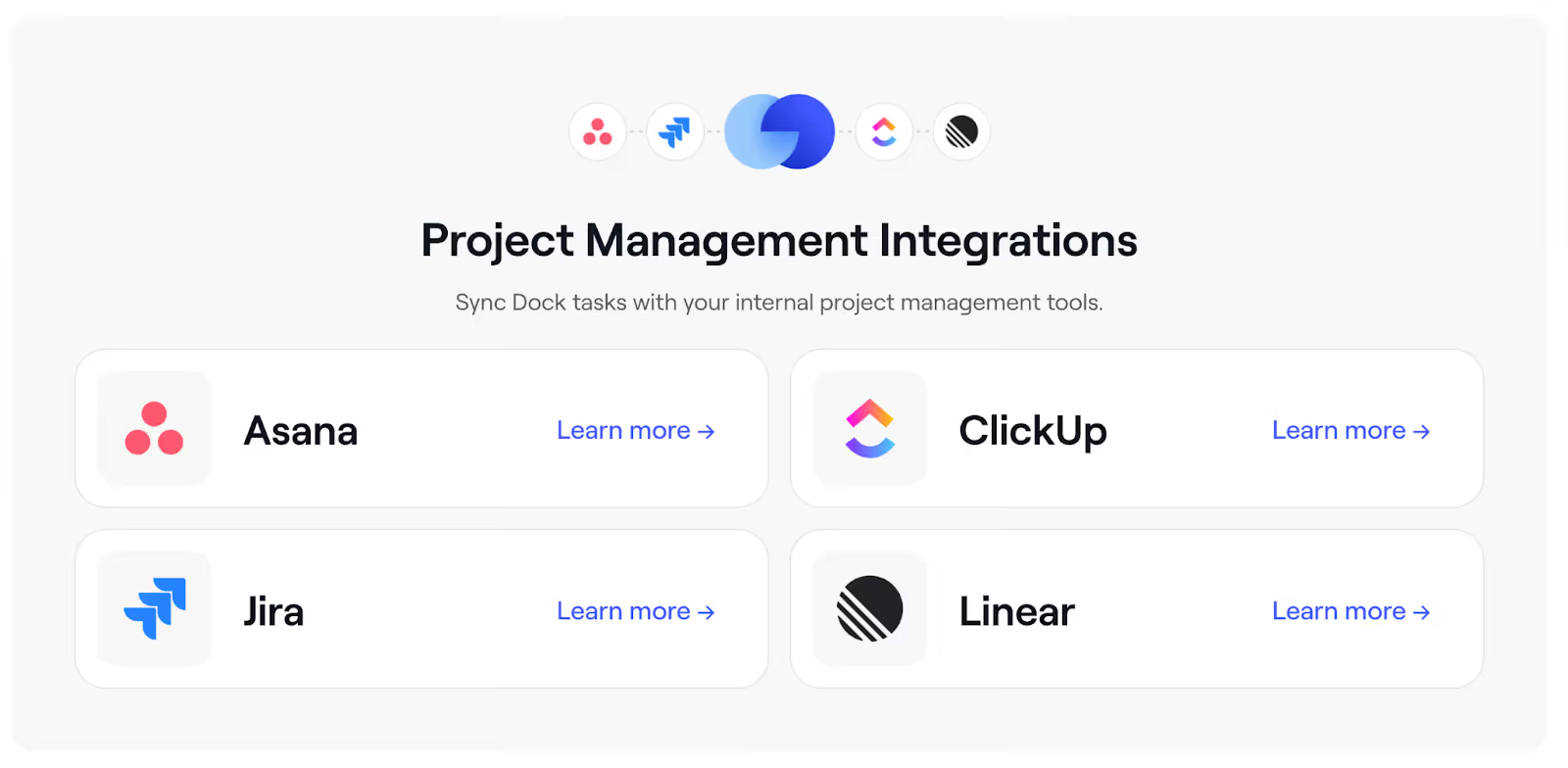
Here’s how their integrations work:
1. A user would log in, go to settings, and click on “Integrations.” From there, they can access all of the ticketing integrations Dock offers through Merge (under “Collaboration”).
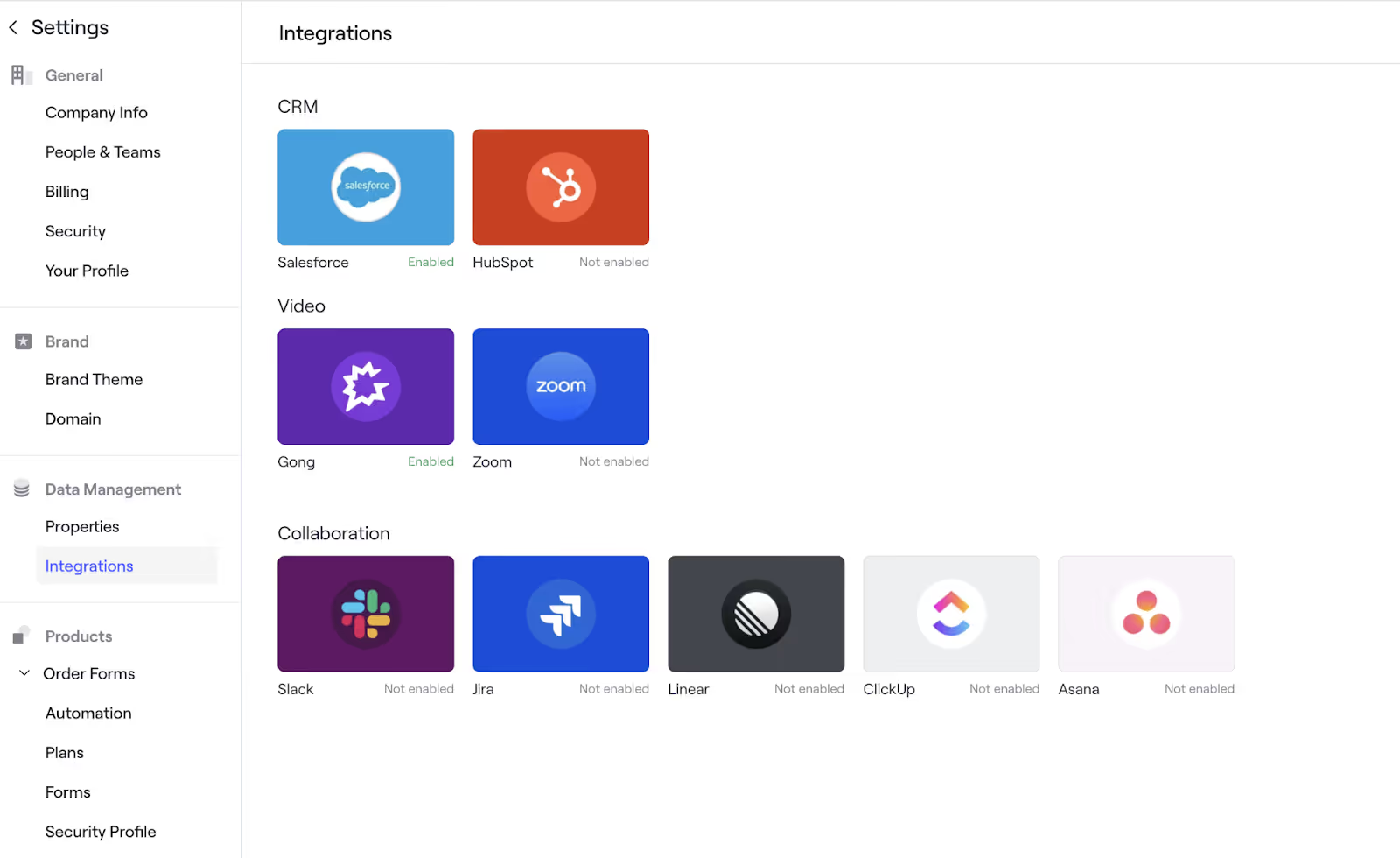
2. Once the user selects a ticketing system, they’d see a screen that asks whether they’d like to continue.

3. Assuming they continue, Merge Link, a UI component that’s embedded in Dock, appears. Users can simply follow the authentication steps provided to finish setting up the integration.

4. Lastly, a Dock user (likely from the customer success team) can go to a client’s specific workspace, navigate to their project plan, and select “Add task.” From there, they can select the ticketing system they’ve authenticated to.

This triggers task data to automatically populate into the Dock workspace, including task names, due dates, assignees, descriptions, statuses, and comments. This data is then continuously re-synced in near real-time, ensuring that task information in Dock is always up-to-date.

Dock users can also decide whether to stop syncing comments with Dock through a toggle. This gives the customer success team more privacy on tasks if desired.

Outcome
Adding ticketing integrations 24x faster and using them to close significant pipeline
Using Merge, Dock dramatically accelerated their integrations’ time to market.
Dock was able to add 4 ticketing integrations in under a week; if they built them in-house, it would have taken their engineers 6 months. As a result, they’ve accelerated their time to market for ticketing integrations by 24x.
In addition, the ticketing integrations have been table stakes in winning new business.
“The ticketing integrations we added through Merge play a huge role in closing key deals. In a matter of months, we closed more than $500k in new ARR, and the number has grown dramatically since,” says Alex.
Finally, Alex and his team appreciate how easy it’s to manage integration issues with Merge’s observability tooling.
“Merge’s searchable logs make it incredibly easy to diagnose and debug edge case issues without burning engineering cycles. This allows us to consistently keep our integrations healthy at scale.”
So, what’s next in Dock’s integration journey with Merge?
“In the short-term, we’ll continue rolling out ticketing integrations. We’ll eventually explore the other categories of integrations Merge supports, like knowledge base and file storage, as these integrations can help us embed and sync documents and articles in Dock’s client-facing workspaces,” explains Alex.
We can’t wait to help Dock elevate their revenue enablement platform even further in the months ahead.
Customer stories
.webp)

.svg)


Make integrations your competitive advantage
Stay in touch to learn how Merge can unlock hundreds of integrations in days, not years

But Merge isn’t just a Unified
API product. Merge is an integration platform to also manage customer integrations. gradient text
But Merge isn’t just a Unified
API product. Merge is an integration platform to also manage customer integrations. gradient text
But Merge isn’t just a Unified
API product. Merge is an integration platform to also manage customer integrations. gradient text
But Merge isn’t just a Unified
API product. Merge is an integration platform to also manage customer integrations. gradient text